
Every piece of IKEA furniture comes with a few leftover screws and the quiet certainty that your bookshelf will betray you during a dinner party. Website builders offer the same experience. You drag, you drop, you publish - and then you spend three hours trying to figure out why your booking form emails go to spam. A custom cms small business website is the opposite of that. Someone builds the thing to fit your actual business, not a template's idea of your business. No leftover parts.
What a Custom CMS for Small Business Actually Means
CMS stands for content management system. It's the dashboard where you update your website - change prices, add photos, publish a blog post, toggle your holiday hours. WordPress is a CMS. So is Squarespace's backend. The "custom" part means someone built yours from scratch, specifically for what you need.
Think of it this way: Wix gives you a universal remote with 200 buttons. You use maybe five. A custom cms small business setup gives you a remote with exactly those five buttons, clearly labeled, doing exactly what you need. No hunting through menus. No accidentally publishing a draft at 2 AM because the button was right next to "save."
The cost? A custom CMS typically runs between $500 and $3,000 for a small business, depending on complexity. That's not monthly - that's the build. Monthly hosting and maintenance usually lands between $20 and $100. Compare that to Squarespace at $33/month ($396/year) or Wix at $17 - $159/month, and the math gets interesting after year two.
How a Dog Groomer Actually Uses This Day-to-Day
Let's say you're Barks & Bubbles, a dog grooming salon in Sunnyvale. Here's your Tuesday morning with a custom content management system:
You open your dashboard. There are four sections: Services, Gallery, Booking, and Announcements. That's it. No app store upsells, no plugin updates demanding attention, no "your SSL certificate needs renewal" alerts that sound vaguely threatening.
A client brought in the most magnificent Goldendoodle yesterday and you got a great photo. You click Gallery, drag the photo in, add "Benny - full groom + blueberry facial" as a caption, hit publish. It's on your site in eight seconds. The Instagram-connected version posts automatically.
You need to add a new service - nail grinding, $15 add-on. You click Services, type the name, the price, a one-line description, and it shows up on your booking page immediately. No calling a developer. No watching a YouTube tutorial. No forum post titled "how to add custom service Wix 2026 HELP."
That's the real value of a custom cms small business website. It does exactly what your business needs and nothing else. The interface matches your brain, not some product manager's quarterly roadmap.
The Honest Pros and Cons

Pro #2: You own it. No monthly platform fee that increases every January. No terms-of-service change that suddenly limits your bandwidth or hides features behind a higher tier. Your site lives on your hosting, and you can move it wherever you want.
Pro #3: It's fast. Template builders load dozens of scripts you don't use. A custom build loads only what matters. Google's Core Web Vitals reward this directly - faster sites rank higher in search results, which means more people actually find your grooming salon or taco truck or HVAC company.
Con #1: Upfront cost is real. $500 - $3,000 is more than $0/month for the first few months. You're paying for the build before you see the savings. If you're pre-revenue or testing a business idea, a template might be the right call for now.
Con #2: You need a developer. When something breaks or you want a new feature, you're calling someone - not browsing an app store. Finding a good developer matters. (Shameless but honest: this is what I build, so I've seen both sides of this.)
Con #3: No ecosystem. Wix has 300+ apps. WordPress has 59,000 plugins. A custom CMS has what was built for you. Need something new? That's a conversation with your developer, not a one-click install.
Custom CMS vs. Wix vs. WordPress: The Short Version
Quick and dirty, because you're busy:
Wix ($17 - $159/month) is genuinely good for getting something live in a weekend. The New York Times recently called it "the best way for most people to build a website," and they're not wrong - for most people. But "most people" aren't running a business with specific workflows. When you need your booking system to talk to your inventory system and email your staff a prep sheet every morning, Wix starts sweating.
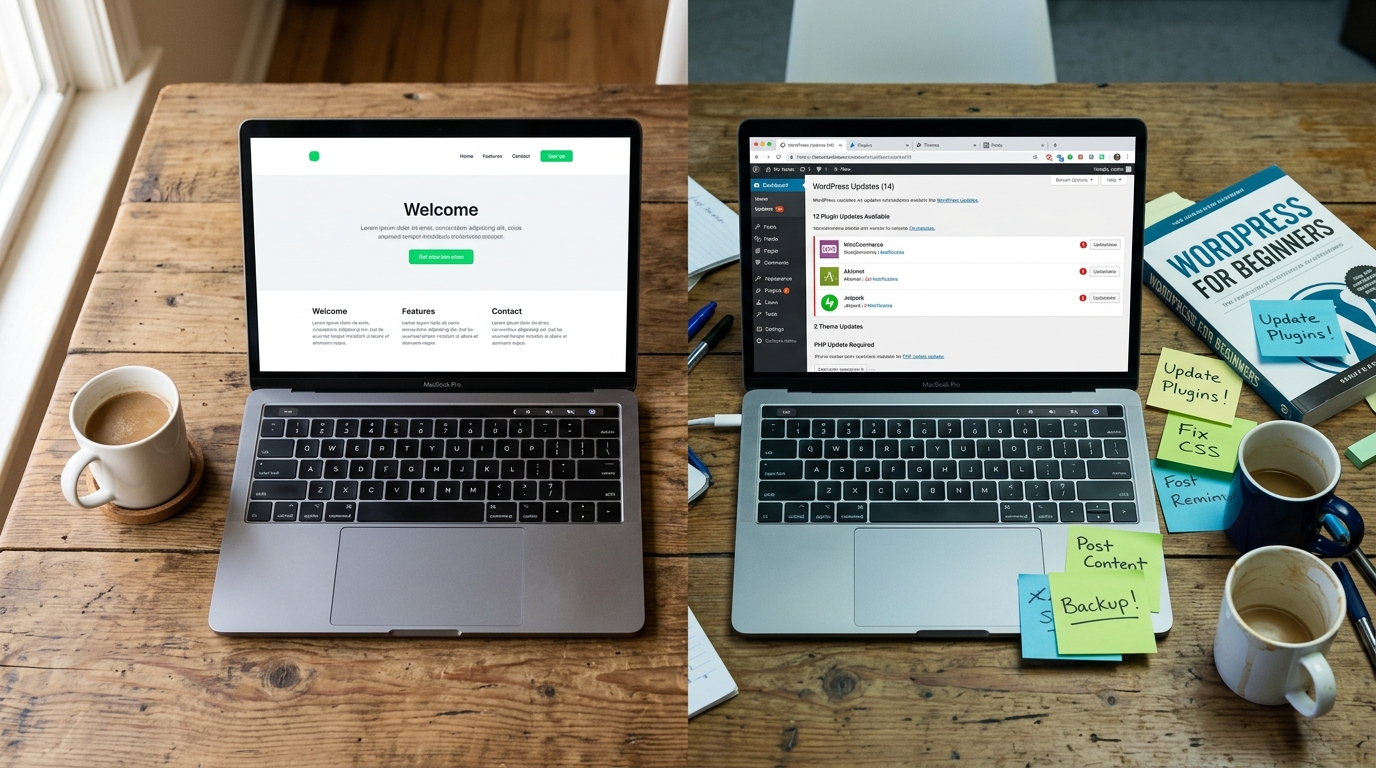
WordPress (free software, $5 - $50/month hosting) gives you more control, but it's a part-time job. Updates, security patches, plugin conflicts, the occasional white screen of death that ruins your Thursday. It's the IKEA furniture you have to re-tighten every six months.
A custom cms small business build costs more upfront but less in ongoing friction. You're not fighting the tool. The tool was built around your workflow.
According to Cybernews' 2026 CMS comparison guide, the trend is moving toward headless and custom solutions - especially for businesses that need their website to do more than just exist on the internet looking pretty.
Is This Right for Your Business?
Honestly? Maybe not yet. If you're just starting out and need a web presence by Friday, grab Squarespace and go. No shame in that. IKEA furniture is fine for your first apartment.
But if you've been in business for a year or more, you have specific workflows, and you keep running into "I wish my website could..." moments - that's when a custom cms small business setup starts making real sense. It's the grown-up furniture. Measured, fitted, no mystery hardware left in the bag.
I build these at Autom84You - custom websites starting at $500, with CMS dashboards designed around how you actually run your business. Not how a template thinks you should. I also build custom AI chatbots that plug right into your site if you want your FAQ to answer itself at 11 PM.
If you want to see what a custom setup would look like for your specific situation, shoot me a note at nerd@a84y.com. I'll tell you honestly whether custom is worth it for you right now or whether Wix is the smarter move. No pitch - just a straight answer from someone who's assembled enough IKEA furniture to know when it's time to call a carpenter.



Comments
No comments yet. Be the first to share your thoughts!
Leave a Comment