
A wedding photographer in San Jose asked me last month whether she should rebuild her site in Webflow or pay for a custom build. Her current site was a WordPress theme she'd outgrown - slow on mobile, impossible to customize without breaking something. She'd already watched three YouTube tutorials on Webflow and was halfway through a redesign.
I told her to finish the Webflow build.
That's not what most developers would say, especially ones who sell custom websites. But the honest answer depends on where you are, what you need, and whether you've hit the specific inflection point where when custom code wins becomes the obvious call. Most small businesses haven't hit it yet. Some have and don't know it. Let's talk about both sides.
Why Webflow Is Popular (And Deserves to Be)
Webflow charges $14 - 39/month for hosting and gives you a visual builder that produces clean HTML and CSS. For a business that needs a marketing site - five to ten pages, a contact form, maybe a blog - it's genuinely good. The designer tool is closer to Figma than to Squarespace, which means the output doesn't look like a template if you know what you're doing.
A dog groomer in Fremont doesn't need a developer to put up a booking page, a gallery, and a Google Maps embed. Webflow handles that in an afternoon. Same for a freelance graphic designer who wants a portfolio, or a yoga studio posting class schedules. These are display sites. They show information. They don't process it.
The CMS is decent for blog content. The animations are surprisingly good. Webflow University is one of the best free learning resources in web design. If your site is primarily about looking professional and showing up in Google, Webflow earns its price tag.
I've recommended it to clients. I'll keep recommending it when it fits.
The Exact Point When Custom Code Wins Over No-Code
Here's the pattern I see over and over with small businesses that started on Webflow, Wix, or Squarespace and eventually called someone like me.
It starts with one feature the platform can't do natively. Maybe it's a custom quote calculator for an HVAC company - the customer enters square footage, system type, and zip code, and gets a ballpark estimate. Or a taco truck that wants real-time menu updates pushed from their Square POS. Or a property manager who needs tenant portals with document upload and maintenance request tracking.
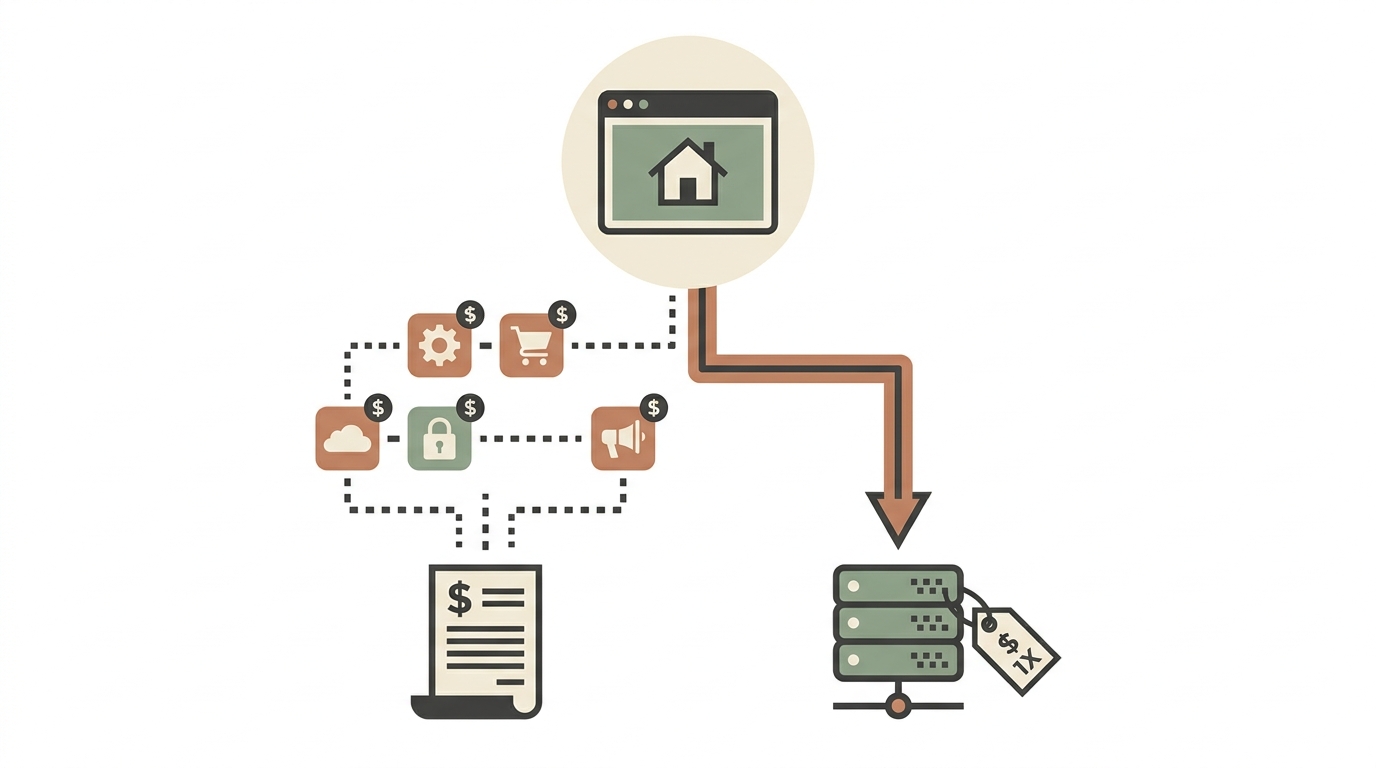
On Webflow, the first instinct is to embed a third-party tool. Typeform for the calculator. A Zapier integration for the POS sync. A separate app for the tenant portal. Now you're paying Webflow ($29/month on the CMS plan), plus Typeform ($25/month), plus Zapier ($20/month), plus whatever the tenant portal costs. Your "no-code" solution runs $100 - 200/month in subscriptions, and you're duct-taping four services together with no control over the seams.
That's the inflection point. When your site needs to do something - not just show something - the economics flip. A custom-built site with the calculator, POS sync, or tenant portal baked in costs more upfront but runs on $5 - 15/month hosting with no per-seat SaaS fees eating your margins.
Real Numbers: What the Comparison Actually Looks Like
- A marketing site (5 pages, mobile-responsive, fast)
- A service area calculator that shows pricing estimates by zip code
- An online booking system that syncs with their Google Calendar
- A customer review widget pulling from Google Business Profile
- A simple blog for SEO
Webflow + third-party tools route:
- Webflow CMS plan: $29/month
- Calendly for booking + Google Calendar sync: $10/month
- Custom embed or Typeform for calculator: $25/month
- Review widget (EmbedSocial or similar): $29/month
- Total: ~$93/month = $1,116/year, ongoing
Custom code route:
- One-time build: $500 - $1,200 (depending on complexity)
- Hosting on a VPS or shared plan: $5 - 15/month
- Google Calendar API integration: built in, no extra cost
- Calculator logic: built in, no extra cost
- Google reviews pull: built in, no extra cost
- Total Year 1: $560 - $1,380. Year 2 onward: $60 - $180/year
By month 14, the custom build is cheaper. By year three, the plumber has saved $2,000+. And they own the code - no platform lock-in, no pricing changes they can't control.
That math is when custom code wins in the most literal sense: when the total cost of ownership crosses over.
Performance Is the Other Gap Nobody Talks About
Webflow sites are fast compared to WordPress, but they still load Webflow's runtime JavaScript, their font loader, and their analytics script whether you want them or not. A typical Webflow marketing site scores 75 - 85 on Google PageSpeed Insights on mobile.
A hand-built static site or a lightweight PHP site with no framework overhead routinely scores 95 - 100. For local SEO - where a plumber in Campbell is competing with six other plumbers in Campbell - that PageSpeed difference can mean ranking positions. Google's Core Web Vitals are a confirmed ranking signal, and the gap between 78 and 97 on mobile LCP is real.
I built a site for a Sacramento HVAC company last year where the old Wix site loaded in 4.2 seconds on mobile. The custom replacement loads in 0.9 seconds. Their organic traffic increased 40% in three months. You can see the before-and-after on my portfolio. PageSpeed alone didn't cause that, but it didn't hurt.
When Custom Code Wins for AI Features
This is the part that changed in 2025 and is even more relevant now. Small businesses are starting to want AI on their sites - chatbots trained on their own FAQ data, smart contact forms that route inquiries by intent, product recommendation engines for e-commerce.
Try adding a custom AI chatbot to a Webflow site. Your options are embedding Tidio or Drift (both SaaS, both monthly fees, both generic). You can't train them on your specific business data without upgrading to enterprise tiers that cost $200+/month.
A custom-built chatbot trained on your actual service pages, pricing, and FAQ costs a flat fee to build and pennies per conversation to run on Claude or GPT APIs. I've been building these for local businesses through Autom84You starting at $1,000, and they answer customer questions at 2 AM with actual knowledge of the business - not canned responses from a template. That's a concrete case when custom code wins over any no-code embed.
So Who Should Stay on Webflow?
Honestly? A lot of businesses. If your site is a digital business card - here's what we do, here's how to contact us, here's some social proof - Webflow or Squarespace will serve you fine for years. A freelance illustrator, a local bakery with a static menu, a consulting firm with a five-page brochure site. These don't need custom code and shouldn't pay for it.
The test is simple: count how many third-party tools you're embedding or integrating. If it's zero or one, stay on your platform. If it's three or more, you've probably crossed the line where a custom build saves money and gives you more control.
The Middle Path Most People Don't Consider
There's a third option that rarely gets mentioned in the Webflow-vs-code debate: a hybrid. Keep your marketing pages on Webflow where the visual editor is genuinely useful for quick content updates, but build the functional pieces - the calculator, the booking engine, the AI chatbot - as standalone tools on a separate subdomain or embedded via iframe.
This is less common because it requires someone who can work on both sides. But it means the marketing team (or the business owner) can update hero images and testimonials in Webflow without touching code, while the interactive features run on infrastructure that costs $10/month instead of $100/month in SaaS fees.
Making the Call
Webflow is a good tool. I'd rather a small business use Webflow well than use custom code poorly. The platform earned its popularity by being genuinely better than the page builders that came before it.
But popularity doesn't mean universality. When custom code wins is when your site needs to think, calculate, integrate, or interact beyond what a visual builder was designed to do. And that threshold keeps getting lower as businesses adopt AI tools and custom workflows.
If you're stacking three SaaS subscriptions on top of your site builder and the seams are showing, it might be time to do the math on a custom build. I'm happy to run through the numbers for your specific situation - nerd@a84y.com. No pitch, just an honest comparison. Sometimes the answer is "stay on Webflow." Sometimes it's not. Either way, you'll know where you stand.




Comments
No comments yet. Be the first to share your thoughts!
Leave a Comment