
A veterinary clinic in San Jose told me last month they were using seven different AI tools across their office. Appointment scheduling, client follow-ups, social media captions, invoice summaries, even AI-generated pet care handouts. When I asked who had read the terms of service for any of them, the room went quiet. That's the reality of an ai audit small business owners almost never do - not because they don't care, but because nobody told them it mattered.
The Myth: AI Audits Are for Corporations With Compliance Departments
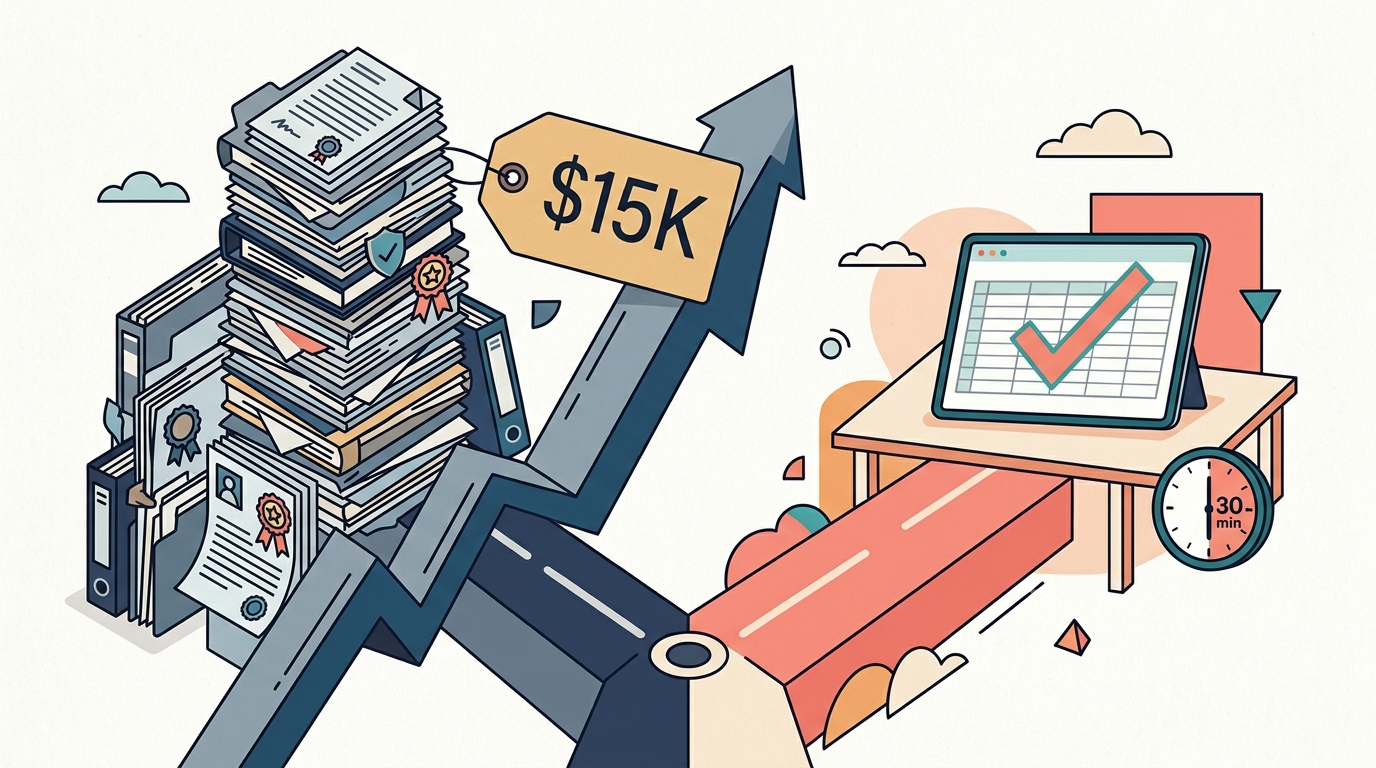
This is the big one. Say the word "audit" to a dog groomer or a taco truck owner and they hear "expensive," "legal team," and "not for me." It's completely understandable. The enterprise AI audit market is dominated by firms charging $15,000 - $80,000 per engagement. Deloitte, PwC, and EY all have dedicated AI governance practices. IBM sells an AI Fairness 360 toolkit. OneTrust has an AI governance module starting around $50,000 annually. When those are the loudest voices in the room, of course a six-person landscaping company assumes this conversation isn't for them.
And the tech press hasn't helped. Most coverage of AI auditing focuses on Fortune 500 companies dealing with EU AI Act compliance or algorithmic bias lawsuits. The conversation around AI and personal data tends to center on large platforms and consumer devices, not the QuickBooks plugin your bookkeeper installed last Tuesday.
Why the AI Audit Small Business Reality Is Different - and Simpler
Here's what's actually true: a small business AI audit doesn't look anything like an enterprise one. You don't need a framework. You don't need a consultant. You need 30 minutes, a spreadsheet, and four questions per tool.
Those four questions:
- What data does this tool see? Customer names, emails, purchase history, health records, financial info? List it.
- Where does that data go? Check the privacy policy for phrases like "we may use your data to train models" or "data is shared with third-party partners." Grammarly's free tier, for instance, explicitly states it can use your text to improve its models. The Business plan lets you opt out.
- Who else has access? If your receptionist signed up for an AI scheduling tool with her personal email, that data lives in her account - not yours. If she leaves, so does your client list.
- What happens if this tool disappears tomorrow? Can you export your data? Is there a backup? Or is everything locked inside a platform you don't control?
That's the whole audit. Four questions, applied to every AI tool in your stack. Most small businesses use between four and eight AI-powered tools - many without realizing it, since AI features are now baked into Canva, Mailchimp, QuickBooks, Square, and dozens of other platforms they already pay for.
How to Run an AI Audit Small Business Style: The 30-Minute Version
Example 1: A wedding photographer in Fremont. She uses Canva (AI background removal, Magic Write for captions), ChatGPT (client email drafts), Honeybook (AI-powered client management), and Lightroom (AI-powered masking and edits). Her ai audit small business checklist revealed that her ChatGPT free account was processing client names, wedding dates, and venue details with no opt-out from training data. The fix took five minutes: she upgraded to ChatGPT Team ($25/month per user) where business data is excluded from training by default. Total audit time: 22 minutes.
Example 2: A two-location taco truck in East San Jose. They use Square for POS (which now has AI-powered sales insights), Poster (AI menu optimization), and an Instagram scheduling tool with AI caption generation. The owner didn't realize Square's AI features were analyzing customer purchase patterns and that the caption generator was storing every post draft on servers in a jurisdiction with no data protection laws. Moving to a caption tool hosted in the US with clear data deletion policies was a weekend swap, not a legal project.
Example 3: An HVAC company in Campbell with eight employees. This one's interesting because they had the most tools and the least awareness. ServiceTitan (AI dispatching), QuickBooks (AI categorization), a third-party chatbot on their website, and Gemini for writing service descriptions. The chatbot was the biggest surprise - it was logging every customer conversation including addresses, system types, and service complaints, and the vendor's privacy policy allowed resale of "anonymized" interaction data. They replaced it with a custom-built chatbot trained on their own service data that keeps everything on infrastructure they control. That's a bigger project - Autom84You builds those starting at $1,000 - but for a company handling customer home addresses and service records, owning the data pipeline matters.
The Popular Path vs. the One That Actually Fits
The mainstream advice for AI governance goes like this: hire a consultant, build a policy framework, implement continuous monitoring, train your staff. That's the Deloitte playbook. For a hospital system or a bank, it's appropriate. For a pet grooming salon using three AI tools, it's like hiring a general contractor to hang a picture frame.
The quieter path - the one nobody's selling because there's no recurring revenue in it - is the self-audit. Thirty minutes with a spreadsheet. You'll know exactly what data you're feeding into which systems, who controls that data, and where the gaps are. Most small businesses find one or two surprises, fix them the same day, and move on with their lives.
If you want to go one step further, document your findings and save them. California's Delete Act (SB 362) is already expanding consumer data rights, and the proposed American Data Privacy and Protection Act would create federal baseline requirements. Having a record of what tools you audited and when puts you ahead of 95% of small businesses if regulations tighten - which they will.
I run these ai audit small business reviews as part of the setup process whenever I'm building a site or integrating AI tools for a client through Autom84You. Not as a separate billable engagement - just as part of doing the job right. It usually takes less time than picking the font for the homepage.
Three Things to Do This Week
First: Open that spreadsheet. List every tool. Be honest - include the ones your employees signed up for without asking. Shadow AI is the number one risk for small businesses, and it's almost always well-intentioned. Someone found a tool that saves them 20 minutes a day and didn't think to ask about the privacy policy. That's human, not malicious.
Second: For any tool where your data is used for model training, check if there's an opt-out. ChatGPT, Grammarly, Canva, and Notion all have opt-out settings, but they're buried in different places. ChatGPT hides it under Settings → Data Controls → Improve the model for everyone. Canva puts it under Privacy Settings in your account. None of them make it obvious.
Third: For any tool where the account is tied to an employee's personal email, migrate it to a business-owned account this week. Not next month. This week. When that employee leaves - and eventually they will - you want your client data to stay with you.
An ai audit small business owners can run themselves doesn't require a certification, a budget line, or a committee. It requires the same instinct that makes you lock the front door at night: you protect what's yours because it's yours.
If you've done the spreadsheet and something feels off - a tool that's touching more data than it should, a chatbot that's logging things you didn't expect, an AI integration that doesn't let you export - reach out. I'm at nerd@a84y.com or autom84you.com. I'll look at your stack and tell you straight whether the popular choice is the right one for your situation, or whether there's a better path nobody's pitching you.




Comments
No comments yet. Be the first to share your thoughts!
Leave a Comment