
Every small business owner has had the same experience with a chatbot. You type a perfectly reasonable question - "do you offer Saturday appointments?" - and the bot cheerfully replies with a Wikipedia article about the history of calendars. Helpful. Thank you. I'll just go ahead and call like it's 2004.
The reason most chatbots are useless is embarrassingly simple: nobody told them anything about the actual business. They're running on generic AI, which means they know a lot about everything and nothing about you specifically. When you train AI chatbot on business data - your services, your pricing, your FAQs, your policies - you get something that actually sounds like it works at your company. Wild concept, I know.
But here's the thing the headlines keep warning about: what happens to that business data once you hand it over? A Stanford study found that AI chatbot conversations carry real privacy risks, and enterprises are increasingly nervous about confidential info leaking into training models they don't control. So the question isn't just "can I train a chatbot on my data" - it's "can I do it without that data ending up somewhere I didn't agree to?"
Good news: there's a tool for that.
Chatbase: Train AI Chatbot on Business Data in About 20 Minutes
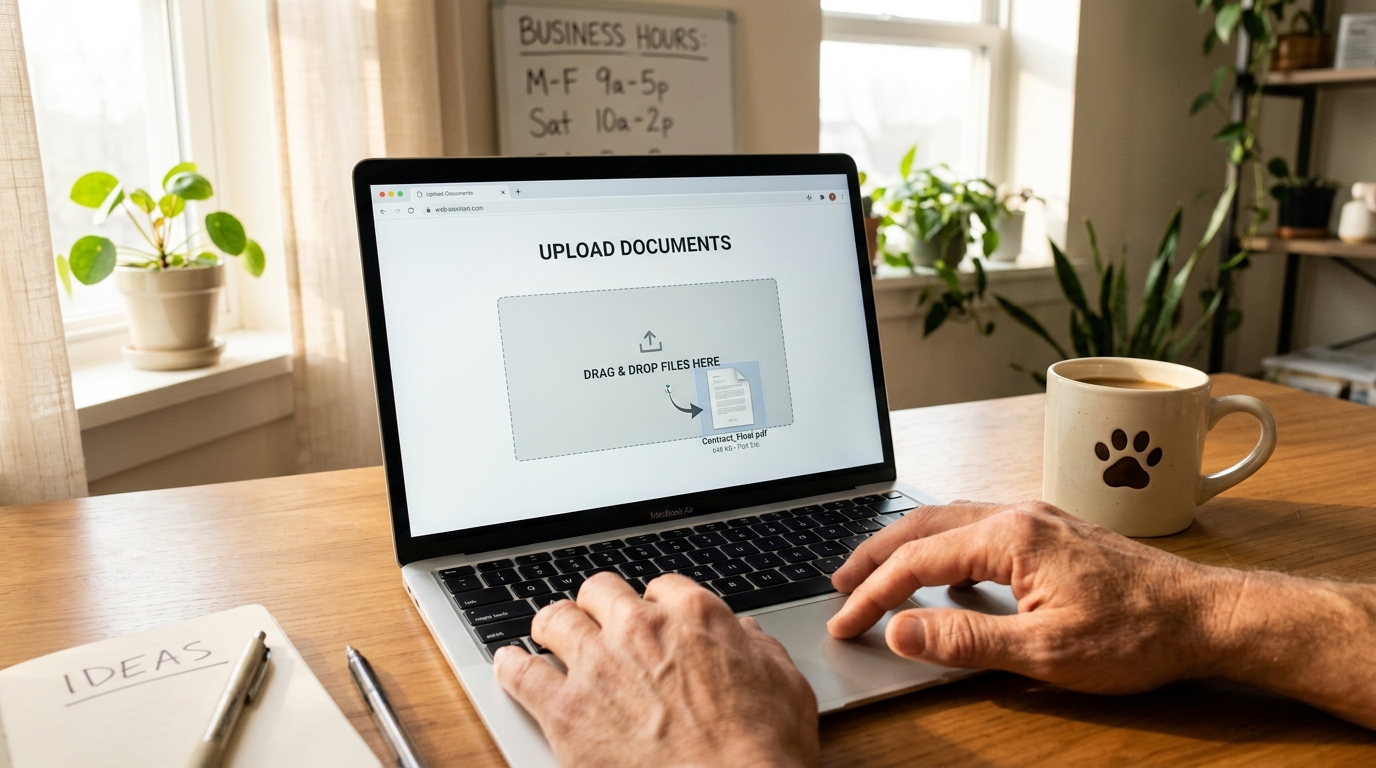
Chatbase is a platform that lets you build a custom AI chatbot trained specifically on your business information. You upload your documents, paste your website URL, or drop in a FAQ sheet, and it creates a chatbot that actually knows your stuff. It was built by Yasser Elsaid, launched in 2023, and has quietly become one of the more popular options for small businesses that want a chatbot without hiring a developer.
Pricing: Free tier (limited to 20 messages/month - basically a demo). The Hobby plan is $19/month for 2,000 messages. Standard is $99/month for 10,000 messages and removes Chatbase branding. The Unlimited plan runs $399/month if you're fielding serious volume. All paid plans let you connect your own OpenAI API key to reduce per-message costs.
In plain English: you feed it your business info, it builds a chatbot, you paste a code snippet on your website. That's it. No coding degree required. No terminal window. No existential crisis about whether you should've learned Python in 2019. (You should have, but that's a different article.)
What "Trained on Your Data" Actually Means
When people say train AI chatbot on business data, it sounds like you're teaching a robot to think. You're not. You're giving it a cheat sheet.
Think of it like hiring a new receptionist. You wouldn't sit them at the front desk on day one with zero information and say "figure it out." You'd hand them a binder - here's our price list, here's our hours, here's what to say when someone asks about cancellations, here's the Wi-Fi password for the waiting room (it's "fluffybuns2024" and yes the previous owner picked it).
That's what Chatbase does. You upload the binder. The AI reads it. Now when a customer asks "do you do deep cleaning for golden retrievers," it doesn't hallucinate an answer - it checks the binder and says "yes, deep cleaning starts at $65 for large breeds, and appointments are available Tuesday through Saturday."
Your data stays in Chatbase's system for retrieval purposes. They don't use it to train their base models. That's an important distinction - and one you should verify with any platform before uploading your client list.
How a Pet Groomer Would Actually Use This
- "How much for a Goldendoodle?"
- "Do you do nail trims without a full groom?"
- "Are you open Sunday?"
- "My dog bit the last groomer. Is that a problem?" (Yes, Maya. That is a problem.)
Maya uploads her service menu, her pricing sheet, her booking policy PDF, and her FAQ page to Chatbase. Twenty minutes later, she's got a chatbot embedded on her website that handles 80% of those questions instantly.
A customer visits pawsandrinse.com at 11 PM because their Labradoodle rolled in something unspeakable and they need an appointment yesterday. The chatbot tells them pricing, available services, and how to book. Maya's phone doesn't ring. Maya is asleep. Maya is winning.
The chatbot won't book the appointment directly unless Maya connects it to her scheduling tool (Chatbase integrates with Calendly and Zapier), but even just answering questions at 11 PM is a massive upgrade from a static FAQ page that nobody reads because it's buried three clicks deep.
When You Train AI Chatbot on Business Data - The Honest Pros and Cons
Three things Chatbase does well:
- Setup is genuinely fast. Upload a PDF or paste a URL, and you've got a working chatbot in under 30 minutes. No developer needed for the basic version.
- It sounds like your business. Because it's pulling from your actual documents, the answers are specific and accurate - not generic fluff about your industry.
- The free tier lets you test before committing. Twenty messages isn't a lot, but it's enough to see if the responses are good before you spend money.
Three things that might bug you:
- It plateaus. Once you need the chatbot to actually DO things - book appointments, process returns, check order status - you're hitting Chatbase's limits. It's great at answering questions, less great at taking actions.
- The branding tax. On the $19 plan, every chat bubble says "Powered by Chatbase." Removing that costs $99/month, which is a steep jump for a grooming salon doing $4K a month.
- Data privacy is trust-based. Chatbase says they don't train on your data, and their privacy policy backs that up. But you're still uploading business documents to a third-party server. For some businesses - medical practices, law firms, financial advisors - that's a conversation you need to have with your compliance person. If you have one. If you don't, maybe get one.
How It Compares
Tidio ($29/month and up) is the popular alternative if you want live chat + AI in one package. It's got more features out of the box - live chat handoff, email integration, a built-in CRM. But the AI chatbot component isn't as focused on your custom data. It's more of a general-purpose customer service tool that happens to have AI, versus Chatbase which is an AI chatbot that happens to do customer service.
Custom-built chatbots are the other end of the spectrum. A developer builds one specifically for your business, connects it to your actual systems (booking, inventory, CRM), and you own the whole thing. No third-party data concerns, no branding to remove, no feature ceilings. The tradeoff is cost and time - you're looking at $1,000+ to get started and you need someone who knows what they're doing. (Full disclosure: that's literally what I build at Autom84You, so take my comparison with appropriate seasoning.)
For Maya the pet groomer, Chatbase at $19/month is probably the right starting point. For a multi-location dental practice that needs the chatbot to check insurance eligibility and book into specific provider calendars? That's custom territory.
The Privacy Part You Shouldn't Skip
Those research sources I mentioned aren't just clickbait. When you train AI chatbot on business data, you're trusting a platform with information that might include customer names, pricing strategies, internal policies, or operational details you wouldn't post on a billboard.
Three quick rules before you upload anything:
- Read the data retention policy. How long do they keep your uploaded documents? Can you delete them? Do they use conversation logs to improve their models?
- Don't upload customer PII unless you have to. Your service menu? Fine. Your full client database with emails and phone numbers? Maybe don't.
- Check if conversations are stored. If customer chats are logged on the platform's servers, that's data you're responsible for under privacy regulations - even if you didn't build the chatbot yourself.
This is honestly one of the reasons some businesses skip the platform entirely and go custom. When the chatbot runs on your own infrastructure, you control where the data lives. It's more work upfront, but for businesses handling sensitive client information, the control matters. That's a conversation I have regularly with folks who reach out to autom84you.com - sometimes the answer is "just use Chatbase," and sometimes it's "let's build you something you own."
Your Move
If you've been thinking about adding a chatbot to your site but the whole thing feels like it requires a computer science degree and a trust fall with your business data - it doesn't have to.
Start here: go to Chatbase, create a free account, upload your FAQ page or service menu, and see what it spits out. You'll know in ten minutes whether it's good enough or whether you need something more tailored.
And if you get to that "more tailored" point - or if you just want someone to look at your setup and tell you honestly whether you're overcomplicating it - drop me a line at nerd@a84y.com. I've helped pet groomers, HVAC companies, and a surprisingly intense pickleball league get chatbots that actually work. No judgment, no jargon, no charging you for a call where I tell you to just use the free tier.
Your business data is too specific for a generic bot. Might as well teach one properly.




Comments
No comments yet. Be the first to share your thoughts!
Leave a Comment