AI Image Generation for Marketing: A Guide to Not Looking Like Everyone Else - Autom84You
Rishi
June 3, 2026 8 min read 17 views 0 comments
There's a specific facial expression that only exists in AI-generated marketing images. You've seen it. It's somewhere between 'I just got promoted' and 'I'm being held at gunpoint by a motivational poster.' The teeth are perfect. The eyes are dead. The laptop on the desk is running nothing. It's the uncanny valley of commerce, and it's on every third website you visit now.
The thing is, ai image generation for marketing is genuinely useful. The tools are good. The pricing is reasonable. The speed is absurd. But most people use them the same way they used stock photo sites in 2014 - type something vague, grab the first result, slap it on the homepage, wonder why their site looks like a dental insurance pamphlet.
By the end of this guide, you'll know how to get AI-generated marketing images that actually look like they belong to your specific business. Not a generic business. YOUR taco truck. YOUR hair salon. YOUR HVAC company. The one with the van that has that dent from the Costco parking lot.
Here's what you need before we start: a computer, an account on at least one AI image tool (I'll name names in a second), and approximately 20 minutes of patience. That's it. No design degree. No Photoshop. No opinions about kerning.
Step 1: Accept That Your First Prompt Will Be Terrible
This is not a dig. Everyone's first prompt is terrible. You type 'professional photo for plumbing business' and the AI gives you a stock photo of a guy in pristine overalls smiling at a wrench like it's his firstborn child. Nobody in the history of plumbing has ever looked at a wrench like that.
The problem isn't the tool. The problem is that vague prompts produce vague images. AI image generation for marketing only works when you give it something real to work with. So before you type anything, answer this: what does a normal Tuesday actually look like at your business?
Tip: Write down three real scenes from your last work week. 'Me explaining to Mrs. Chen why her AC filter looks like a small animal' is a better starting point than 'professional HVAC service.'
Step 2: Pick a Tool That Has Range (Not Just Speed)
Not all AI image generators are created equal, and the differences matter more than you'd think. Here's what's actually worth your time in 2026:
Midjourney ($10-30/month) - Still the best at making things look cinematic and polished. Great for hero images and social media visuals. The v7 model is genuinely impressive for photorealistic output.
FLUX by Black Forest Labs - This one's interesting. They're the team behind the original Stable Diffusion, now valued at $3.25 billion and powering image features inside Adobe, Canva, and Meta. Martin Scorsese just signed on as an adviser. If Scorsese trusts it for storyboarding his movies, it can probably handle your bakery's Instagram. Available through multiple platforms, often with free tiers.
DALL-E 3 (via ChatGPT Plus, $20/month) - The easiest to use if you're already in the ChatGPT ecosystem. Good at following complex instructions. Less artistic range than Midjourney but more predictable.
Adobe Firefly ($4.99-22.99/month) - If you already pay for Creative Cloud, you have this. Commercially safe, decent quality, integrates directly into Photoshop.
Pick one. Seriously. Don't try to learn four tools at once. That's how you end up with 47 browser tabs and the same existential dread as a Steam sale.
Using AI Image Generation for Marketing That Matches Your Brand
Step 3: Build a Style Prompt, Then Reuse It
Here's the part most guides skip. You need a base prompt - a chunk of text that describes your brand's visual style - that you paste at the beginning of every image request. Think of it as a dress code for your AI.
Example for a warm, neighborhood coffee shop:
'Warm natural lighting, slightly desaturated earth tones, shallow depth of field, candid composition, cozy Pacific Northwest cafe atmosphere, shot on 35mm film, no people looking directly at camera'
Example for a modern auto detailing business:
'Clean editorial photography, high contrast, deep blacks and metallic highlights, tight composition, dramatic side lighting, luxury automotive feel, magazine quality'
Save your base prompt in a notes app. Copy-paste it. Every. Single. Time. Consistency is what makes your feed look intentional instead of random.
Step 4: Describe Real Scenes, Not Marketing Concepts
This is the actual difference between AI-generated images that look generic and ones that look like someone took a real photo at your business.
Bad prompt: 'Professional dog grooming service, happy dog, clean environment'
Good prompt: 'A wet golden retriever mid-shake in a grooming tub, water droplets frozen in air, groomer in a navy apron laughing and shielding her face, tiled walls with a shelf of colorful shampoo bottles in the background, bright fluorescent overhead lighting, candid moment'
See the difference? The second one has a story. It has specific details that make the AI generate something that couldn't be any business - it's clearly THIS business, THIS moment.
Common mistake: Using marketing buzzwords in your prompts. The AI doesn't know what 'premium service' looks like. It DOES know what 'a freshly detailed black Mercedes S-Class reflecting sunset light in a suburban driveway' looks like.
Step 5: Use Negative Prompts to Kill the Stock Photo Look
Most tools let you specify what you DON'T want. This is where ai image generation for marketing goes from 'meh' to 'wait, did you hire a photographer?'
Add these to your negative prompts and never look back:
No stock photo poses
No perfect teeth smiles
No people pointing at screens
No handshakes
No clipart elements
No text or watermarks
No oversaturated colors
Basically, if you've seen it on a dentist's website circa 2019, exclude it.
Step 6: Generate in Batches, Not Singles
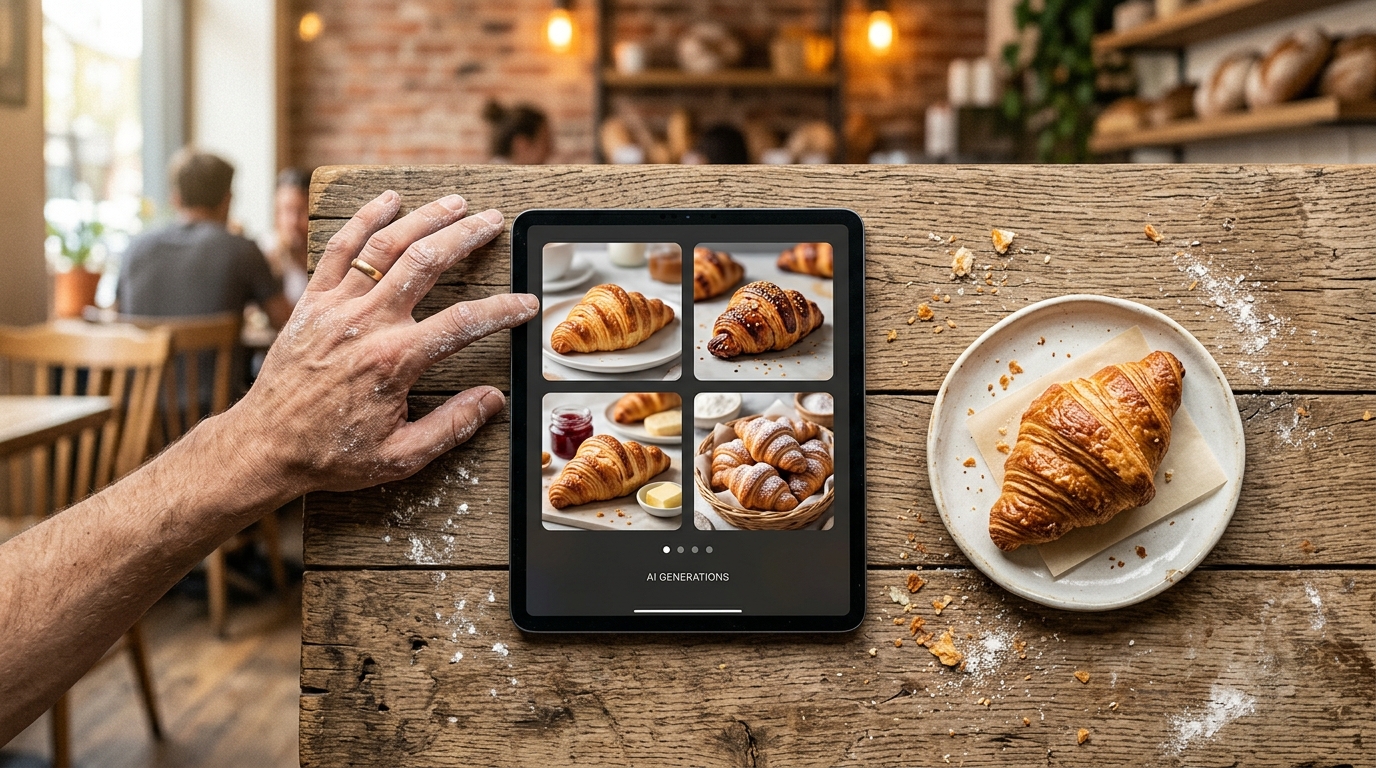
Never generate one image and call it done. Generate at least four variations of the same prompt. Here's why: AI image tools have a randomness factor, and sometimes version three is the one where the lighting accidentally looks incredible and the composition has that editorial quality you couldn't have described.
Most tools generate four images per prompt by default. Look at all of them. Mix elements. 'I like the lighting from version 2 and the composition from version 4' is a completely valid follow-up prompt.
This is also where ai image generation for marketing starts saving you real money. A product photographer for a half-day shoot runs $500-2,000. You can generate 50 variations in 20 minutes for under $30.
Step 7: Edit the Output (Yes, You Still Have To)
Raw AI output is a draft, not a final product. At minimum, you should:
Crop intentionally. AI compositions are often too centered. Crop to rule-of-thirds for social media.
Color correct. Match your brand colors. Even a simple warmth/coolness adjustment helps. Free tools like Canva or Pixlr handle this fine.
Check for AI weirdness. Extra fingers. Text that looks like alien language. A clock showing a time that doesn't exist. These details kill credibility faster than a typo in your business name.
Resize for platform. Instagram square, Facebook landscape, Google Business profile. Same image, different crops.
Tip: If you're generating images for your website specifically, make sure they match the existing visual tone. Nothing says 'I spent 10 minutes on this' like a photorealistic AI hero image above a body of clip art icons. If your site needs a visual overhaul to match your new image quality, that's a solvable problem - I rebuild sites like that regularly, usually starting around $500.
Step 8: Build a Prompt Library (Your Future Self Will Thank You)
After a few sessions, you'll have prompts that reliably produce great results for your business. Save them. Organize them by use case:
Social media posts - candid, warm, lifestyle-oriented
Email headers - clean, not too busy, works at small sizes
A prompt library turns ai image generation for marketing from a 'figure it out each time' situation into a 'grab the prompt, generate, crop, post' workflow. Twenty minutes a week instead of two hours.
You now have a repeatable system for ai image generation for marketing that doesn't produce the same identical teal-and-coral nightmare everyone else is posting. The next step is to actually use it. Pick one platform. Write your base style prompt. Generate your first batch of real images this week.
Start with your Google Business profile photos - those are the images people see before they even visit your website, and most businesses haven't updated theirs since the Obama administration.
One more thing worth mentioning: Scorsese is using AI image tools for storyboarding, not for the final product. Same principle applies here. These images are a starting point. Pair them with real photos of your actual work when you can, and use AI to fill the gaps where you don't have professional photography. That mix of real and generated is where the magic is.
If you want someone to help set up the whole visual pipeline - website, social content, automated posting, the works - that's literally what I do. Drop a line at nerd@a84y.com or check out what I've built for other small businesses. I'll probably make a joke about stock photos. Consider yourself warned.
Full-stack developer with 20+ years experience and 3 AI certifications. I build custom tools and automation for small businesses — so owners can focus on what they do best.


Comments
No comments yet. Be the first to share your thoughts!
Leave a Comment