
Somewhere around 2024, the tech industry invented a job title called "prompt engineer" and started paying people six figures for it, which is the most Silicon Valley thing to happen since someone raised $120 million for a juice machine that squeezed pre-squeezed juice.
Here's the twist: if you've ever written a clear email to a contractor explaining exactly what you need, you're already doing it. AI content writing for small business isn't a mystical new discipline. It's writing. With a robot reading it instead of Dave from accounting.
By the end of this guide, you'll be able to sit down with a free AI tool, feed it a decent prompt, and walk away with a usable first draft for your blog, email newsletter, product description, or social post - in about fifteen minutes. No jargon. No six-figure salary required.
What You Need Before Starting
Keep it simple:
- A free ChatGPT account (or Claude, or Google Gemini - they all work). You don't need a paid plan to start.
- A rough idea of what you want to write. "A blog post about summer specials" is enough. "Content" is not.
- Ten minutes. Seriously. The first draft takes less time than your morning coffee order at that place where they ask your name and still spell it wrong.
Step 1: Write the Prompt Like You'd Brief a New Employee
This is the entire secret. That's it. That's the post.
Okay, not quite - but almost. The number one mistake people make with AI content writing for small business is typing something like "write me a blog post about plumbing" and then being disappointed when the output reads like it was generated by a robot. Which it was. But that's beside the point.
Instead, pretend you just hired a freelance writer who knows nothing about your business. What would you tell them?
Bad prompt: "Write a blog post about HVAC repair."
Good prompt: "Write a 500-word blog post for my HVAC company in San Jose. We specialize in residential AC repair. The audience is homeowners who just realized their AC died on the first hot day of the year and are panicking. Tone should be friendly and reassuring, not salesy."
See the difference? One gives the AI nothing to work with. The other gives it your audience, your location, your specialty, and the emotional state of the reader. That's not prompt engineering. That's just good communication.
Step 2: Tell It Who Your Customer Is

For a dog groomer: "My customers are pet owners in Sunnyvale, mostly professionals in their 30s-40s who treat their dogs like children and will pay more for organic shampoo."
For a taco truck: "My customers are office workers on lunch break who have twelve minutes and want something that isn't Subway again."
The more vivid your customer description, the less you'll have to edit later. AI content writing for small business works best when you do the thinking and let the AI do the typing.
Step 3: Give It Your Voice (Yes, You Have One)
Every small business has a voice, even if you've never thought about it that way. The way you talk to customers at the counter? That's your voice.
Add a line to your prompt like:
- "Write like a friendly neighbor who happens to know a lot about landscaping."
- "Tone: professional but warm. Think 'trusted family dentist,' not 'corporate hospital chain.'"
- "Casual and a little funny. We're a brewery, not a bank."
If you skip this step, you'll get Corporate Robot Voice™ - that strange, slightly too enthusiastic tone where everything is "exciting" and every product is "designed with you in mind." Nobody talks like that. Your AI shouldn't either.
Step 4: Tell It What NOT to Do
This is the step most guides skip, and it's the one that matters the most.
AI tools have been trained on the entire internet, which means they've absorbed every bad marketing cliche ever written. If you don't explicitly tell them to stop, they will absolutely use phrases like "in today's fast-paced world" and "we're passionate about delivering excellence."
Add constraints to your prompt:
- "Don't use buzzwords or cliches."
- "No exclamation points."
- "Don't start with a question."
- "Avoid anything that sounds like a LinkedIn influencer."
Telling an AI what to avoid is like telling a new intern the house rules. It saves everyone time and prevents you from getting a draft that reads like a TED Talk transcript.
Step 5: Ask for a Specific Format
"Write a blog post" is vague. "Write a blog post with an H2 heading every 150 words, a bulleted list of three tips in the middle, and a one-sentence call to action at the end" gives you something you can actually use.
Some formats that work well for AI content writing for small business:
- Email newsletters: "Subject line + 3 short paragraphs + CTA button text"
- Product descriptions: "50 words max, focus on the benefit not the feature, include one specific use case"
- Google Business posts: "Under 300 words, include a local keyword, mention our neighborhood by name"
- Social captions: "Under 100 words, conversational, end with a question to encourage comments"
Format is the difference between getting a blob of text you have to reshape and getting something that's 80% ready to publish.
Step 6: Edit Like a Human (Because You Are One)
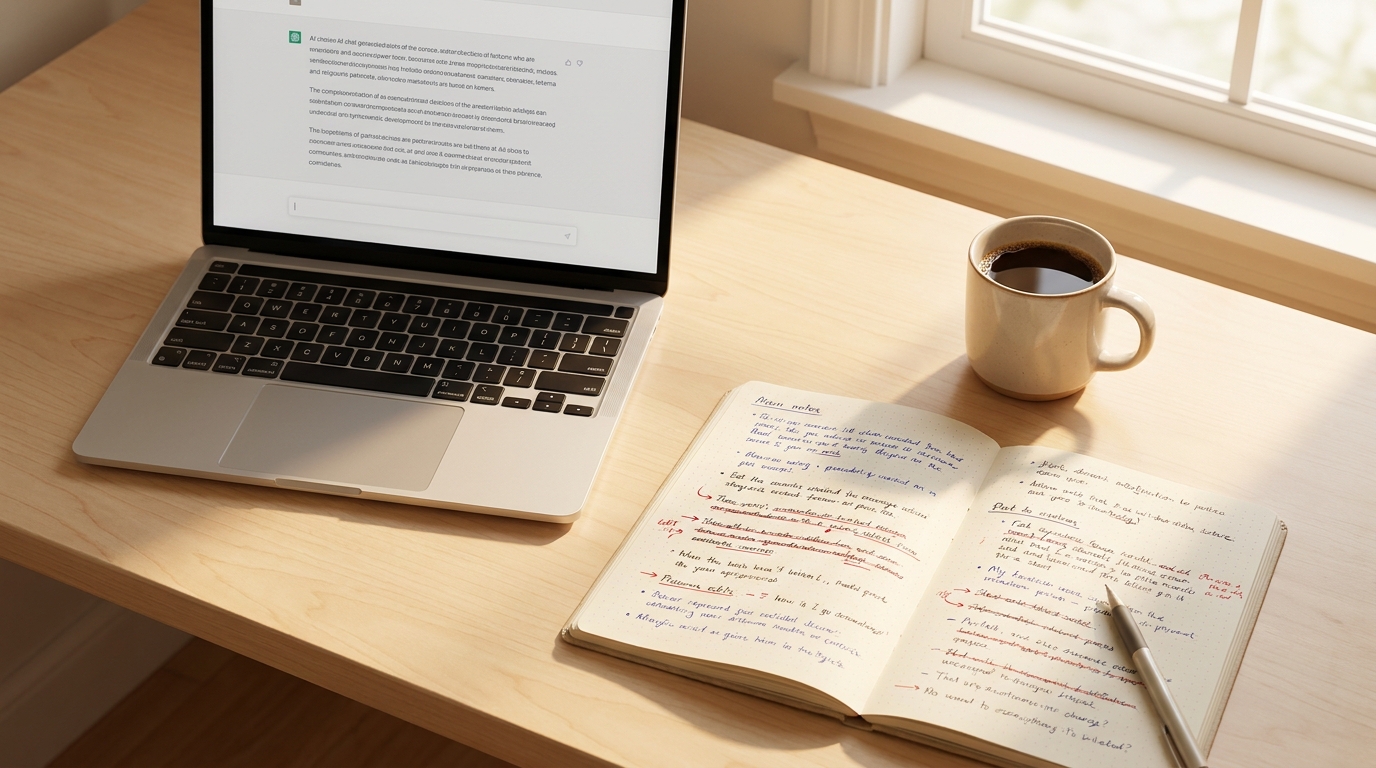
Here's where we get honest: AI gives you a first draft, not a final draft. And that's fine. First drafts are the hard part.
Read through what it gives you and ask:
- Does this sound like something I'd actually say to a customer?
- Are the facts right? (AI occasionally makes things up with tremendous confidence, like that one friend who "definitely" knows a shortcut.)
- Is there anything generic I can swap for something specific to my business?
The editing pass is where your content stops being "AI-generated" and starts being "yours, with AI assistance." A wedding photographer in Napa who takes ten minutes to add her own anecdotes and local references will end up with something no AI could have written alone. According to TechCrunch's recent coverage, the real value in AI isn't replacing human work - it's multiplying what one person can do.
Step 7: Build Your Swipe File
When a prompt works well, save it. Copy it into a Google Doc or a notes app. Next time you need similar content, you don't start from zero - you start from a proven template.
After a month of doing this, you'll have a small library of prompts tailored to your business. Your "weekly email" prompt. Your "new service announcement" prompt. Your "seasonal special" prompt. This is your AI content writing for small business toolkit, and it cost you nothing but a little attention.
That's the real advantage here - not that AI writes for you, but that it takes the blank-page problem off the table. You spend your time editing and adding personality instead of staring at a cursor wondering how to start.
What to Do Next
Start with one piece of content this week. Just one. A blog post, a product description, an email. Use the steps above. See how the draft feels.
If it's close, great - edit it and publish it. If it's off, tweak the prompt and try again. The learning curve is about two or three tries before you start getting drafts that genuinely save you time.
And if you'd rather skip the learning curve entirely and have someone set up AI content writing for small business the right way - prompts tuned to your voice, templates for your specific industry, the whole system built so you just fill in the blanks - that's literally what I do at Autom84You. I've built content workflows for everyone from solo consultants to local restaurant chains. You can see some of the work at the portfolio page, or just email me at nerd@a84y.com and tell me what you're working with. I'll tell you if AI is the right fit or if you're better off with a different approach. No pitch, just a straight answer.
Because at the end of the day, "prompt engineering" is just writing clearly enough that a very fast, very literal robot understands what you need. And if you've ever successfully explained to a contractor what color you actually meant by "greige," you're already overqualified.



Comments
No comments yet. Be the first to share your thoughts!
Leave a Comment