
There is a very specific kind of despair that hits when you check your website analytics at 7 AM and realize fourteen people visited your services page at 10 PM last night. Fourteen. And every single one of them saw your contact form, thought about filling it out, and then - based on the zero inquiries in your inbox - apparently decided to go watch a movie instead.
Your website after business hours is basically an unmanned front desk with a little bell on it. Someone walks in, dings the bell, waits four seconds, and leaves forever. That bell is your contact form. Nobody is coming.
This is the exact problem that ai chatbot lead generation was built to solve. Not the vague, enterprise-sales-deck version of it. The version where a dentist in Fremont stops losing 11 PM toothache patients to whoever has a chatbot that actually answers questions.
What Ai Chatbot Lead Generation Actually Means in 2026
Let's get specific, because this phrase gets thrown around like confetti at a SaaS launch party. Ai chatbot lead generation means: a chatbot sits on your website, answers visitor questions using your actual business information, and captures their contact details so you can follow up. That's it. It's not sentient. It's not going to replace your receptionist (your receptionist has opinions and a favorite mug - the chatbot has neither). It just catches the people who show up when you're not there.
And according to a recent G2 report covered by Demand Gen Report, half of B2B software buyers now start their research with AI chatbots. Half. The behavior has shifted. People don't want to fill out a form and wait. They want to ask a question and get an answer. Right now. At 10 PM. In their pajamas.
The Tool: Chatbase
Chatbase is the one I keep coming back to for small businesses that want to dip a toe into ai chatbot lead generation without signing a contract that requires a legal team to read.
What it is: A platform that lets you build an AI chatbot trained on your actual business data - your website pages, PDFs, Google Docs, even a Notion database. You feed it your info, it learns how you talk about your services, and then it answers customer questions on your site like a well-briefed employee who never sleeps.
Who made it: Chatbase (independent company, launched 2023, grew fast because the premise is dead simple).
What it costs: Free tier gives you 20 messages per month (enough to confirm it works, not enough to do anything useful). The Hobby plan at $19/month gets you 2,000 messages. The Standard plan at $99/month is where most serious small businesses land - 10,000 messages, multiple chatbots, and lead capture built in. There's an Unlimited tier at $399/month if you're running a high-traffic operation.
The important part: You upload YOUR data. Your service descriptions. Your pricing page. Your FAQ document. Your "here's how we handle emergency calls" policy. The chatbot doesn't make things up about your business - it answers from what you gave it.
Which, by the way, is the exact lesson from that KPMG situation this week where they had to pull an entire AI report because it hallucinated claims about companies like UBS and the NHS. The difference between useful AI and embarrassing AI is whether it's grounded in real data or just vibing.
A Concrete Example: Murphy's Plumbing in San Jose
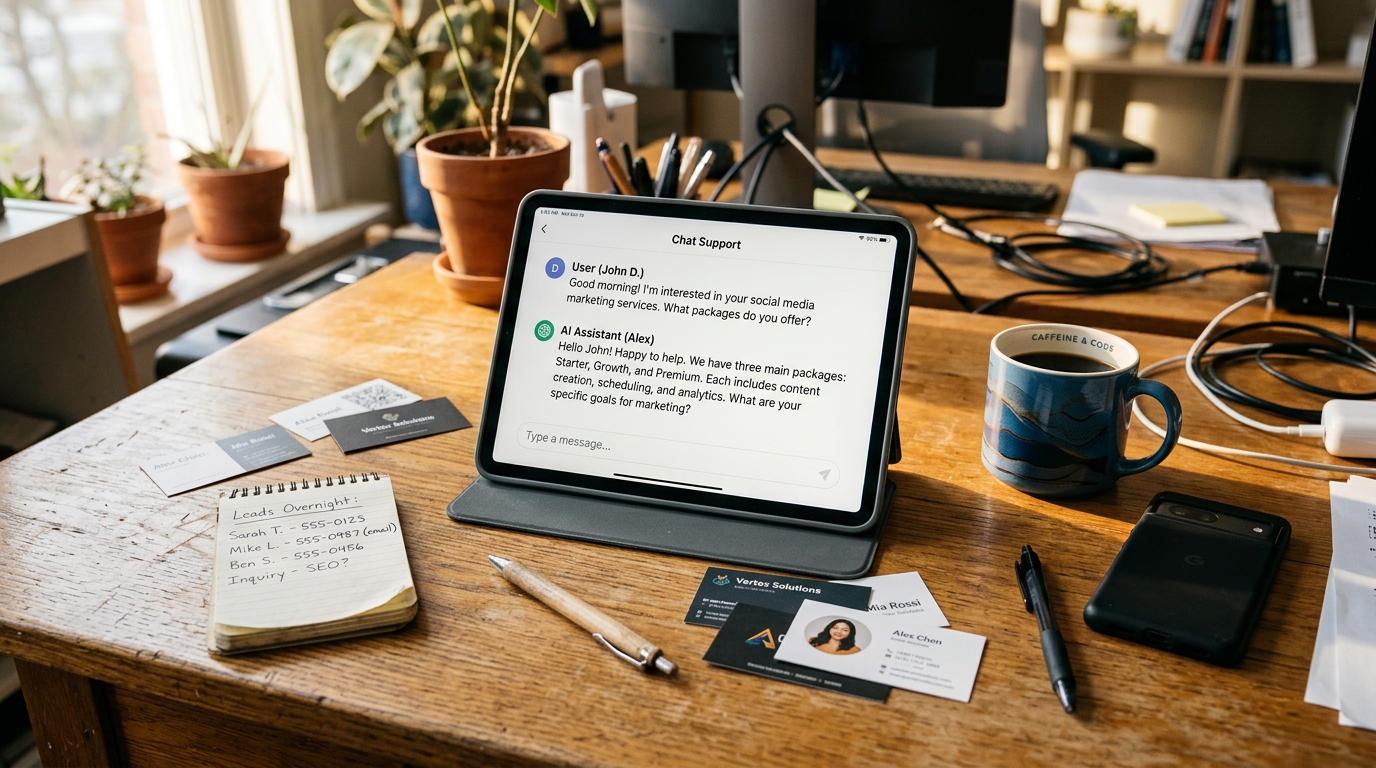
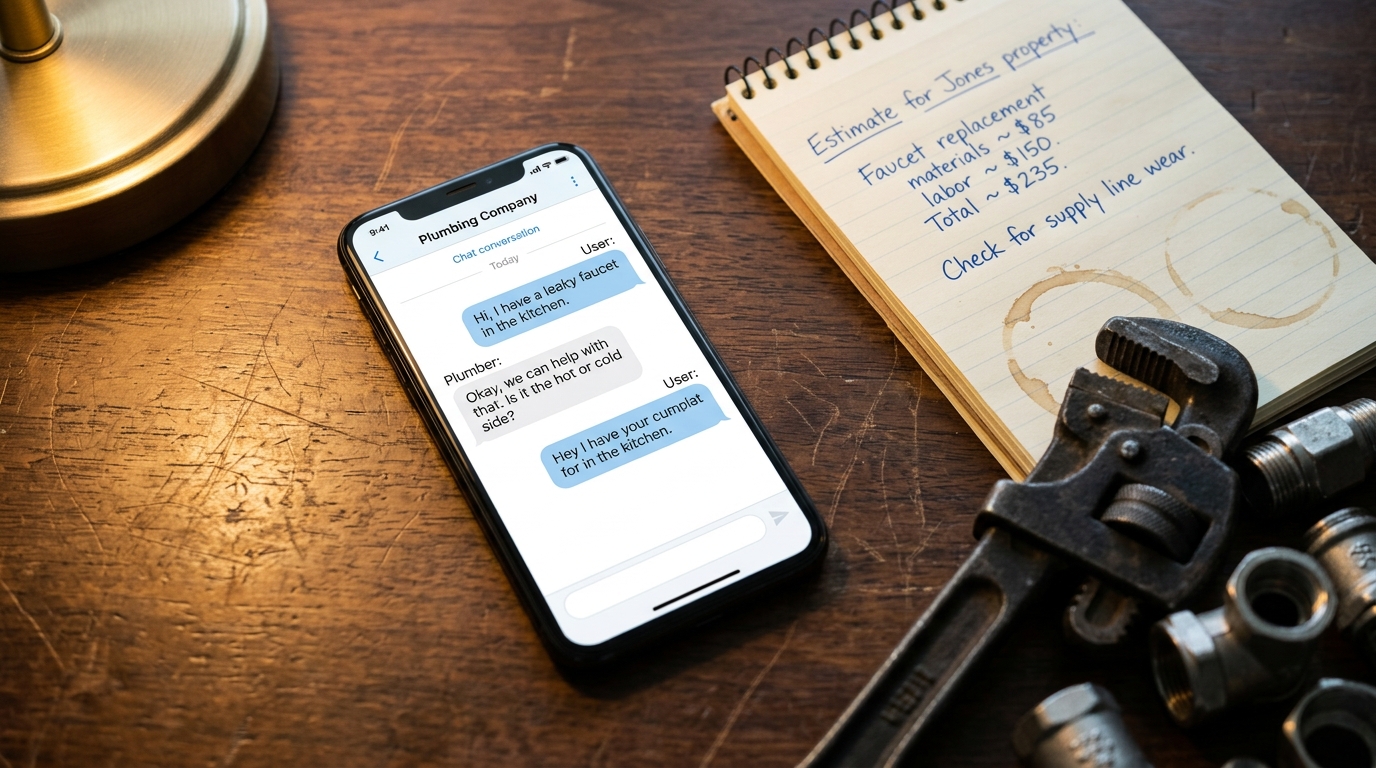
Here's what happens without a chatbot: Someone's kitchen faucet starts leaking at 9 PM. They Google "plumber near me," land on your site, see your phone number (which goes to voicemail after 6), see your contact form, and think "I'll just call someone else." You lost a $300 job because your website was essentially a closed sign.
Here's what happens with Chatbase: Same scenario. Leaky faucet. 9 PM. They land on your site. A chat window pops up: "Hey, I'm Murphy's virtual assistant. What can I help with?" They type "do you handle kitchen faucet leaks?" The chatbot - trained on your services page - says yes, explains your pricing range, and asks for their name and phone number so Murphy can call them first thing in the morning. Lead captured. Job booked by 8 AM.
That's ai chatbot lead generation in its most practical form. No buzzwords. Just catching the customers who show up when you can't.
Setting It Up (It's Easier Than Your WiFi Router)
The setup process for Chatbase goes roughly like this:
1. Feed it your data. Paste your website URL and it crawls your pages. Upload any PDFs - your service menu, price list, warranty info, whatever. If you have a Google Doc with your most common customer questions, upload that too.
2. Customize the personality. You can tell it things like "be friendly but professional" or "always mention we offer free estimates" or "if someone asks about pricing for a full bathroom remodel, tell them to call for a custom quote." It follows instructions surprisingly well.
3. Add the lead capture. Configure it to ask for name, email, and phone number before or after answering questions. This is the actual lead generation part - the chatbot isn't just answering questions, it's collecting contact info you can follow up on.
4. Embed it on your site. Copy-paste a snippet of code into your website. If that sentence made you nervous, this is literally the kind of thing Autom84You handles - I've embedded these on everything from WordPress sites to fully custom builds. Takes about ten minutes.
Pros and Cons (Honest Ones)
Pros:
1. It actually uses your data. This isn't a generic chatbot that gives Wikipedia answers. It knows YOUR services, YOUR hours, YOUR pricing - because you told it.
2. The price is reasonable. $19-$99/month is lunch-money compared to what you'd pay a answering service ($200-500/month) or what you lose from missed after-hours leads.
3. Setup is genuinely fast. If your website content is decent, you can have a working chatbot in under an hour. I've done it in 20 minutes for clients with clean sites.
Cons:
1. It's only as good as what you feed it. If your website hasn't been updated since 2021 and still lists services you don't offer anymore, the chatbot will confidently recommend those services. Garbage in, garbage out - the KPMG rule.
2. Complex conversations hit a wall. If a customer asks something genuinely nuanced - "can you install a tankless water heater in a 1940s house with galvanized pipes and a shared gas line?" - the chatbot will either give a generic answer or punt. It's a first responder, not a master plumber.
3. Lead quality varies. You'll capture some tire-kickers alongside real prospects. The chatbot can't tell the difference between someone who needs a plumber tomorrow and someone who's "just looking" for a renovation they'll do in 2028.
How It Compares
Tidio ($29/month and up) does similar things but bundles live chat and email marketing into the same platform. If you want an all-in-one customer communication tool, Tidio's worth a look. But its AI training-on-your-data features aren't as deep as Chatbase's - you'll spend more time manually writing conversation flows.
Botpress (free, open-source) is the power-user option. If you or someone on your team can handle a visual flow builder and doesn't mind reading documentation, Botpress gives you more control. But "more control" also means "more ways to accidentally break it," and there's no support team to call when your chatbot starts telling customers you're open on Christmas.
For most small businesses doing ai chatbot lead generation for the first time, Chatbase hits the sweet spot of easy setup and reasonable pricing.
The Custom Route
Here's the thing Chatbase (and every off-the-shelf tool) can't do: integrate deeply with YOUR specific workflow. If you want the chatbot to check your actual Google Calendar for availability, pull from your CRM, or handle booking logic that's specific to how your business operates - that's custom territory.
That's the work I do at Autom84You - building ai chatbot lead generation systems that are trained on a business's real data AND wired into their actual tools. Custom chatbots start at $1,000, and the difference between a $99/month Chatbase bot and a custom-built one is the difference between a smart FAQ and an actual digital employee who knows your booking system.
Not everyone needs that. If you're a solo landscaper who just wants to capture names and phone numbers after 6 PM, Chatbase at $19/month is perfect. But if you're running a multi-location operation or your sales process has more than three steps, the custom route pays for itself fast.
What to Do Right Now
Go to Chatbase, sign up for the free tier, and paste your website URL. Watch it crawl your site and build a chatbot in about five minutes. Then open a new browser tab, pretend you're a customer, and ask it questions about your business. You'll immediately see what it gets right and what it gets wrong - and the wrong answers will tell you exactly what's missing from your website content.
That ten-minute experiment will teach you more about ai chatbot lead generation than any webinar. And it'll probably teach you a few things about your own website copy, too. (If the chatbot can't figure out what you charge for your most popular service, neither can your customers.)
If you get through the experiment and think "this is great but I need it to actually DO things" - book appointments, check availability, route different types of requests - that's when you email nerd@a84y.com and we'll talk about building something custom. No sales pitch. Just a conversation about what your website does at 10 PM when you're not watching.
Your bell-on-the-front-desk deserves an upgrade.


Comments
No comments yet. Be the first to share your thoughts!
Leave a Comment