
A guy I know runs a 4,000 square-foot warehouse in Fremont that distributes auto parts to independent repair shops across the East Bay. When he called me last year, he was paying $249/month for Cin7 Core - formerly DEAR Inventory - and using maybe 30% of its features. His actual daily workflow: scan parts in, scan parts out, check what's low, reorder. That's it. He was spending $3,000 a year on software built for companies ten times his size.
This is the story of an inventory management system build I did for his operation, why it worked, and whether it would work for yours.
The Popular Path: SaaS Inventory Platforms
Let's be fair about why platforms like Cin7, Sortly, and inFlow are popular - they deserve to be. You sign up, connect your accounts, and you're running within a day. No developer needed. No server to maintain. For a business doing $2M+ in revenue with complex multi-channel sales, a platform like Cin7 (starting at $349/month in 2026, per Shopify's supply chain breakdown) or NetSuite makes sense. The integrations alone - Shopify, Amazon, QuickBooks - would take months to replicate.
But here's who these platforms aren't built for: the warehouse with one location, 800-2,000 SKUs, a handful of employees, and a workflow that hasn't changed in three years. For that business, the $200/month subscription is paying for a conference room when you need a desk.
The Inventory Management System Build: What I Actually Made
The system I built for the Fremont warehouse runs on a $6/month VPS. The total inventory management system build cost was around $2,800 - roughly what he'd been paying Cin7 in nine months. Here's what it does:
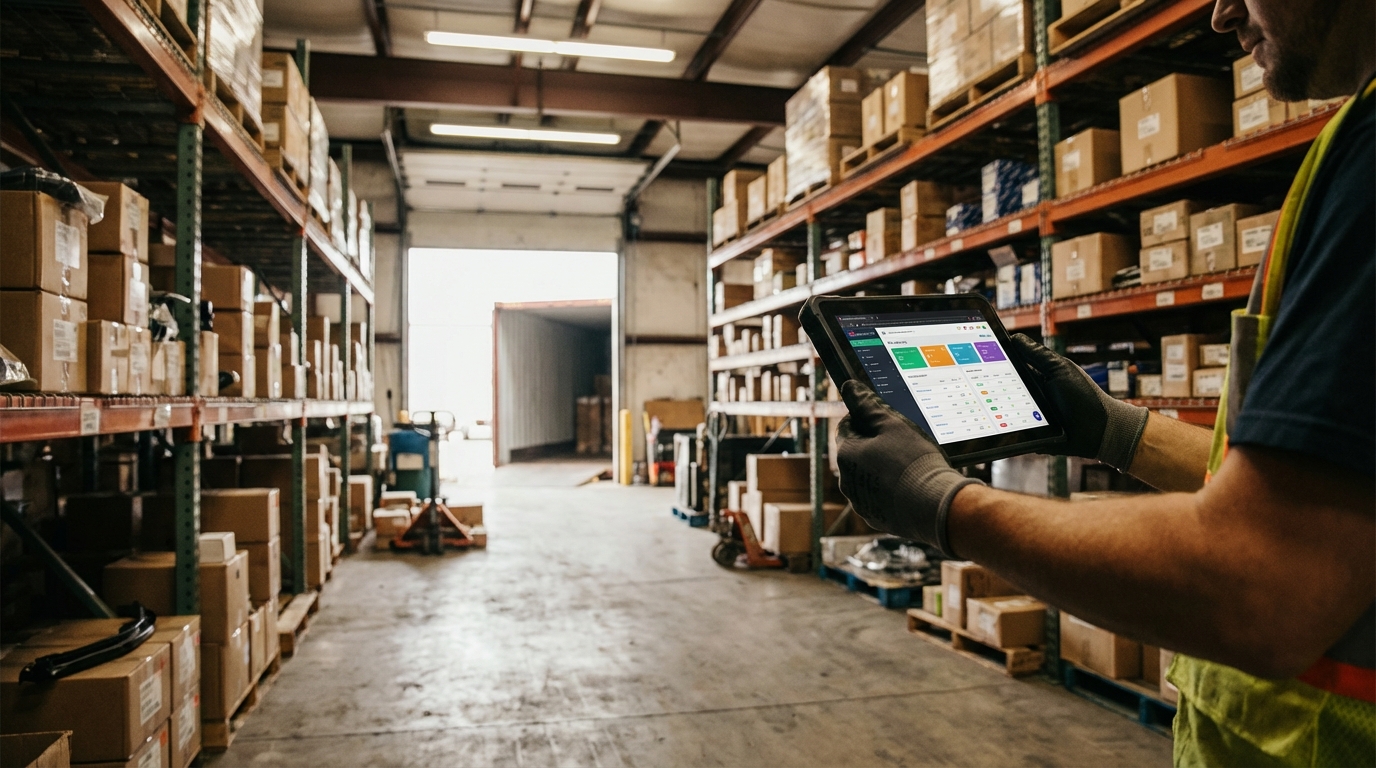
Receiving: Employee scans a barcode with a $40 Bluetooth scanner paired to a tablet mounted at the loading dock. The system logs the part number, quantity, timestamp, and which purchase order it belongs to. If the part doesn't exist yet, it prompts them to add it - name, category, shelf location, reorder threshold. Takes about 15 seconds per line item.
Picking and shipping: When an order comes in (manually entered or pulled from a shared Google Sheet his sales guy fills out), the system generates a pick list sorted by shelf location so the warehouse guy walks one loop through the aisles instead of zigzagging. Scanned out, quantity drops, done.
Low-stock alerts: Every morning at 6 AM, the system checks inventory against reorder thresholds and sends a summary email. Not a push notification that interrupts breakfast - an email he reads with his coffee before heading in.
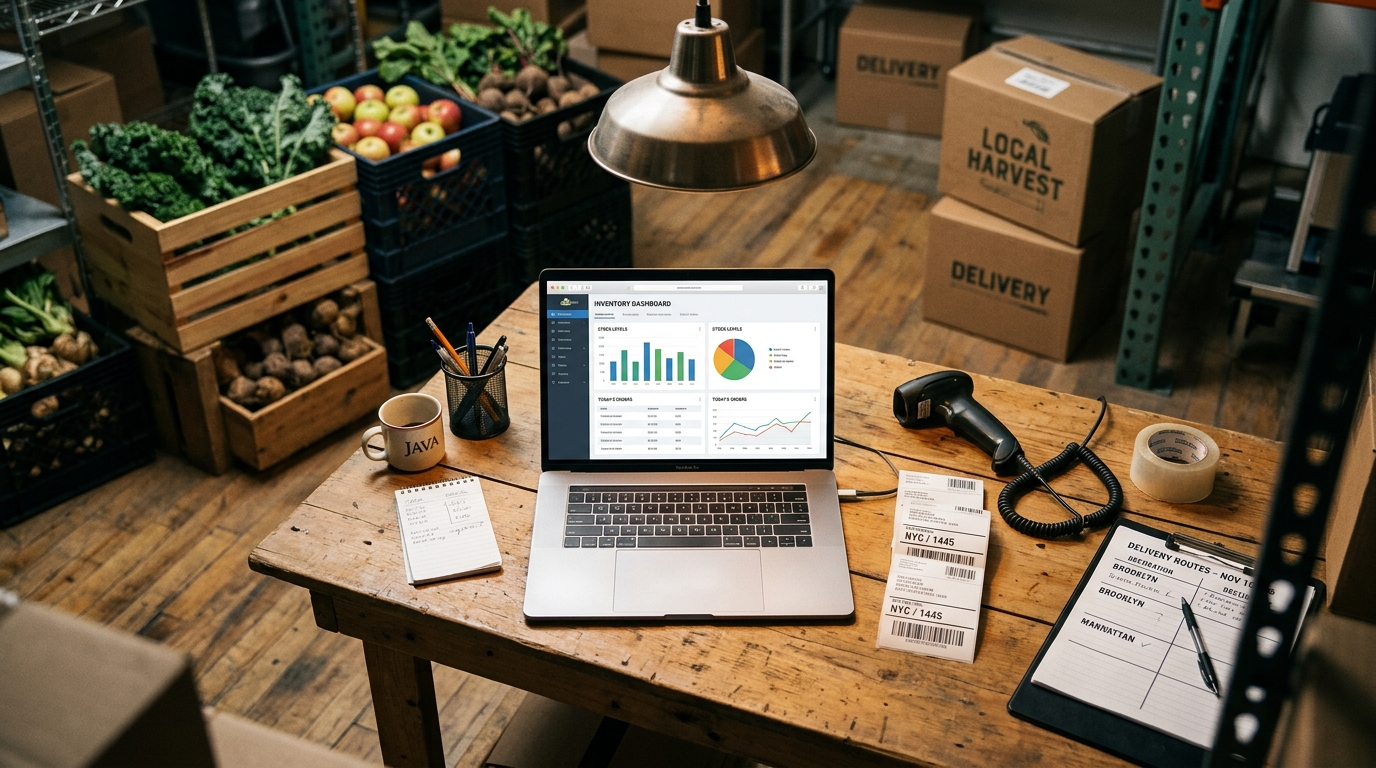
Reporting: One dashboard page showing current stock levels, items below threshold, and a 90-day movement chart so he can spot what's sitting dead on shelves. No 47-tab analytics suite. One page.
Why a Custom Inventory Management System Build Isn't for Everyone
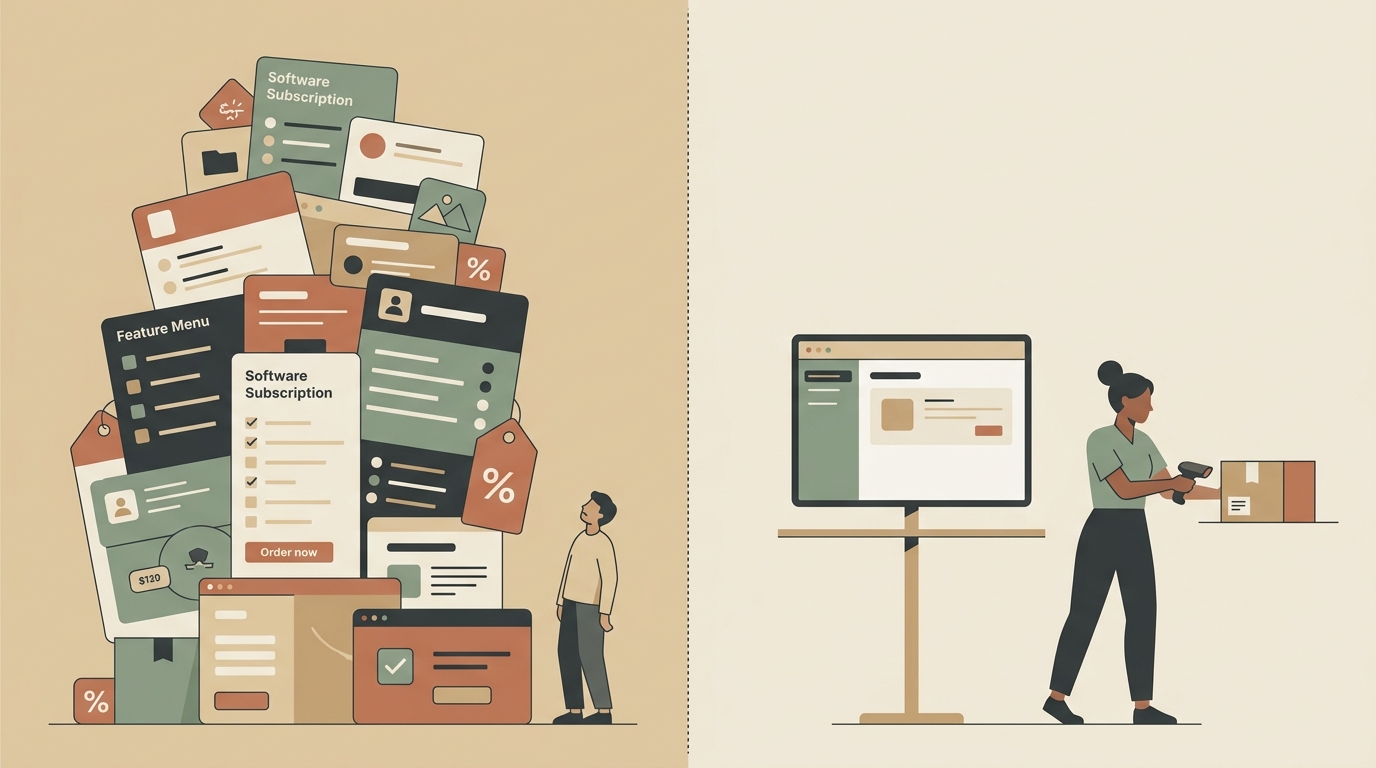
Multi-channel sellers. If you sell on Amazon, Shopify, Etsy, and wholesale simultaneously, you need real-time sync across all those channels. Building and maintaining those API integrations custom is a headache that never ends. Use Cin7 or Ordoro. Pay the subscription. It's worth it.
Businesses with complex manufacturing or kitting. If you assemble products from component parts and need bill-of-materials tracking, you're looking at genuine ERP territory. Gartner's 2026 buyer survey found that SMBs with manufacturing workflows overwhelmingly preferred bundled ERP suites over standalone inventory tools - and they were right to.
Anyone without a stable workflow. Custom software encodes your current process. If your process changes every quarter, you'll be paying a developer every quarter. SaaS platforms are more flexible because they're designed to be generic.
Who a Custom Build Actually Fits
The sweet spot for a custom inventory management system build is a business that meets roughly these criteria:
- Single location (or two locations with the same process)
- Under 5,000 SKUs
- Workflow hasn't changed meaningfully in at least a year
- No need for real-time marketplace sync
- Currently paying $100-400/month for software they barely use
That describes a surprising number of businesses: small warehouses, auto parts distributors, specialty food distributors, veterinary supply rooms, machine shops tracking consumables. It also describes a lot of retail shops that just need to know what's on the shelf and what to reorder.
Pros of Going Custom
1. You stop paying rent on your own workflow. The Fremont warehouse owner's ongoing cost is $6/month for hosting plus maybe 2-3 hours of my time per year for minor tweaks. Compare that to $3,000+/year for Cin7.
2. It does exactly what you need and nothing else. No feature bloat. No 14 menu items you never click. His warehouse guys learned the whole system in about 20 minutes because there was nothing to learn except their own process, just on a screen now.
3. Your data lives on your server. When you cancel a SaaS subscription, exporting your data cleanly is never as easy as the sales page promised. With a custom build, the database is yours. You can query it, back it up, migrate it - it belongs to you.
Cons of Going Custom
1. You need a developer to build it, and finding a good one is work. A bad inventory management system build is worse than the SaaS you were overpaying for. You need someone who understands both the code and how a warehouse actually operates day-to-day. I've built a few of these - autom84you.com/pages/portfolio.php - but the point is: vet whoever you hire.
2. Integrations are on you. Want to connect to QuickBooks? That's custom API work. Want automatic purchase orders sent to suppliers? More development. Each integration adds cost and maintenance. SaaS platforms have these built in because thousands of customers share the development cost.
3. No customer support team. When Cin7 breaks, you call Cin7. When a custom system breaks, you call the developer who built it. If that developer moved to Bali and isn't answering emails, you have a problem. (This is why I give every client the full source code and documentation - it shouldn't depend on one person being available forever.)
The Comparison, Quickly
Sortly ($49-149/month) is the friendliest option for very small teams. Great mobile app, visual inventory with photos, minimal learning curve. If you have under 500 SKUs and your main concern is knowing what you have and where it is, Sortly is the right SaaS pick. It won't handle complex warehouse workflows, but it's honest about that.
inFlow ($110-415/month) sits between Sortly and Cin7 in complexity. Good for small wholesalers and B2B operations. Handles purchase orders and sales orders well. The mid-tier plan covers most of what small warehouses need.
A custom build ($2,000-5,000 upfront depending on complexity, $5-20/month hosting) wins when your needs are specific, stable, and don't require marketplace integrations. Loses when you need to connect to everything and don't want to wait for custom development.
What I'd Do If I Were Starting Today
If you're running a small warehouse or stockroom and you're not sure which direction to go, here's the most practical thing you can do this week: write down every inventory action you or your team take in a normal day. Not what your current software can do - what you actually do. Every scan, every count, every reorder, every report you check.
If that list fits on an index card, you're probably a good candidate for a custom inventory management system build. If it fills a page with integrations and multi-step workflows across platforms, a SaaS tool is probably the right call - and you should look at inFlow or Cin7 depending on your volume.
Either way, the goal is the same: spend money on what matches your actual operation, not on what a software company's pricing page says you need.
If you want a second opinion on what makes sense for your setup - SaaS, custom build, or something in between - reach out at nerd@a84y.com. I've done enough of these to tell you honestly which direction saves you money over two years. More about what I build at autom84you.com.


Comments
No comments yet. Be the first to share your thoughts!
Leave a Comment