
A dog groomer in Campbell, CA told me she was paying $189 a month for her booking system. Small business expenses like that add up - she was spending over $2,200 a year just so clients could pick a time slot online. The system had CRM features, email marketing, staff scheduling for a team of twelve, and inventory tracking. She works alone and grooms six dogs a day.
She didn't need 90% of what she was paying for. And she's far from the only one.
The Booking System Small Business Owners Keep Getting Sold
If you search for appointment scheduling software right now, the same names show up everywhere: Acuity Scheduling (owned by Squarespace), Calendly, Square Appointments, and Vagaro for salons. Website Planet's 2026 roundup lists ten platforms, most running $25 - $300 per month depending on features and staff count.
These platforms are popular for good reasons. Acuity is genuinely well-built - the interface is clean, it syncs with Google Calendar and Zoom, and setup takes about an hour. Calendly is even simpler if all you need is one-on-one meeting scheduling. Square Appointments is free for solo operators (with a catch - they take a percentage on payments). Vagaro is the go-to for salons and spas with multiple employees and service menus.
For a multi-location dental practice or a salon with eight stylists, these platforms earn their monthly fee. The scheduling logic for rotating staff, room assignments, and service durations is genuinely complex, and building that from scratch would cost thousands.
But here's what nobody selling these platforms will tell you: most solo operators and small teams don't need rotating staff logic or room assignments. They need a calendar that lets someone pick a date, pick a time, and maybe pay a deposit. That's it.
What a Booking System Small Business Solopreneurs Actually Use Daily
Let me walk through what the Campbell dog groomer's day actually looks like with her booking system:
- Client opens her website on their phone
- Client picks "Full Groom" or "Bath & Trim"
- Client sees available slots (she blocks out lunch and her Tuesday off)
- Client picks a slot and pays a $20 deposit via Stripe
- Both get a confirmation email
- She gets a text reminder the morning of
That's the entire workflow. No team scheduling. No inventory. No email marketing campaigns. No CRM pipeline. Six steps, and she was paying $189/month for a platform built to handle a hundred times that complexity.
The Quieter Path: A Custom Booking Form
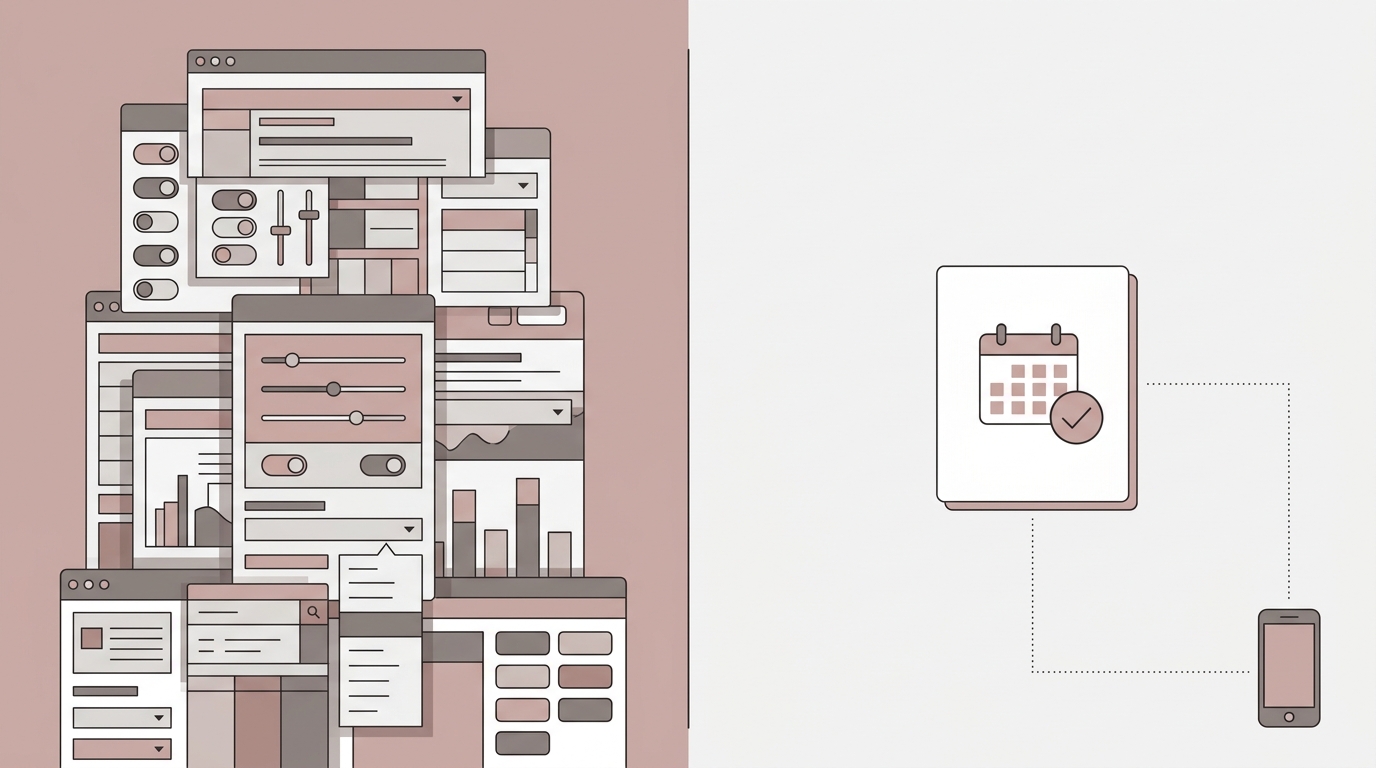
I built one for this groomer. It's a single page on her existing site - a service dropdown, a date picker that pulls her availability from Google Calendar, a time slot selector, and a Stripe payment field for the deposit. Total monthly cost: $0. Stripe takes its standard 2.9% + 30¢ per transaction on the deposit, same as every other platform. But there's no platform fee on top of that.
The confirmation emails go out through her existing Google Workspace account. The calendar sync is two-way - she blocks a slot in Google Calendar, it disappears from the booking page. She books someone manually (a regular who just calls), it blocks the slot on the website.
Setup was a one-time cost. No monthly drain. After two years, the dog groomer who switches from a $189/month platform to a custom form has saved $4,536 - and her clients see no difference in the booking experience.
Pros and Cons: Platform vs. Custom Booking System for Small Business
Platform (Acuity, Calendly, Vagaro)
Pros:
- Fast to set up - most are ready in under an hour with no technical skill required
- Built-in payment processing, reminders, and rescheduling flows
- Scales well if you add employees, locations, or complex service menus
Cons:
- Monthly fees compound - $150/month is $1,800/year, $9,000 over five years
- You're renting the system, not owning it - if the platform changes pricing or shuts down a feature, you adapt or migrate
- Most solo operators use maybe 15% of the features they're paying for
Custom Booking Form
Pros:
- One-time cost instead of recurring monthly fees
- Looks and works exactly the way you want - matches your site, your flow, your brand
- You own it - no platform risk, no surprise price hikes, no feature removals
Cons:
- Requires a developer to build (this isn't a DIY weekend project)
- Adding complex features later (multi-staff, waitlists, class bookings) means more development work
- No built-in marketing tools - you'll need separate solutions for email campaigns or loyalty programs
How to Decide Which Booking System Small Business Owners Should Pick
The honest answer depends on two things: how many people work at your business, and how complicated your service menu is.
If you're a solo operator or a team of two - a plumber, a mobile notary, a private music teacher, a personal trainer, a freelance photographer - and your services are straightforward, a custom booking form will save you money every single month and work just as well for your clients.
If you have five or more staff members with different schedules, skill sets, and service capabilities - a busy barbershop, a med spa, a multi-practitioner therapy office - the scheduling logic alone justifies a platform subscription. Acuity or Vagaro will handle shift rotations and service-to-staff mapping far more reliably than anything custom-built for the same budget.
If you're in between - a two-person tattoo studio, a small cleaning company with three crews - it could go either way. This is where the math matters. Add up what you'd pay over three years for a platform, compare it to a one-time build cost, and factor in whether you expect to grow the team.
A Real Example: What Changed for One Bay Area Business
Back to the groomer. Her old booking page was a generic Acuity embed - functional, but it looked like every other Acuity page on the internet. The fonts didn't match her site. The color scheme was off. The mobile experience required scrolling through options that didn't apply to her (she doesn't do cat grooming, but the template included it).
The custom form I built matched her website exactly. Two service options, not twelve. A photo of her shop at the top. Her cancellation policy right next to the deposit field so people read it before paying. The deposit reduced her no-show rate from roughly one per week to about one per month - clients who put $20 down actually show up.
Her inquiry-to-booking conversion rate went up roughly 3× after the switch. Not because of magic - because the old system had too many choices and looked like a generic third-party tool. The new one felt like part of her business. Clients trusted it more because it looked like it belonged there.
If you want to see what that kind of build actually looks like, her project is in my portfolio. I build custom sites and booking setups for small businesses starting at $500 - or $75/hour for more involved projects through Autom84You.
What About Free Options?
Square Appointments deserves a mention here because it's genuinely free for individual users. You only pay Stripe-like processing fees on payments. The catch: it pushes you toward the Square ecosystem for payments, POS hardware, and marketing - and once you're deep in that ecosystem, moving away gets complicated. It's free the way Gmail is free: you're not the customer, you're the product being funneled toward paid add-ons.
Google Calendar with a booking page (a newer feature) is another zero-cost option. It works for service providers who just need simple time-slot selection - consultants, tutors, coaches. It won't handle deposits or service selection, but if all you need is "pick a 30-minute window on my calendar," it does that cleanly with no extra software.
The Booking System Small Business Guides Won't Mention
Most "best booking software" articles are affiliate content. The writer gets paid when you sign up for Acuity or Calendly through their link. That doesn't make their recommendations wrong - those are solid platforms - but it does mean the option that earns the writer $0 in commission (a custom build, a free tool, or just using Google Calendar) rarely makes the list.
The right booking system for a small business isn't always the one with the most features or the biggest name. Sometimes it's the one that does exactly what you need and nothing more.
If you're not sure which direction makes sense for your situation - platform, custom build, or free tool - send me a note at nerd@a84y.com. I'll look at what you're currently using, what you actually need, and tell you straight whether a custom build would save you money or whether a platform is the right call. No pitch, just an honest take from someone who's built both.

Comments
No comments yet. Be the first to share your thoughts!
Leave a Comment