
The Popular Tool vs Custom Debate Has a Plot Twist
There's a moment in every heist movie where the team considers going through the front door. Everyone argues about the air ducts, the sewer tunnels, the elaborate disguise involving a fake mustache. Then the quiet one in the corner says, "The front door is unlocked."
That's basically the popular tool vs custom conversation for small businesses right now. Everyone assumes the popular SaaS platform is the safe bet - the front door, the obvious move. And building something custom? That's the air duct plan. Risky. Expensive. Probably involves a fake mustache.
But here's the twist nobody talks about: sometimes the custom route is the front door. The boring, responsible, financially conservative choice. And the popular tool is the one that's going to have you army-crawling through metaphorical ductwork at 2 AM wondering where it all went wrong.
Let me explain.
Quick Definitions Before We Compare Popular Tool vs Custom
The Popular Tool: A subscription SaaS product used by thousands (or millions) of businesses. Think Squarespace for websites, HubSpot for CRM, Shopify for e-commerce, Mailchimp for email. Plug in your credit card, pick a template, go.
The Custom Build: Software, a website, or a workflow built specifically for your business. Could be a custom website, a tailored AI chatbot, or an automation that connects your booking system to your invoicing to your follow-up emails without you touching anything.
Both are real options. Neither is automatically better. But the way people talk about them is almost always wrong.
Pricing: Where the Math Gets Weird
But here's what happens at month 18. You need a feature. The feature is on the next pricing tier. Or it requires an app from the marketplace that costs $29/month. Then you need another app. Then those two apps don't talk to each other, so you add Zapier at $29.99/month to connect them. Now you're paying $150/month for a Frankenstein stack that still can't do the one thing you actually needed.
A vocal.media piece on Custom Software vs SaaS trends in 2026 pointed out that U.S. companies are increasingly running the numbers and realizing custom builds hit ROI faster than expected - especially when the SaaS subscription creep gets factored in over 3-5 years.
Meanwhile, a custom website starts at around $500 (that's what I charge at Autom84You, for the record). No monthly platform fee. You own it. The hosting costs maybe $10-15/month. Over three years, that's roughly $860 total vs. $1,188+ for Squarespace - and that's before Squarespace's price increases, which happen like clockwork every 18 months, like a dental cleaning nobody asked for.
Custom isn't always cheaper. Complex builds at $75/hour can add up if you need a lot. But for a straightforward business site? The "expensive custom option" is often literally hundreds of dollars less over time.
Ease of Use: The Template Trap
Popular tools are easy to start. I'll give them that. Drag, drop, done. You feel productive. You feel like a web designer. You are briefly, dangerously happy.
Then you try to move your logo 4 pixels to the left and discover that the template has opinions. Strong opinions. The template went to design school and you didn't, and it's not going to let you forget it.
This is the template trap. The tool is easy until you want something specific. Then it's either impossible or requires workarounds that would make a NASA engineer nervous.
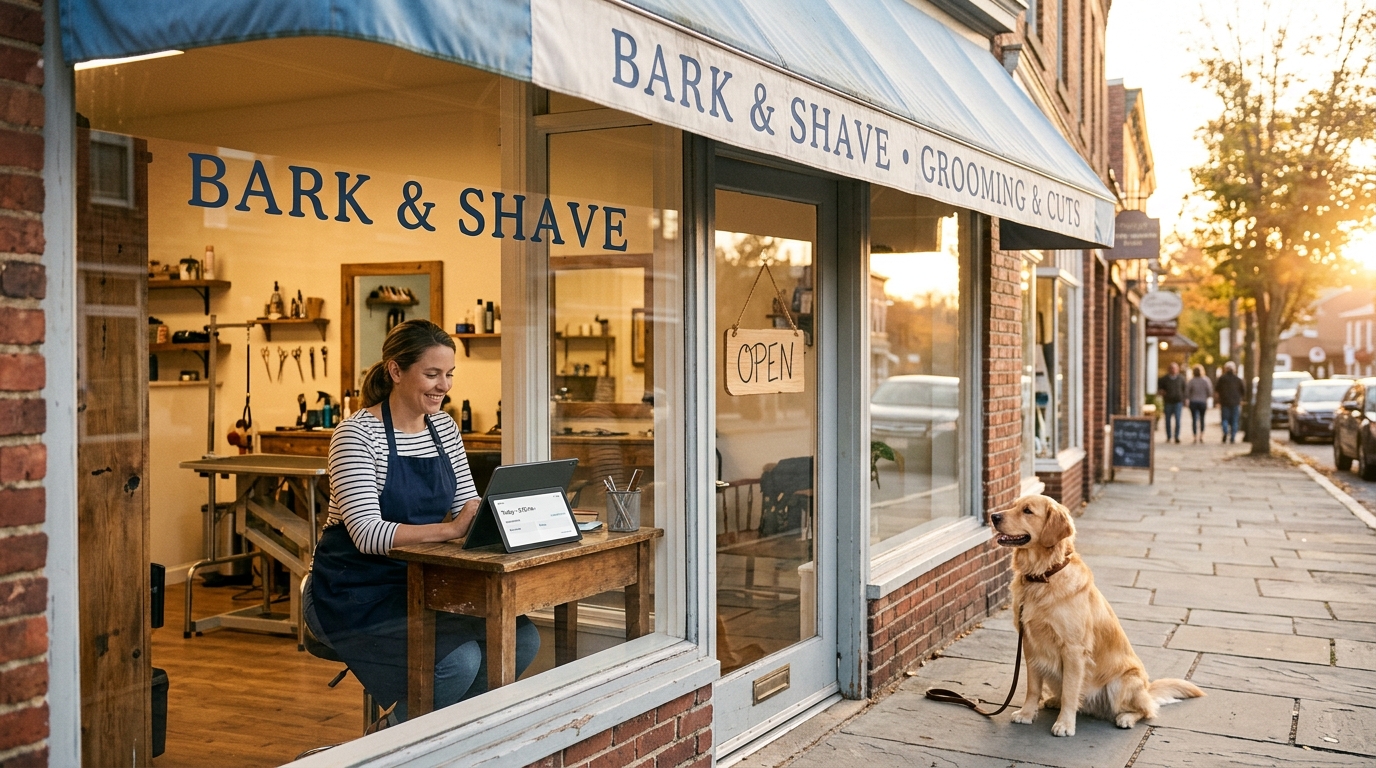
Custom-built stuff has a different learning curve. There's a setup period where someone (hi) builds exactly what you described. Then you get a thing that works the way your business works. Your dog grooming salon's booking page doesn't need to accommodate the needs of a SaaS startup's demo scheduler. It just needs to let people book a bath for a golden retriever named Kevin.
The popular tool vs custom ease-of-use comparison isn't "easy vs hard." It's "easy now, frustrating later" vs. "a little patience now, smooth sailing after."
Features That Actually Matter to Small Businesses
Here's what I've noticed after 20+ years of building things for real businesses (HVAC companies, wedding photographers, taco trucks, the works): small business owners don't need 400 features. They need about 7 features that work perfectly.
Popular tools give you 400. Custom gives you 7. Guess which ones get used?
Let's get specific:
- Contact forms that actually notify you. I've seen Wix contact forms silently eat submissions like a black hole. Custom form? It emails you, texts you, and can even create a row in your spreadsheet automatically.
- Booking that matches YOUR schedule. Not Calendly's idea of your schedule. YOUR schedule. Including that weird Wednesday you take off because your kid has soccer.
- AI chatbots trained on YOUR business. Not a generic bot that cheerfully hallucinates your hours. One trained on your actual menu, your actual services, your actual FAQ. (I build these starting at $1,000, trained on whatever data the business actually has.)
- SEO that someone actually configured. Squarespace gives you SEO fields. Custom gives you SEO fields that someone who understands SEO actually filled in correctly.
The popular tool gives you the ability to do these things. The custom build gives you these things already done. That difference is worth more than most people realize until they've spent a Saturday watching YouTube tutorials about meta descriptions.
Support: Who Do You Call at Midnight?
With a popular tool, you submit a ticket. The ticket enters a queue. The queue is managed by a person named "Team" who responds with a link to a help article you already read. The help article tells you to clear your cache. You cleared your cache. You cleared your cache three times. You are now an expert cache-clearer with an unsolved problem.
With a custom build from a solo developer or small shop, you email a person. That person knows your site because they built it. They probably remember that weird thing with your SSL certificate from last March. They fix it or they explain why it'll take a day. Either way, you talked to a human who has context.
I'm one person running Autom84You out of Sunnyvale. When a client emails me, I know their site, their business, and usually their dog's name. That's not scalable in a venture-capital sense, but it's extremely scalable in a "your-problem-gets-solved" sense.
The Verdict: Popular Tool vs Custom - Who Should Pick What
This is where I'm supposed to say "it depends," and I will, but with actual specifics instead of consultant-speak:
Pick the popular tool if:
- You need something live in 48 hours and don't care about customization (popup shop, weekend event page, temporary landing page)
- You're genuinely testing a business idea and might pivot in 3 months
- Your needs are so standard that a template fits like a glove (basic portfolio site for a freelance photographer who just needs a grid of images and a contact link)
Pick custom if:
- You've been in business for a year+ and know what you need
- You're paying for 3+ SaaS subscriptions that should really be one system
- You've outgrown your template and keep hitting walls
- You want to own your platform instead of renting it
- You need AI tools (chatbots, automation, data workflows) that actually know your business
The Quick Comparison Summary
- Upfront cost: Popular tool wins ($0-39/month to start vs. $500+ for custom)
- 3-year total cost: Custom often wins ($860ish vs. $1,200+ with add-ons and tier upgrades)
- Setup speed: Popular tool wins (hours vs. days/weeks)
- Flexibility: Custom wins decisively (your rules vs. the template's rules)
- Ongoing maintenance: Roughly equal (platforms update themselves; custom needs occasional human attention)
- Support quality: Custom wins if your builder is good (human with context vs. ticket queue)
- Ownership: Custom wins (you own it vs. you rent it)
- Features you'll actually use: Custom wins (7 perfect ones vs. 400 mediocre ones)
The Front Door Was Open the Whole Time
The popular tool vs custom debate gets framed as "safe vs. risky." But after building custom solutions for two decades, I can tell you: the riskier move is usually locking yourself into a platform that raises prices annually, limits what you can do, and treats your business data like a hotel guest treats the minibar - technically available to you, but you'll pay extra to access it.
Custom isn't the heist. Custom is the front door.
It's boring. It's practical. It works the way you work. And nobody has to wear a fake mustache.
If you're a small business owner in the Bay Area (or anywhere, honestly - the internet is conveniently location-agnostic) and you're curious what a custom site, chatbot, or automation would actually cost for your specific situation, just ask. No pitch, no pressure. I'll tell you honestly if a popular tool is the better fit for you.
Rishi - autom84you.com - nerd@a84y.com
I work in metaphors and HTML. Mostly HTML.



Comments
No comments yet. Be the first to share your thoughts!
Leave a Comment