
By the time you finish reading this, you'll know exactly how to get your business into Google's local map pack - the three-listing box that appears above organic search results when someone searches for a service near them. You'll also understand why the $200-$400/month local SEO packages most agencies sell aren't the only path to get there.
What Map Pack Ranking Actually Means in 2026
When someone in Sunnyvale types "plumber near me" or "best tacos in Mountain View," Google shows a map with three businesses pinned on it. That's the map pack. Getting into those three slots - that's map pack ranking. According to Semrush's breakdown of the Google 3-Pack, those three listings pull roughly 44% of all clicks on local search results pages. The seven businesses below them split the scraps.
The popular approach to improving your map pack ranking is hiring a local SEO agency. They'll charge you $200-$400 a month, submit your info to 50+ directories, write a few blog posts, and send you a monthly report with charts. Some of them are excellent. Many of them are doing things you could handle yourself in about two hours a month.
The approach I'm going to walk you through costs $0/month after initial setup. It won't work for everyone - if you're in a brutally competitive market like personal injury law in Los Angeles, you probably do need professional help. But if you're a dog groomer in Campbell, a landscaping crew in Milpitas, or a mobile detailer covering the South Bay, this guide is built for you.
What You Need Before Starting
- A Google Business Profile (formerly Google My Business) - if you don't have one, create it at business.google.com. Verification takes 3-7 days.
- A website. Even a single page works. If you don't have one, autom84you.com builds them starting at $500, but that's a separate conversation.
- Your actual business address or service area defined clearly.
- About 90 minutes for the initial setup, then 15-20 minutes a week going forward.
Step 1: Nail Your Google Business Profile Categories
Don't pick what sounds impressive. Pick what your customers actually search for. A mobile car wash should pick "Car Wash" as primary - not "Auto Detailing Service" unless detailing is genuinely the bigger revenue stream. Check what your top three competitors use (search your service + city, click their listings, look at the category listed). Match or get more specific.
Common mistake: Stuffing every remotely relevant category. Google's 2026 local algorithm update - covered by AD HOC NEWS - specifically penalizes keyword and category stuffing. Three to five well-chosen categories beat nine vague ones.
Step 2: Fix Your NAP Consistency (Name, Address, Phone)
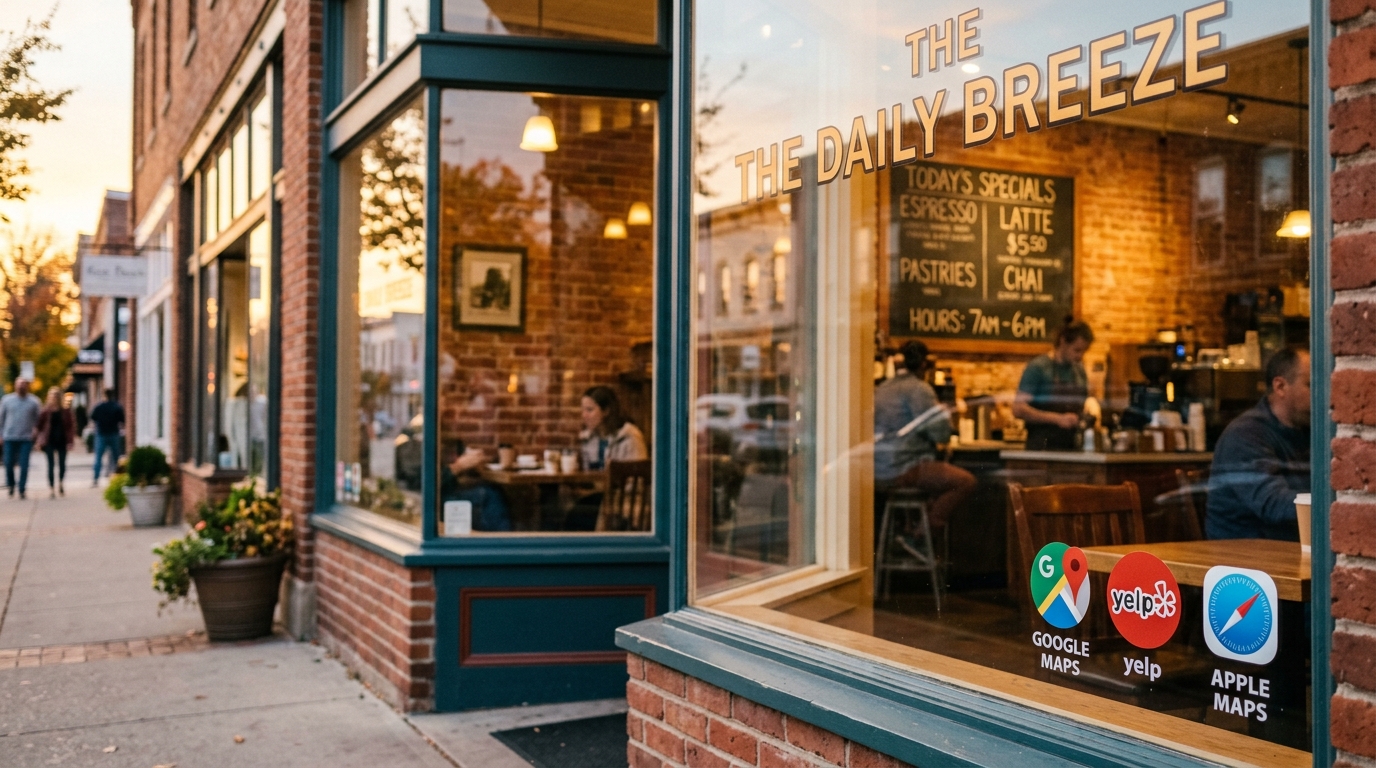
Your business name, address, and phone number need to be identical everywhere. Not similar. Identical. "Bright Smile Dental" on Google and "Bright Smile Dental Care" on Yelp? Google sees two different businesses and trusts neither fully.
Check these manually - it takes about 30 minutes:
- Google Business Profile
- Your website's contact page and footer
- Yelp
- Apple Maps (maps.apple.com)
- Your state's business registration
The paid version of this step is a service like Yext ($499/year) or BrightLocal ($39/month) that pushes your info to 50+ directories simultaneously. Honestly? For a single-location business, the manual approach works just as well. The directories that actually matter for map pack ranking are the six I just listed.
Step 3: Verify Your Map Pin Location
Search Engine Land published a piece specifically about how an incorrectly placed map pin tanks local rankings. This happens more than you'd think - Google's geocoding sometimes drops your pin in the wrong spot, especially if you're in a strip mall, shared office, or newer construction.
Open Google Maps, search your business name, and confirm the pin sits on your actual building. If it's off, open your Google Business Profile, go to Info > Location, and drag the pin to the correct spot. This alone has fixed map pack ranking problems for businesses that tried everything else first.
Step 4: Build a Review Strategy That Isn't Annoying
Reviews matter for map pack ranking. But the way most businesses handle them - the aggressive "PLEASE LEAVE US A REVIEW" email sequence - alienates more people than it converts.
What actually works: create a direct link to your Google review page (search "Google review link generator" - it's a free Google tool). Then do one of these:
- Print it as a QR code on your receipt, invoice, or business card. I built a QR tracking dashboard for a San Jose cleaning company that wanted to know which location's cards were actually generating reviews - the answer surprised them.
- Text it to the customer within 2 hours of completing the job. Not a week later. Two hours, while they're still thinking about how good the work was.
- If you do email, one message, no follow-up sequence. Respect people's inboxes.
Aim for steady growth - 2-4 reviews per month beats 20 reviews in one week followed by silence. Google's algorithm rewards consistency. Respond to every review, including the good ones, within 48 hours.
Step 5: Post Weekly Updates to Your Google Business Profile
Google Business Profile has a "Posts" feature that almost nobody uses consistently. It's free, it takes five minutes, and it signals to Google that your business is active - which directly influences map pack ranking.
Post one of these every week:
- A photo of a completed job (before/after works great for contractors, cleaners, landscapers)
- A short update about seasonal availability
- A special offer with an expiration date
These posts expire after seven days, which is exactly why posting weekly matters. Set a recurring calendar reminder. Wednesday morning, 9 AM, post to GBP. Five minutes.
Step 6: Get Your Website's Local Signals Right
Your website feeds information to Google that affects your map pack ranking. Three things matter most:
- Title tags with location: Your homepage title should include your city. "Martinez Plumbing - Licensed Plumber in Sunnyvale, CA" beats "Martinez Plumbing - Home."
- Embedded Google Map: Add an iframe of your Google Maps location to your contact page. Takes 60 seconds.
- Schema markup: Add LocalBusiness structured data to your site. This is slightly technical - it's a block of JSON-LD code in your page's head section that tells Google your business type, address, hours, and service area in a format it can parse directly. If you're comfortable editing HTML, Google's Structured Data Markup Helper walks you through it for free. If not, this is the kind of thing I handle as part of a site build at autom84you.com/pages/portfolio.php - take a look at some of the local business sites I've done.
Step 7: Track What's Working Without Paying for Software
You don't need a $99/month rank tracker to know if your map pack ranking is improving. Here's the free version:
- Every Monday, search your primary service + city in an incognito/private browser window. Screenshot the map pack results. Save the screenshot in a folder with the date. After a month, you'll see the trend.
- Check your Google Business Profile Insights (it's built in, free). Look at "searches" and "direction requests" month over month.
- Set up Google Alerts for your business name - this catches new mentions and citations you didn't create yourself.
The paid tools (BrightLocal at $39/month, Whitespark at $33/month) are genuinely good if you want automated tracking across multiple keywords. But if you're a single-location business targeting 3-5 service keywords, the manual method gives you everything you need.
Step 8: Don't Ignore the Boring Maintenance
Map pack ranking isn't a set-it-and-forget-it situation. Once a quarter, spend 30 minutes on this:
- Re-check your NAP consistency (step 2). Directories change formats, websites get updated, things drift.
- Update your business hours for holidays and seasonal changes. Google penalizes businesses that show as "open" when they're closed.
- Add new photos. Businesses with 100+ photos get 520% more calls than those with fewer than 10, according to Google's own data.
- Remove any duplicate Google Business Profile listings. Search your business name + address and make sure only one listing appears.
What to Do Next
If you followed all eight steps, you've done more for your local visibility than what many agencies deliver in their first three months - and you haven't spent a dime on monthly services. Give it 6-8 weeks to see measurable movement in the map pack.
The honest truth: for about 70% of single-location service businesses, this DIY approach is enough. The other 30% - multi-location operations, businesses in hyper-competitive categories like lawyers or dentists in major metros, businesses recovering from a Google penalty - those situations benefit from professional help.
If you're not sure which category you fall into, or you'd rather hand the technical parts (schema markup, site optimization, review tracking) to someone who does this regularly - reach out at nerd@a84y.com. I'll look at your current Google Business Profile and your map pack ranking situation and tell you straight whether you need help or whether the guide above is all you need. No pitch, no pressure. That's how autom84you.com works - honest answers first, then you decide.


Comments
No comments yet. Be the first to share your thoughts!
Leave a Comment