
Somewhere in Sunnyvale right now, an accountant is paying $35 a month for a website that has four pages, loads in six seconds on mobile, and hasn't been updated since 2023. That's $420 a year for what amounts to a digital business card with a stock photo of a calculator on it.
If you've ever searched for an accountant site in the Bay Area, you've seen the pattern: oversized hero image, a paragraph about "dedicated service," a list of offerings that reads like a tax code summary, and a contact form that may or may not work. Most of these sites run on Squarespace or Wix. They cost $16 - $33 a month. They look fine. And for a lot of firms, that's genuinely the right call.
But there's a tool that almost nobody in professional services talks about, and it costs $19 per year - not per month. It's called Carrd.
What Carrd Actually Is (And Why It Works for an Accountant Site Bay Area Firms Overlook)
Carrd is a one-page website builder made by a solo developer named AJ. It launched in 2016 and has quietly grown to over 4 million sites without running a single TV ad or sponsoring a single podcast. The free tier gives you three sites with basic features. The Pro tier - $19/year for up to 10 sites - adds custom domains, forms, analytics, and embedded widgets.
One page. That's the whole idea. No blog engine, no e-commerce cart, no membership portal. Just a single, fast-loading page that scrolls vertically and holds everything a visitor needs.
For a lot of professional service providers - CPAs, bookkeepers, enrolled agents, financial planners - one page is enough. Actually, one page might be better.
Why One Page Beats Five for Most Bay Area Accountant Sites
Here's a stat that gets overlooked: according to multiple usability studies, the average visitor to a local service website spends under 60 seconds before deciding to call, email, or leave. They're not reading your "Our Philosophy" page. They're scanning for three things:
- What you do (and whether it matches what they need)
- Where you are (or whether you serve their area)
- How to reach you (phone, email, or form - not all three buried on different pages)
A well-built one-page site puts all three answers on screen within two scrolls. A five-page Squarespace site scatters them across a nav menu that 40% of mobile users won't bother tapping through.
This doesn't mean multi-page sites are bad. If you're a mid-size firm with twelve partners and a blog strategy, you need more than Carrd. But if you're a solo CPA or a two-person bookkeeping practice, the one-page format removes friction instead of adding it.
Concrete Example: A Solo CPA in Fremont Builds an Accountant Site Bay Area Clients Actually Use
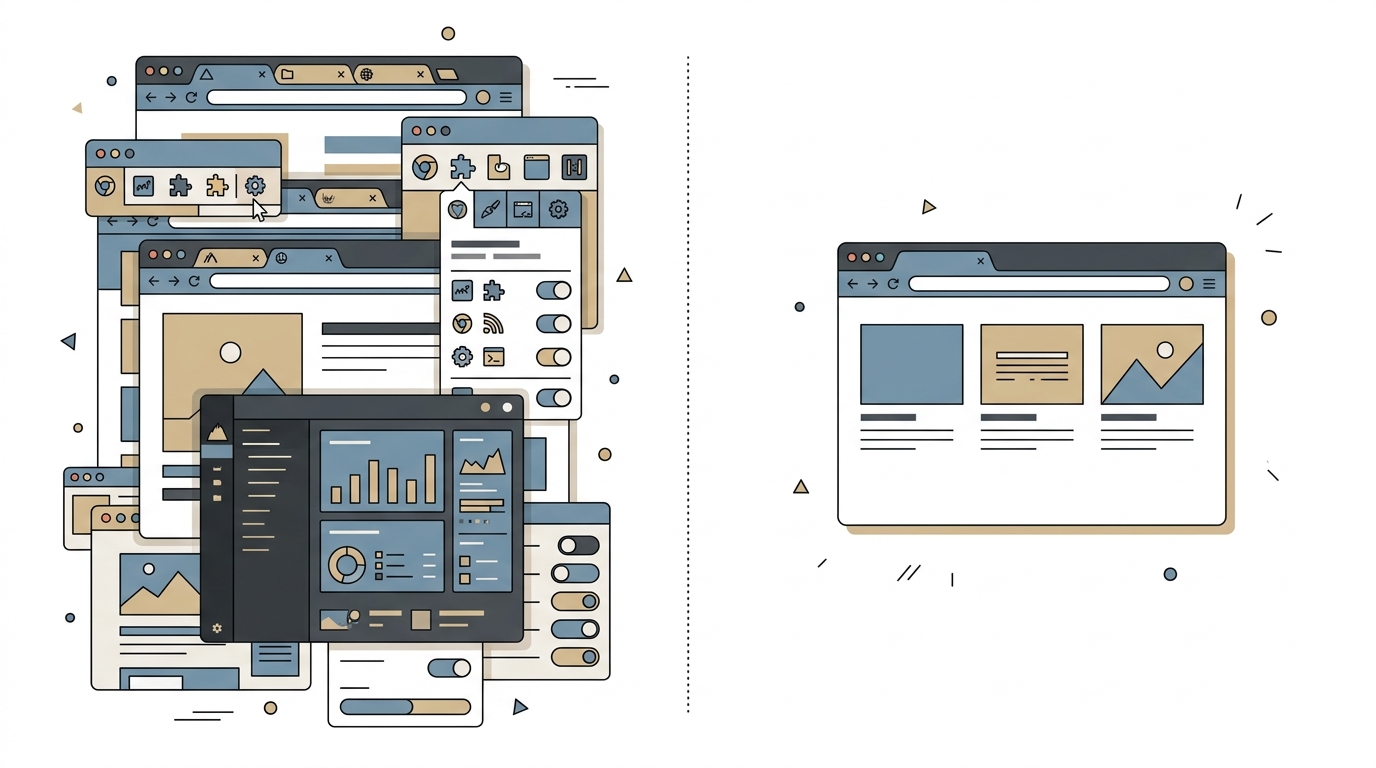
Here's what a Carrd-based site looks like for Priya:
- Section 1 - Header: Her name, "CPA · Tax Prep · Small Business Advisory · Fremont & South Bay." One sentence. A "Call Now" button and an "Email Me" button.
- Section 2 - Services: Four icons with short labels. Individual tax returns. Business tax filing. Quarterly bookkeeping. IRS representation. No paragraph descriptions - just clear labels.
- Section 3 - About: Two sentences about her background, a photo, and her license number. That's it.
- Section 4 - Contact form: Name, email, phone, dropdown for service type, message box. Submissions go straight to her inbox via Carrd's built-in form handler.
- Section 5 - Footer: Address, Google Maps embed, hours, links to her Yelp and LinkedIn profiles.
Total build time: about 90 minutes. Annual cost: $19 for Carrd Pro plus $12 for a .com domain from Porkbun. That's $31 a year versus $204+ on Wix. The site loads in under 1.5 seconds on mobile because there's almost nothing to load.
Priya's site doesn't win design awards. It wins clients - because the people searching "accountant near me" or "CPA Fremont" on their phone at 9pm can find her number in three seconds.
Honest Pros and Cons of Carrd for a Bay Area Accountant Site
Pros:
- Speed and price are hard to argue with. $19/year, sub-2-second load times, and SSL included. For a professional who just needs to exist online credibly, the math is obvious.
- Mobile-first by default. Every Carrd template is responsive out of the box. Given that NBC Bay Area recently reported on the surge in remote and hybrid accounting work across the region, your site needs to look good on the phone people are actually using to find you - and Carrd handles that without any tweaking.
- Dead simple to maintain. No plugins to update, no security patches, no CMS login you'll forget the password to. Log in, change your phone number or add a new service, publish. Done in two minutes.
Cons:
- No blog, no content marketing. If SEO through regular blog content is part of your growth plan, Carrd can't do that. You'd need to pair it with a separate blog platform or switch to something with a CMS.
- Limited integrations. You can embed third-party widgets and connect forms to Zapier, but there's no native scheduling tool, no client portal, no document upload. If your intake process is complex, you'll hit walls.
- One page means one page. If you serve both individuals and businesses with meaningfully different messaging, cramming it all onto one scroll can get cluttered. Two audiences usually means two pages minimum.
How Carrd Compares to Squarespace and Google Sites for Accountant Sites in the Bay Area
Squarespace ($16 - $33/month): The popular choice for a reason. Beautiful templates, built-in SEO tools, scheduling integrations, and a real blog engine. If you're a firm with 3+ people or you want to publish monthly tax tip articles, Squarespace earns its price. The tradeoff is complexity - most accountants I've talked to use maybe 20% of what Squarespace offers and pay for the other 80%.
Google Sites (free): Technically free, technically functional, and looks like it. Google Sites works in a pinch if you literally need a URL to put on your business card tomorrow. But the design limitations are severe, custom domain setup is clunky, and the sites feel dated. For a professional who handles other people's money, "looks like a free website" is not the impression you want.
Carrd ($19/year): Sits in the middle. Looks significantly more polished than Google Sites, costs a fraction of Squarespace, but trades away multi-page flexibility. For the solo practitioner or small practice that needs a clean, fast, credible online presence without ongoing cost or maintenance - it's the option that rarely gets mentioned in "best website builder" roundups because there's no affiliate commission worth writing about.
When Carrd Isn't Enough - and What to Do Instead
If your practice is growing, if you need client intake forms with document uploads, if you want a blog that ranks for terms like "accountant site bay area" or "small business tax prep Sunnyvale" - a one-page builder won't get you there.
That's where a custom build starts making sense. Not a $15,000 agency project - something more like a focused three-to-five page site with proper local SEO structure, fast hosting, and exactly the features your practice needs. I've built sites like that for professional service providers through Autom84You, starting at $500 for a complete custom site. You can see examples at autom84you.com/pages/portfolio.php - including service businesses in the Bay Area that needed more than a template but less than an enterprise build.
The point isn't that Carrd is always the answer. The point is that it's an answer - a legitimate one that gets skipped because nobody profits from recommending a $19/year tool when they could sell you a $300/month platform.
Your Next Step if You're Running a Bay Area Accountant Site (Or About to Build One)
If you don't have a site yet: go to carrd.co, pick a template, and get something live this week. Imperfect and online beats perfect and hypothetical. You can always upgrade later.
If you have a site that loads slowly, hasn't been updated in over a year, or gets zero calls: run it through Google's PageSpeed Insights. If the mobile score is below 50, you're losing visitors before they even see your content. That's fixable - sometimes with a lighter platform like Carrd, sometimes with a proper custom build.
If you want a second opinion on what your specific practice actually needs - not what a website builder's sales page says you need - reach out at nerd@a84y.com. I'll look at your current setup and tell you honestly whether Carrd, Squarespace, or something custom makes sense for where your practice is right now. No pitch, just a straight answer from someone who's built accountant sites in the Bay Area and knows what actually moves the needle for local professional services.


Comments
No comments yet. Be the first to share your thoughts!
Leave a Comment