
You Have Testimonials. You Don't Have Proof.
Here's something I notice when I audit websites for service businesses - plumbers, accountants, wedding photographers, IT consultants: they all have a testimonials section. Five stars, nice quotes, maybe a first name and last initial. And almost none of them have a dedicated case study page.
The difference matters more than you'd think. A testimonial says 'they liked working with us.' A case study says 'here's exactly what we did, what it cost, and what happened after.' One is a character reference. The other is evidence.
A case study site template gives you a repeatable structure so you can publish that evidence without hiring a copywriter every time you finish a project.
What a Case Study Site Template Actually Is
It's not complicated. A case study site template is a pre-built page layout - usually HTML/CSS or a CMS block pattern - with placeholders for the four things every good case study needs:
- The situation - who the client was, what they needed
- The approach - what you actually did (specific steps, not vague language)
- The result - numbers if possible, before/after if not
- The proof - screenshots, photos, a quote, or a link to the live work
You fill in those four sections each time you wrap a project. Twenty minutes of writing turns into a page that sells for you indefinitely.
The Popular Path: Squarespace, Wix, and WordPress Theme Galleries
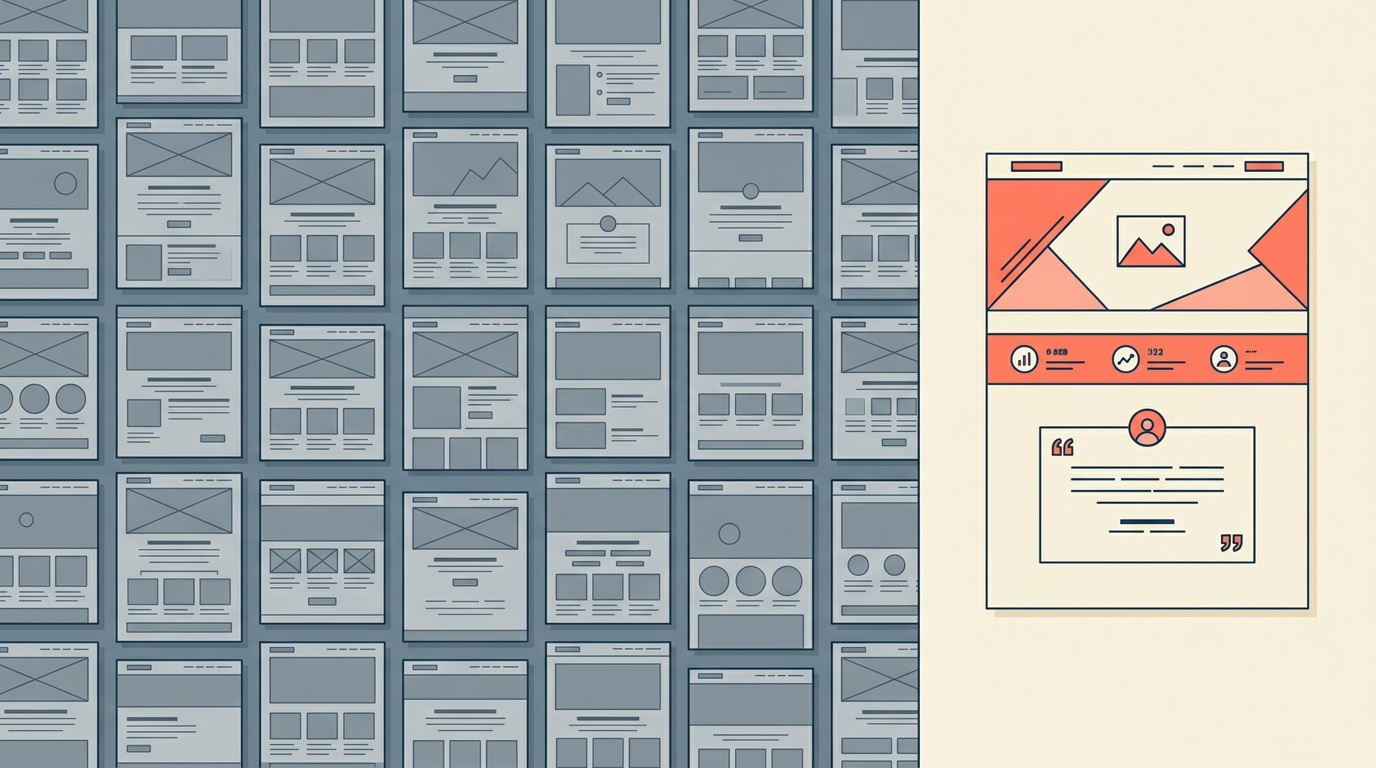
These are genuinely good starting points. Hostinger's 2025 roundup of professional services websites highlights several that use template-based case study sections effectively. The layouts look polished, they're mobile-responsive out of the box, and you don't need to write any code.
The tradeoff: you're working within someone else's structure. The template decides where your images go, how much text fits before the fold, and what metadata you can attach. For a solo electrician who wants three case studies on their site, that's perfectly fine. For an IT consulting firm that wants filterable case studies by industry, service type, and project size - you'll hit walls fast.
The Quieter Path: A Custom Case Study Site Template Built Once
The alternative nobody markets to you is having a developer build your case study template as a custom post type in your existing CMS - or as a standalone section if you're on a static site. The cost is lower than most people assume: we're talking about a single page template with a form or admin panel to add new entries, not a full site rebuild.
I've built these for clients at Autom84You - typically it's a 3-4 hour job at $75/hr, so $225-$300 total. You get a case study site template that matches your exact brand, loads fast, includes structured data for Google (so your case studies can show up as rich results), and lets you add new ones in under five minutes through a simple admin form.
Compare that to paying $29-$59/month for a Squarespace Business plan just to get the custom code injection you'd need to make their templates behave the way you want.
Concrete Example: How a Bay Area HVAC Company Uses This
One of my clients is a residential HVAC installer in San Jose. Before we built their case study page, their website had a services list, a contact form, and three Google review screenshots. Functional, but generic - looked like every other HVAC site in the South Bay.
We added a case study site template with five completed projects. Each one follows the same structure:
- Neighborhood and home type (e.g., '1,400 sq ft ranch in Willow Glen, built 1962')
- The problem ('original ducting from 1962, uneven cooling, $380/month energy bills')
- What they installed and why
- Result with numbers ('energy bill dropped to $210/month within 60 days')
- Two photos: before and after
That's it. No fancy animations. No video testimonials. Just structured proof that they solve specific problems for specific homes. Their quote requests went up 40% in the first two months - and more importantly, the leads were better qualified. People were referencing specific case studies in their initial messages: 'I have a similar situation to the Willow Glen house you posted about.'
Pros and Cons: Template Marketplace vs Custom Build
Template Marketplace (Squarespace/Wix/ThemeForest)
Pros:
- Live in 20 minutes - no developer needed for basic setup
- Drag-and-drop editing for non-technical owners
- Dozens of visual styles to choose from immediately
Cons:
- Monthly platform fees ($16-$59/mo) add up over years
- Limited control over page speed, structured data, and layout details
- Your case studies live on someone else's platform - migration is painful
Custom Case Study Site Template
Pros:
- One-time cost ($200-$500 typical), no recurring fees beyond hosting
- Exact match to your brand - no template compromises
- Full SEO control: schema markup, URL structure, internal linking
Cons:
- Requires a developer for initial build (though updates are self-serve after)
- Takes 1-2 weeks to get live vs same-day with a template
- You need to provide the content - no AI-generated placeholder text to lean on
Quick Comparison: Three Specific Options
Squarespace (Bedford template family): $33/mo Business plan. Clean case study layouts built in. Good for consultants and creatives who want to launch this week and don't mind the monthly cost.
ThemeForest 'Developer' theme: $59 one-time for the theme, plus your WordPress hosting ($5-$30/mo). More flexible, more technical to maintain. Suitable if you already run WordPress.
Custom build (what I do at autom84you.com): $225-$400 one-time depending on complexity. No recurring platform fees. Best fit if you want the case study site template to integrate with your existing site rather than forcing a platform migration.
What Makes a Case Study Page Actually Convert
Regardless of which path you pick, here's what separates case studies that generate leads from case studies that sit there doing nothing:
Specificity over polish. 'Increased revenue by 23% in Q3' beats 'helped grow their business' every single time, even if the page design is basic.
One CTA per case study. At the bottom of each case study, one clear next step: 'Have a similar situation? Here's how to get a quote.' Not three buttons, not a newsletter signup, not a chatbot popup.
Photos of real work. Stock photos actively hurt credibility on a case study page. Even a mediocre phone photo of actual completed work outperforms a polished stock image.
Regular updates. A case study page with entries from 2021 and nothing since signals that you might not be active anymore. Add one new case study every 4-6 weeks. It takes 20 minutes with a good template.
The Practical Next Step
Pick your most recent completed project - the one where the client was happiest. Write down the four elements: situation, approach, result, proof. That's your first case study. Whether you put it into a Squarespace block or have someone build you a custom case study site template, the content is what matters most.
If you want a second opinion on which approach fits your specific business - or you want someone to build the template so you can just fill in the blanks going forward - reach out at nerd@a84y.com. I'll tell you honestly whether a $33/mo platform or a one-time custom build makes more sense for your situation. No pitch, just math.
More examples of what custom builds look like in practice: autom84you.com/pages/portfolio.php




Comments
No comments yet. Be the first to share your thoughts!
Leave a Comment