
There's a guy in every D&D party who insists on buying 47 daggers instead of one decent sword. His logic is volume. His character dies in session two. That guy is also selling you a citation-building package for $199/month.
If you've Googled google business profile tips recently, you've probably seen ads for services promising to blast your business info across 300+ directories. LocalFX. BrightLocal. Yext. They'll put your name, address, and phone number on websites you've never heard of, in categories that don't exist, next to businesses that closed in 2019. And they'll charge you monthly for the privilege of appearing on JanesListOfPlumbers dot biz.
Here's what actually moves the needle: your Google Business Profile itself - set up properly - plus three real citations on directories people use. That's it. That's the guide.
By the end of this, you'll have a GBP that's fully optimized and three rock-solid citations that do more for your local ranking than a spreadsheet of 300 zombie listings ever could.
What You Need Before Starting
Not much. A Google account, your actual business address (or service area), a phone number that works, and about 45 minutes. Maybe a coffee. Definitely not a $199/month subscription to a citation cannon.
Step 1: Claim and Verify Your Google Business Profile
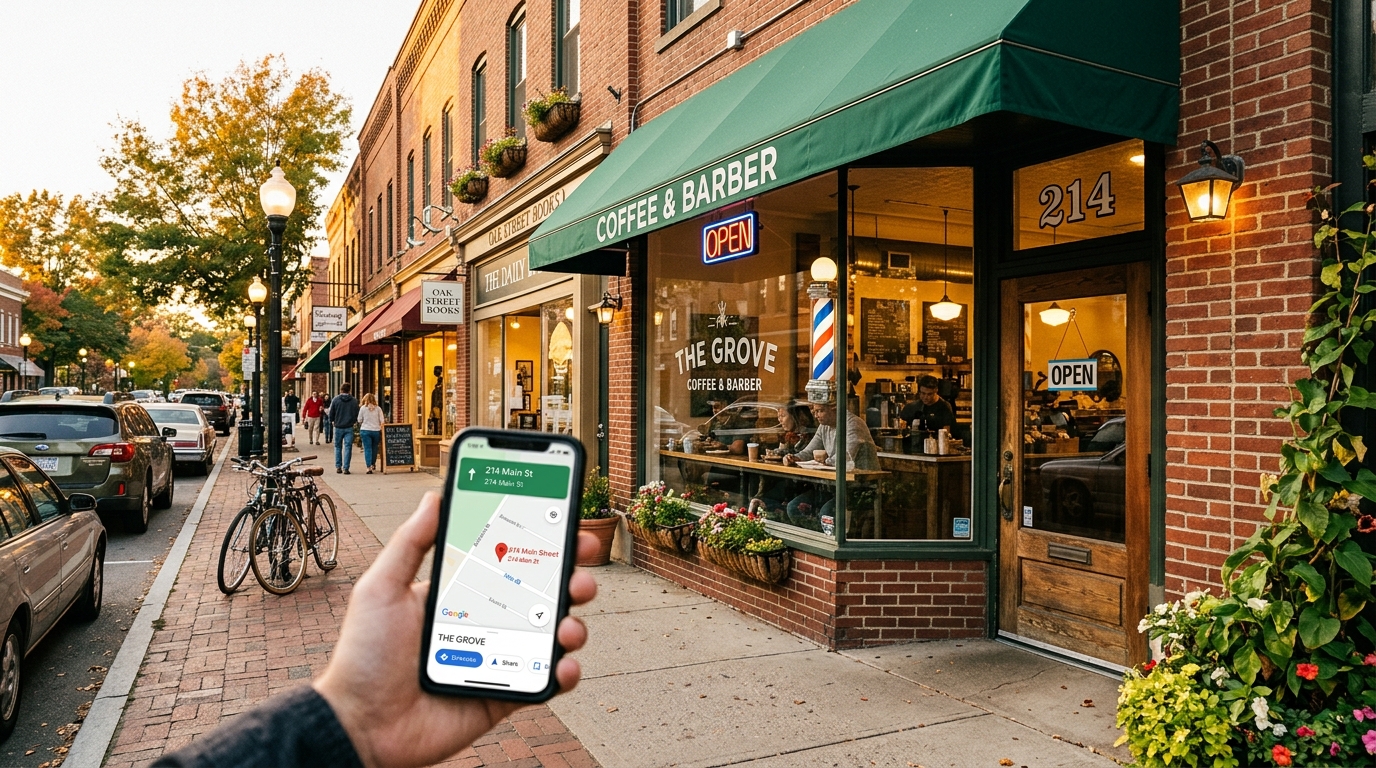
Go to business.google.com and either claim your existing listing or create a new one. Google will verify you - usually by postcard, sometimes by phone or email if you're lucky.
If your business already shows up on Google Maps but you haven't claimed it, someone could. I've seen a dentist in San Jose whose listing got claimed by a former employee who changed the hours to "permanently closed." That was a fun week for everyone except the dentist.
Tip: Use the exact business name you use everywhere else. Not the SEO-stuffed version. "Mike's Plumbing" is fine. "Mike's Plumbing | Best Emergency Plumber San Jose 24/7 Affordable" is not, and Google will suspend you for it.
Step 2: Fill Out Every Single Field (Yes, Every One)
- Business category: Pick the most specific primary category. "Plumber" not "Home Services." You get up to nine secondary categories - use 3-5 relevant ones.
- Hours: Regular hours AND special hours for holidays. Google checks this. If your hours are wrong on Thanksgiving and someone drives to a locked door, that review is coming.
- Description: 750 characters max. Use your target keywords naturally. Mention your city and service area. No ALL CAPS. No phone numbers (there's a field for that).
- Services/Products: Add every service with descriptions and prices if possible. A wedding photographer listing "portraits, events, commercial" with actual pricing ranks better than one that just says "photography."
- Attributes: Woman-owned? Veteran-owned? Free Wi-Fi? Wheelchair accessible? Check every box that applies. These show up as filters in Maps searches.
The businesses that rank in the local 3-pack almost always have 100% profile completion. Not because Google published that as a ranking factor (they won't confirm anything that specific), but because the data supports it across every local SEO study from 2023 to 2026.
Step 3: Photos That Don't Look Like a Hostage Situation
Upload at least 10 photos. Google says businesses with photos get 42% more direction requests than those without. Here's what to include:
- Exterior of your location (helps Google match your listing to Street View)
- Interior shots - clean, well-lit, no customers making eye contact with the camera like they've been caught
- Your team at work (real work, not posing with crossed arms in front of a truck)
- Your products or finished work - before/after shots are gold for contractors
Common mistake: Using stock photos. Google's AI can detect stock images, and even if it doesn't flag them, customers can tell. Nothing says "I don't care" like a stock photo of a woman in a headset smiling at nothing.
If you need a quick video walkthrough of your business or a product demo, veo.autom84you.com can generate one in minutes - worth a look if you've got a visual business but hate being on camera.
Step 4: Google Business Profile Tips for Posts and Updates
GBP has a posting feature that almost nobody uses, which is exactly why you should. You can post updates, offers, events, and product highlights directly to your profile. They show up right in your listing on Search and Maps.
Post once a week. It doesn't have to be Shakespeare. "10% off AC tune-ups through July" works. "New menu items this week" works. A photo of a finished kitchen remodel with a two-sentence caption works.
Google treats active profiles differently from dormant ones. A profile that posts weekly signals "this business is alive and paying attention" - which is more than can be said for half the listings in any given Maps search.
Step 5: Get Reviews (Without Being Weird About It)
Ask every happy customer for a review. Not with a sign on the counter that says "REVIEW US ON GOOGLE" in Comic Sans - with a direct link sent via text or email after the job is done.
Your review link is: https://search.google.com/local/writereview?placeid=YOUR_PLACE_ID. You can find your Place ID in your GBP dashboard or through Google's Place ID Finder tool.
Respond to every review. Yes, even the one-star from the person who's mad about something that happened at a completely different business. Responding shows Google (and future customers) that you're engaged. Keep responses professional, specific, and under four sentences.
Volume matters, but so does recency. Five reviews from 2024 are worth less than two reviews from last month. Set up a simple system - a follow-up text the day after service - and let it run. If you want to automate that without it feeling robotic, links.autom84you.com has tools for exactly that kind of follow-up tracking.
Step 6: The Three Citations That Actually Matter
Here's where we get to the part that saves you $199/month. Instead of spraying your NAP (name, address, phone) across 300 directories, focus on three:
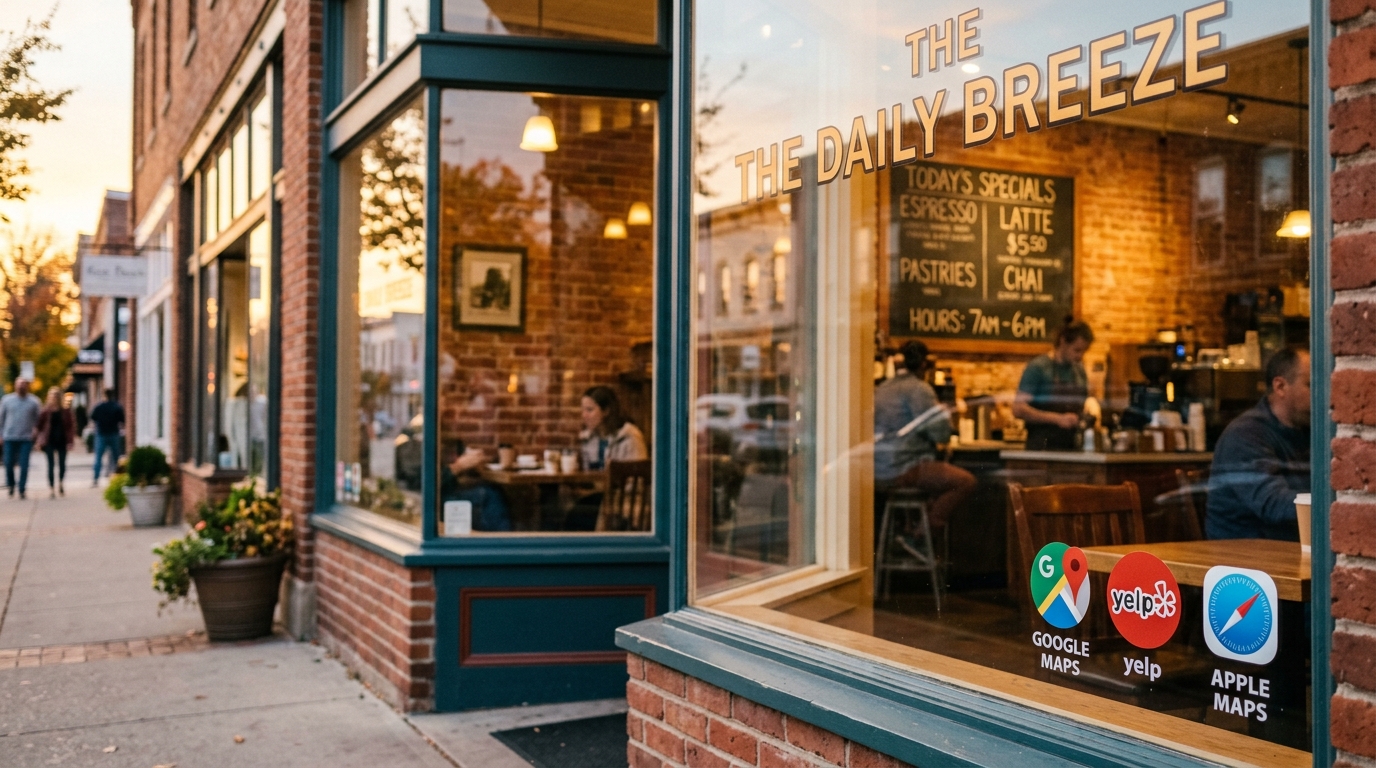
- Yelp. Still the second-biggest local discovery platform after Google. Claim your page, fill it out completely, add photos. Yelp listings frequently outrank actual business websites in search results. Free to claim.
- Apple Maps (via Apple Business Connect). Go to businessconnect.apple.com. Free. Every iPhone user asking Siri for "plumber near me" hits this database. About 27% of US smartphone users are on iOS. That's not nothing.
- Your industry-specific directory. For contractors: Angi or HomeAdvisor. For restaurants: TripAdvisor. For doctors: Healthgrades. For lawyers: Avvo. Pick the ONE directory that your specific customers actually use, and make that listing perfect.
That's it. Three citations. Fully filled out, consistent NAP, real photos, active and maintained. These three carry more weight than 297 listings on directories where the last activity was a bot adding a carpet cleaning company in 2021.
Step 7: Keep Your NAP Consistent (This Is the Boring Part That Matters Most)
NAP consistency - your name, address, and phone number being identical everywhere - is one of the strongest local ranking signals. And it's the one that citation-spam services mess up the most.
When you blast your info across 300 sites, here's what happens: site #47 reformats your address. Site #112 truncates your business name. Site #203 pulls in a phone number from a 2022 data broker record. Now you've got conflicting information all over the web, and Google doesn't know which version is right.
With three citations? You can check them yourself in ten minutes. Quarterly. While watching TV. That's better google business profile tips than any $199 service will give you.
Step 8: Use the Q&A and Messaging Features
Your GBP listing has a Q&A section that anyone can answer - including competitors. Seed it yourself with 5-10 common questions and answer them. "Do you offer free estimates?" "What areas do you serve?" "Do you work on weekends?"
If you haven't done this, go check your listing right now. There might already be questions there that strangers answered incorrectly. I once saw a bakery listing where someone asked "Are you nut-free?" and a random person answered "Yes." The bakery was not nut-free. That's a lawsuit waiting to happen, not a citation.
Also turn on messaging if you can respond quickly. Google tracks response time and shows it on your profile. If you can't respond within a few hours, leave it off - a "usually responds in 3 days" badge isn't helping anyone.
The Real Google Business Profile Tips Nobody Sells You
The local SEO industry has a incentive to make this complicated, because complicated means you need to pay someone monthly. And some businesses do need ongoing help - I build local SEO into client websites when it makes sense, because a site that's built right from the start needs less ongoing fiddling.
But the foundation? A fully completed GBP, three quality citations, consistent NAP, regular posts, and a steady flow of recent reviews. That's not a $199/month problem. That's a Tuesday afternoon.
The citation-spam services aren't scams, exactly. They do what they say. They just do something that doesn't matter as much as they imply it does. It's like buying a $400 HDMI cable - technically it works, but the $8 one from Amazon does the same job, and the picture quality difference is literally zero.
Set up your profile right. Pick three directories. Keep them consistent. Post weekly. Ask for reviews. That's the whole playbook, and unlike the premium HDMI cable, it's free.
If you want help getting your site and GBP working together properly - or you'd rather someone just handle the whole thing while you go back to running your actual business - drop me a line at nerd@a84y.com or check out autom84you.com. I'll be here, rolling a saving throw against another citation-spam email.


Comments
No comments yet. Be the first to share your thoughts!
Leave a Comment