
I have a friend - let's call him Dave - who once proudly announced he'd built his entire plumbing business website "without writing a single line of code." Six months later, Dave asked me why his credit card was getting charged $39 a month for a site he'd updated exactly once, to fix a typo in his phone number. Dave had discovered what every small business owner eventually discovers: the no-code subscription model is a gym membership for your website. You sign up with big ambitions. You show up twice. You keep paying forever.
Which brings us to the real question every small business owner should be asking: when to use Webflow, and when you're just lighting a small, polite fire in your wallet every thirty days.
When to Use Webflow: The Honest Version
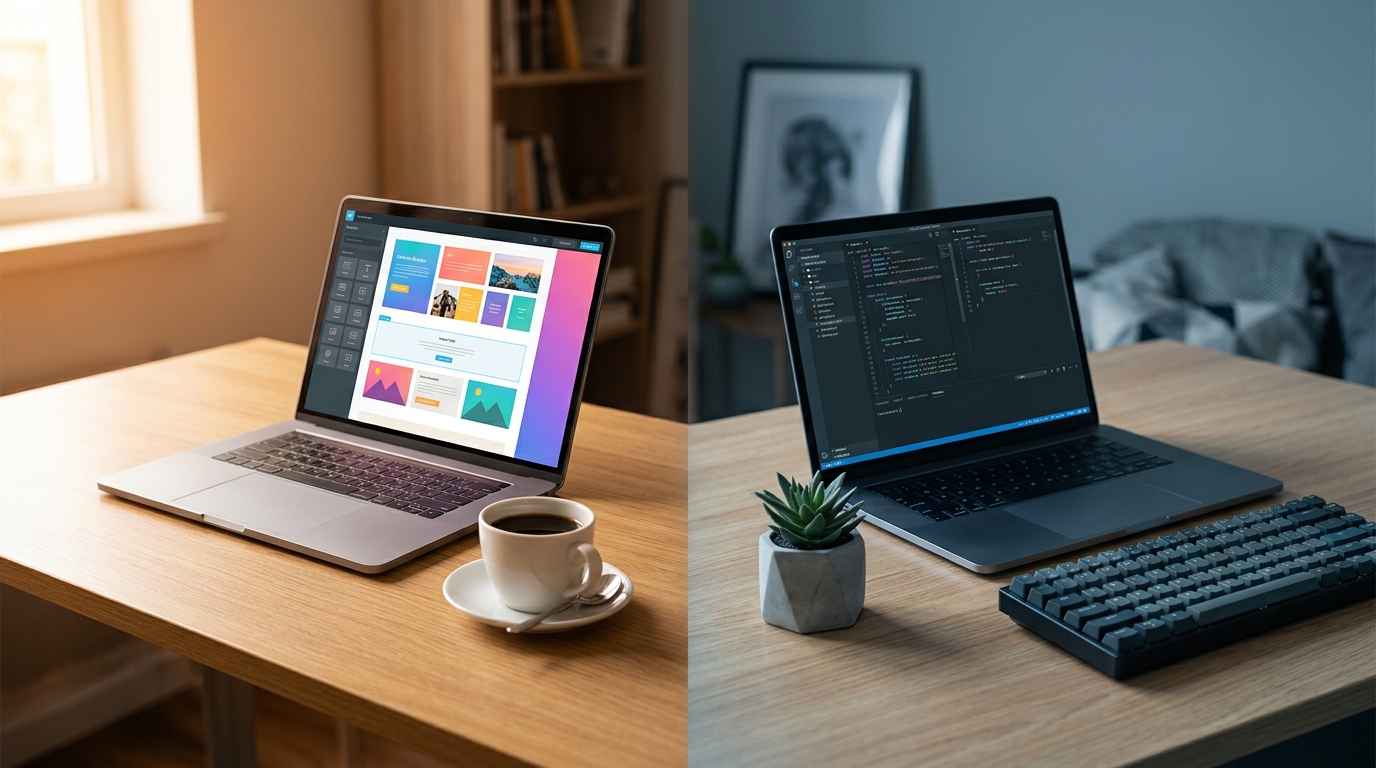
Look, Webflow is genuinely good software. I'm not here to trash it. It's a visual website builder that gives you real CSS control without making you type CSS, which is like being handed a lightsaber without having to build it from scratch in a cave. For certain situations, it's exactly the right call.
Here's when to use Webflow and feel great about it:
You're a designer who thinks in layouts. If you already understand grids, spacing, and visual hierarchy - maybe you're a graphic designer or a photographer with a strong portfolio eye - Webflow lets you translate that brain directly into a live site. It respects your visual instincts instead of trapping you in a template.
You need a marketing site, not a business tool. If your website is basically a fancy brochure - here's what we do, here's how to contact us, here are some photos of our work - Webflow handles that beautifully. Wedding photographers, architecture firms, creative agencies. Sites that need to look stunning and mostly just sit there being gorgeous.
You're prototyping fast. Need to test a landing page for a new service before committing? Webflow is great for that. Spin it up, run some ads, see if anyone clicks. Quick and relatively painless.
The Part Where the Monthly Bill Gets Weird
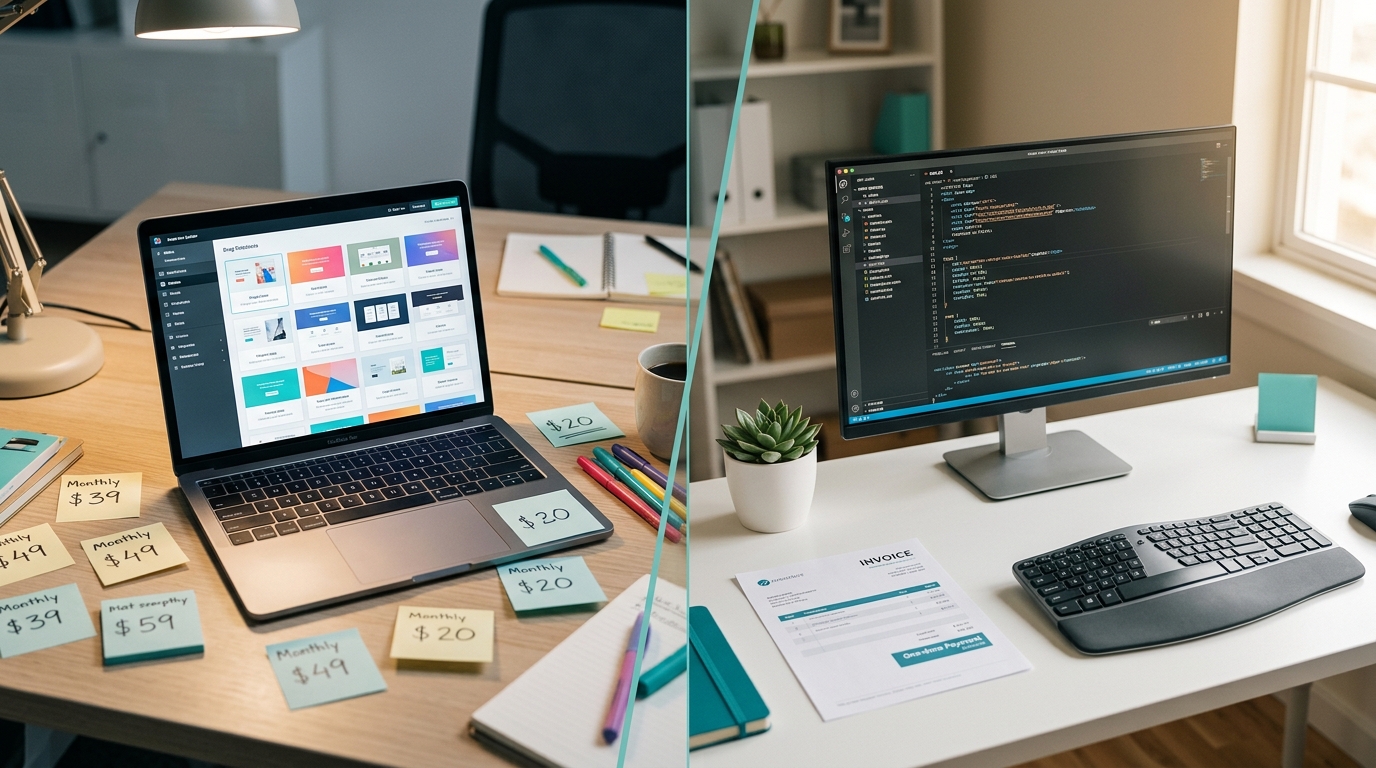
Here's where things get interesting. Webflow's pricing starts at $18 a month for a basic site plan. That's $216 a year. The Business plan - which you'll need if you want form submissions beyond 250 or more than 2,500 monthly visits - is $49 a month. That's $588 a year. And if you need e-commerce? You're looking at $42 to $235 a month depending on your plan.
Now multiply that by three years. Your basic Webflow site has cost you $648. Your business-tier site has cost you $1,764. Your e-commerce site? Potentially over $8,000.
For context, a custom-built website that you actually own - no monthly platform fees, no per-form-submission limits, no traffic caps - starts at around $500. One time. You own it. It sits on a $5-10/month hosting plan and does exactly what you tell it to do, forever, without asking for a credit card update.
That's the hidden math that nobody shows you in the Webflow tutorial videos.
When Webflow Stops Making Sense
Your site needs to DO things, not just LOOK like things. If you need a customer portal, appointment booking that talks to your calendar, a quote calculator, inventory management, or anything that involves logic beyond "show this page" - you've outgrown a visual builder. You're now duct-taping third-party integrations together and paying for each one. Calendly here, Zapier there, Memberstack over there. Your website isn't a website anymore. It's a Rube Goldberg machine made of monthly subscriptions.
You're paying for features you use once a year. That CMS plan you got so you could have a blog? When's the last time you posted? That e-commerce tier for the merch you were going to sell "eventually"? Be honest with yourself. Dave would want you to be honest.
You need someone else to maintain it. Here's a thing people don't talk about enough: if you built your Webflow site yourself and then need someone to update it, you now need to find a Webflow-specific person. A regular web developer can work on a regular website. But a Webflow site lives inside Webflow's editor, which means your maintenance options are limited to people who know that specific tool. That's a smaller pool, and smaller pools charge more.
The Subscription Pile-Up Nobody Warns You About
The real cost of no-code isn't any single subscription. It's the pile-up. Your website is $39/month. Your form handler is $25/month. Your scheduling tool is $15/month. Your email marketing is $20/month. Your analytics upgrade is $12/month. Your SEO plugin is $10/month.
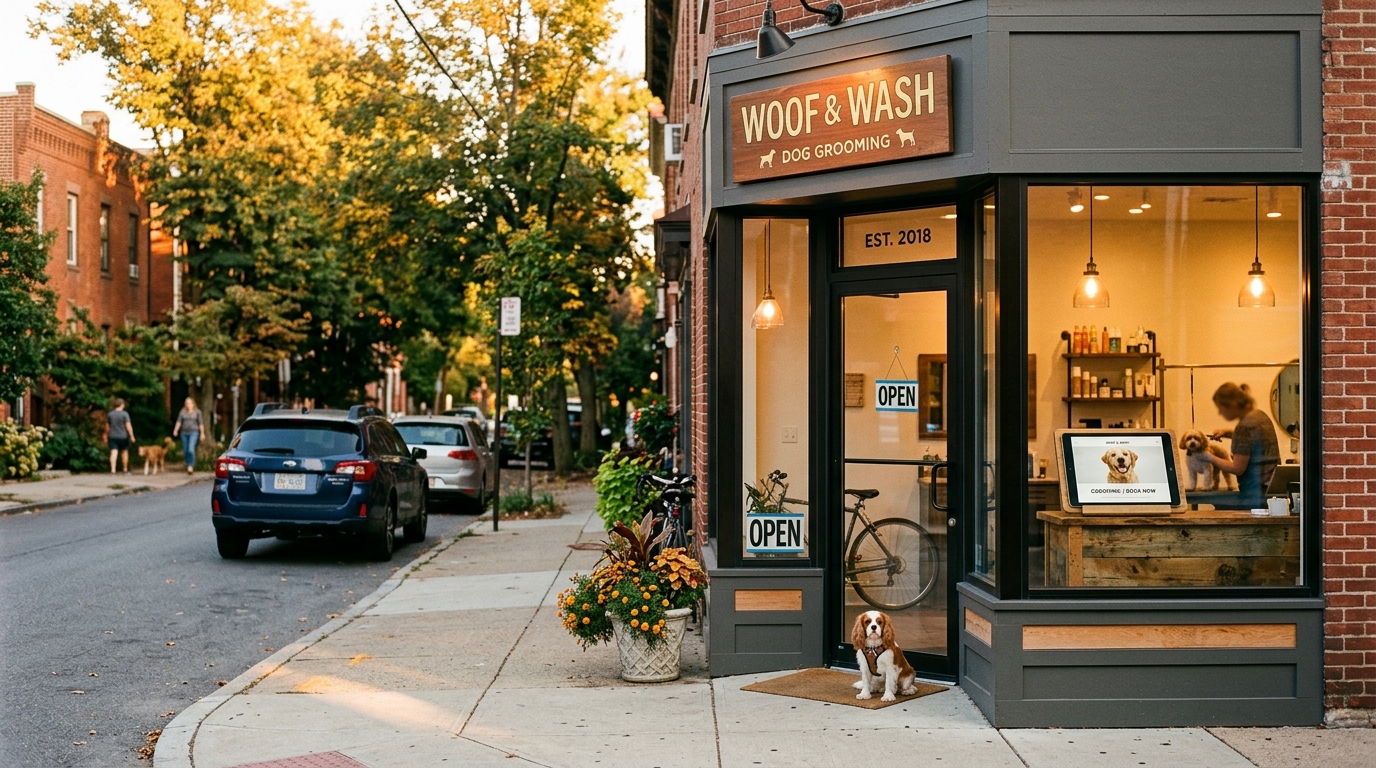
You're now spending $121 a month - $1,452 a year - on a website that a dog groomer in Sunnyvale could have had custom-built for less than half that, with all those features baked in, owned outright, and running on a hosting bill smaller than a Netflix subscription.
I know because I've built exactly that kind of site for exactly that kind of business. A taco truck in San Jose. An HVAC company in Fremont. A yoga studio in Mountain View. Real businesses with real budgets who'd rather spend money on inventory and staff than on a SaaS company's Series B.
So What Should You Actually Do?
Here's my honest breakdown of when to use Webflow versus when to go custom:
Use Webflow if:
- You're a visual designer who wants hands-on layout control
- Your site is purely informational with minimal functionality
- You're testing a concept and might scrap it in three months
- You genuinely enjoy building in Webflow (some people do, and that's valid)
Go custom if:
- Your site needs to do more than display information
- You plan to keep this site for more than two years
- You want to own your website like you own your business
- You're already paying for three or more subscriptions to make your site work
- You'd rather pay once and be done with it
The 2026 comparisons between platforms like Squarespace and Webflow keep debating features and ease of use, but they rarely mention the long game. And the long game is where your money actually goes.
The Part Where I Mention AI Because It's 2026 and I Have To
Here's something that's changed the math even further: AI tools have made custom websites faster and cheaper to build than ever. What used to take a developer two weeks now takes a few days. That means the cost gap between "pay a platform forever" and "pay a human once" has gotten even wider.
At Autom84You, I'm building custom sites with AI-powered features - chatbots trained on your actual business data, automated social posting, AI video for your marketing - that a no-code platform literally cannot do at any price tier. Not because no-code is bad, but because it was designed for a different problem. It's a fantastic hammer. But not everything is a nail.
Dave, by the way, eventually let me rebuild his site. Custom. No monthly platform fee. His contact form works. His phone number is correct. He saves about $468 a year, which he spends on truck wraps and the occasional fishing trip. Dave is doing great.
If you're staring at a credit card statement wondering why your website costs more per month than your actual internet connection, maybe it's time for a conversation. Not a sales pitch - just a real talk about what you need, what you're paying for, and whether those are the same thing.
autom84you.com - or just email me at nerd@a84y.com. I promise not to upsell you on a CMS plan you don't need.

Comments
No comments yet. Be the first to share your thoughts!
Leave a Comment