
By the end of this guide, you'll have a working set of geo landing pages that bring in local search traffic without tripping Google's thin-content filters. You'll also understand why the method most agencies sell isn't the one that works best for small service businesses in 2026.
What Are Geo Landing Pages, and Why Do They Matter?
Geo landing pages are location-specific pages on your website - one for each city, neighborhood, or service area you cover. A plumber in San Jose might have pages for Campbell, Los Gatos, Saratoga, and Cupertino. The idea is straightforward: when someone searches "plumber near Cupertino," your Cupertino page shows up.
The popular approach - and I mean overwhelmingly popular - is to use a plugin or agency service that generates dozens of these pages at once. Tools like Yext, BrightLocal's local pages feature, or WordPress plugins like Jetrails' GeoPages let you create a template, swap in city names, and publish 30-50 pages in an afternoon. Agencies charge $2,000-$5,000 for this. Some charge monthly.
It works. Sort of. Until it doesn't.
What You Need Before Starting
- A website you control (WordPress, custom-built, Squarespace - doesn't matter as long as you can add pages and edit HTML)
- A list of 5-8 cities or neighborhoods you actually serve - not 50
- Your Google Business Profile claimed and verified
- 30 minutes per page (yes, actual time investment)
- Photos from jobs you've done in each area, or at minimum, photos of recognizable local landmarks near your service zones
The Popular Way: Template-and-Swap Geo Landing Pages
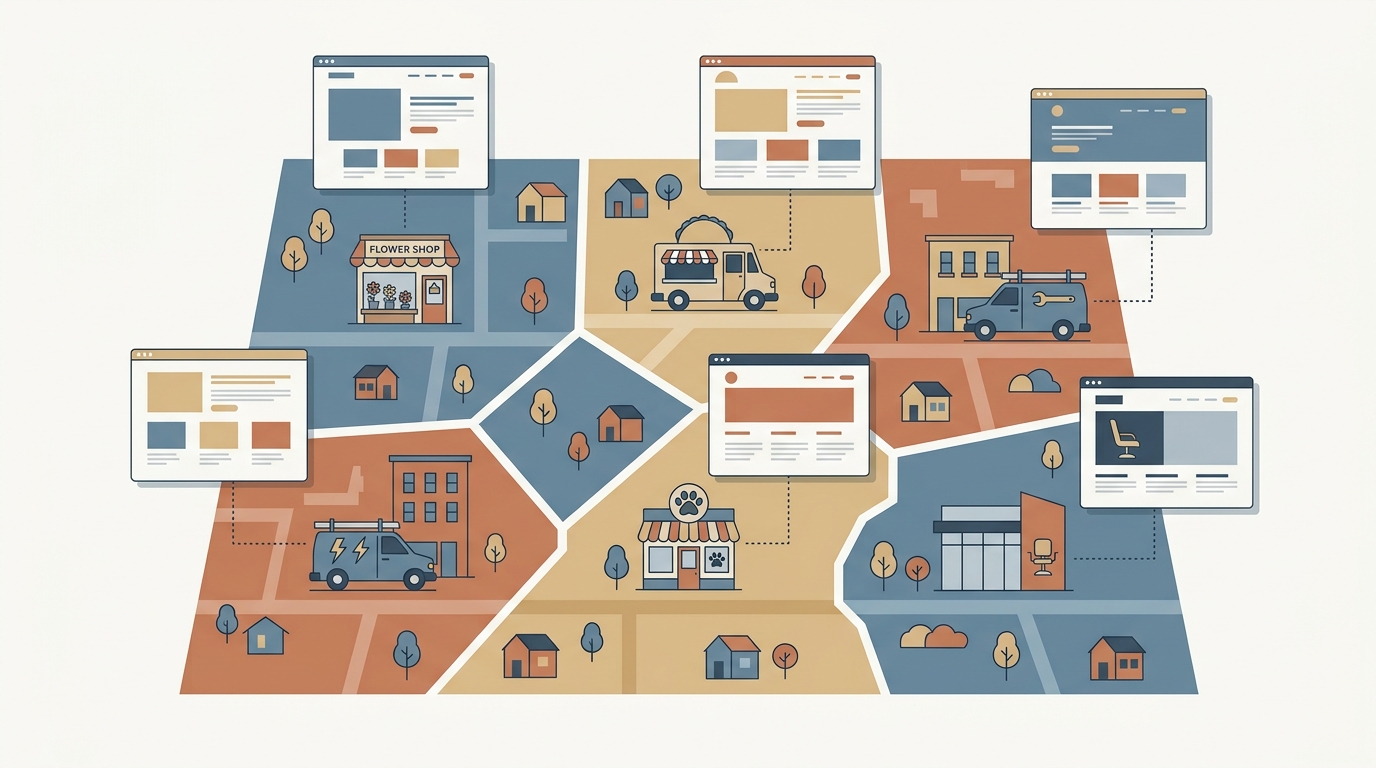
Step 1: Pick a template page. Write one service page - say, "AC Repair in [City]" - with blanks where the location goes.
Step 2: Generate variations. Use a plugin (GeoPages, Local SEO by Jetrails, or even a spreadsheet + mail merge) to create a copy for every city. Sacramento becomes Elk Grove becomes Roseville becomes Folsom.
Step 3: Swap in local details. Change the city name, maybe the zip code, maybe a Google Maps embed. Hit publish.
This is fast. It scales. And in 2019-2022, it ranked reasonably well. The problem: Google's March 2024 core update and subsequent helpful-content signals started penalizing exactly this pattern. Pages that are 90% identical with a swapped city name now get filtered out of results or pushed to page 3+. I've seen it happen to roofing companies, landscapers, and even a dog grooming chain in the East Bay.
The template approach isn't dead, but its ceiling is lower than it used to be.
The Overlooked Way: Fewer Geo Landing Pages, Built With Actual Local Content
Here's what I've seen work better - and what I build for clients at autom84you.com. The concept: build 5-8 geo landing pages instead of 50, but make each one genuinely different.
Step 4: Choose your highest-value areas. Not every city in your radius matters equally. Look at where your last 20 customers came from. For a wedding photographer in San Jose, that might be Palo Alto, Saratoga, Los Gatos, and Santa Cruz - not every city in Santa Clara County. Five strong pages beat forty thin ones.
Step 5: Write each page from scratch. This is where the overlooked approach diverges. Each page should have:
- A real paragraph about the area. Not "[City] is a beautiful city in [County]." Instead: "Most of our Campbell jobs are in the Pruneyard area or along Winchester Blvd - we know the parking situation and we know which buildings have freight elevators." Specific. Useful. Not something a template can generate.
- Photos from actual jobs in that area. A moving company's Sunnyvale page should show a truck outside an apartment on El Camino, not a stock photo of cardboard boxes.
- Local pricing context if it applies. "Permit costs in Palo Alto run about $300 higher than in Mountain View for the same fence project" - that's the kind of sentence that makes Google (and customers) trust your page.
- A testimonial or case study from a customer in that city. Even a two-sentence quote helps.
Step 6: Build the on-page SEO properly. Each geo landing page needs its own unique title tag, H1, meta description, and URL slug. The target keyword pattern: "[service] in [city]" as the primary, "[city] [service]" as a variation. So your title might be "AC Repair in Campbell, CA - Valley Cool HVAC" and the slug /ac-repair-campbell-ca.
Add structured data markup - specifically LocalBusiness schema with the service area defined. If you're not comfortable writing JSON-LD by hand, Google's Structured Data Markup Helper does it for free.
Step 7: Link your geo landing pages into your site architecture. A common mistake: building these pages and orphaning them. No internal links pointing to them, no mention in the navigation. Google finds pages through links. Add a "Service Areas" section to your footer or main nav. Link from your homepage. Link between your geo pages where it makes sense ("Also serving nearby Campbell" on your San Jose page).
This step matters more than most people realize. I've audited sites where the geo landing pages existed but had zero internal links - they were invisible to Google for months.
Step 8: Connect each page to your Google Business Profile. In your GBP, you can add service areas and link to specific pages on your website. Point your GBP service area entries to the matching geo landing pages. Also post Google Business updates that mention the specific areas - "Just finished a kitchen remodel in Los Gatos" with a link to your Los Gatos page. This creates a signal loop between your GBP and your website that the template-and-swap method completely misses.
Common Mistakes That Kill Geo Landing Pages
Publishing 40 pages with 80% identical content. Google's site-wide quality signals mean those thin pages can drag down your entire domain, not just the duplicates. A pest control company I talked to in Fremont had 35 city pages - after pruning to 8 and rewriting them, their organic leads went up 40% in three months.
Ignoring mobile page speed. Geo searches are heavily mobile. If your pages load in 4+ seconds on a phone, you're losing clicks before anyone reads your copy. Compress images, skip the heavy page builders, and test with Google's PageSpeed Insights.
Forgetting about the actual conversion element. A geo landing page that ranks but has no phone number, no form, no clear next step is just a Wikipedia article about your business. Every page needs a call-to-action above the fold - phone number for mobile, form for desktop.
Using AI-generated filler text without editing it. Yes, you can use Claude or GPT to draft geo page content. But if you publish the raw output without adding your own real-world details, you end up with the same generic content that the template tools produce. AI drafts + your local knowledge = good pages. AI drafts alone = the template trap with extra steps.
What to Do After You Launch
Give it 4-6 weeks. Check Google Search Console for impressions on your target "[service] in [city]" queries. If a page is getting impressions but not clicks, rewrite the meta description - it's your ad copy in search results. If it's not getting impressions at all, check that it's indexed (use the URL Inspection tool) and that you have internal links pointing to it.
Track phone calls and form submissions by page. If you're using a marketing tool like links.autom84you.com, you can create tracked links for each geo page to see exactly which cities are driving leads.
Once your initial 5-8 pages are performing, add more - but only for areas where you have real content to put on the page. No content, no page. That's the discipline that separates geo landing pages that rank from geo landing pages that waste your time.
Why I Build These Differently
I've built geo landing pages for electricians, attorneys, cleaning services, and a taco catering company in the South Bay. The pattern is always the same: the client either tried the template approach first and plateaued, or an agency pitched them on 50 city pages for $4,000 and they wanted a second opinion.
My approach at autom84you.com/pages/portfolio.php is fewer pages, custom-written, with real local details baked in. Starting at $500 for a set of 5-8 pages built into your existing site. Not a monthly fee - you own the pages.
According to Shopify's 2026 guide on generative engine optimization, search is shifting toward AI-generated answers that pull from authoritative, specific content. Thin templated pages don't get cited by AI search. Detailed, locally-specific pages do. The overlooked approach isn't just better for Google - it's better for the AI search engines that are quickly eating into Google's traffic.
If you want to talk through whether your current geo pages are working or whether it's time to rebuild them properly, reach out at nerd@a84y.com. I'll look at your setup and tell you honestly whether the popular approach is fine for your situation or whether you're leaving leads on the table. No pitch, just a straight answer - that's how autom84you.com works.



Comments
No comments yet. Be the first to share your thoughts!
Leave a Comment