
Somewhere around 2024, editor setup solo dev discourse went from a niche Reddit argument to something that genuinely affects how fast you ship. Three shifts happened at roughly the same time: AI code assistants became usable, a wave of new editors challenged VS Code's grip, and terminal-first workflows quietly outpaced GUI-heavy setups for certain kinds of work. If you freelance or run a one-person dev shop building sites and tools for local businesses, the choices you make here compound - there's no team to absorb the friction of a bad setup.
I've been building custom websites and AI tools for small businesses in Sunnyvale for over 20 years through Autom84You, and I've rebuilt my own workflow three times in the last eighteen months. Here's what I've landed on, and more importantly, what I've watched other solo devs land on - because the right answer depends on what you're actually building.
Trend 1: AI Pair Programming - Copilot Is the Default, but the CLI Route Is Faster for Solo Work
GitHub Copilot sits in roughly 40% of VS Code installs at this point. It's the obvious choice, it's $10/month for individuals, and it works. No argument there. If you open a file and start typing, Copilot fills in reasonable suggestions. For a solo developer cranking through client projects, that's genuinely useful.
The alternative nobody markets to you: Claude Code running in your terminal. No GUI, no tab-completion UX - you describe what you want in plain English and it writes, edits, and runs code across your whole project. The difference matters most when you're context-switching between a dentist's booking page and a dog groomer's inventory system in the same afternoon. Instead of re-reading code to remember where you left off, you tell the CLI what needs to change and it handles the file navigation for you.
I use Claude Code to write first drafts of client sites, generate API integrations, and even build the custom AI chatbots I deliver to small businesses. Copilot is better for line-by-line autocomplete inside a single file. Claude Code is better for project-wide changes when you're the only person on the repo. Different tools for different shapes of work.
What to do about it: If your editor setup solo dev workflow involves bouncing between 5+ client projects weekly, try a CLI-based AI assistant for one week alongside your current autocomplete tool. Track how many minutes you spend re-orienting yourself in each project. The number will surprise you.
Trend 2: VS Code vs. the New Wave - Zed and Helix Are Pulling Solo Devs Away
VS Code owns somewhere north of 70% market share among web developers. It earned that. The extension ecosystem is enormous, the Git integration is solid, and every tutorial on YouTube assumes you're using it. For a solo dev building WordPress sites or React apps for small businesses, VS Code with a handful of extensions is a perfectly good editor setup solo dev choice.
But two editors are pulling a specific kind of developer away. Zed - built by the team behind Atom - is a GPU-accelerated editor written in Rust that opens instantly, never lags on large files, and has built-in AI assistant support. Helix is a terminal-based editor with Vim-style modal editing that requires zero configuration out of the box. Both are free.
The case for switching isn't features - it's speed. When you're a solo dev and your editor takes 3 seconds to open a project, that's 3 seconds multiplied by every context switch in your day. Zed opens in under a second. Helix opens in milliseconds. Over a year of solo freelance work, that adds up to hours.
The case for staying with VS Code: extensions. If you rely on specific language servers, linters, or framework-specific tooling (Tailwind IntelliSense, Prisma, etc.), VS Code's extension library is unmatched. Zed's extension ecosystem is growing but still thin. Helix has language server support built in, but no extension system at all.
What to do about it: Open your VS Code extensions list right now. Count how many you actually use weekly. If it's under five, Zed can probably replace VS Code for you and your editor will feel noticeably faster. If it's fifteen, stay where you are.
Trend 3: Terminal-First Workflows Are Winning the Editor Setup Solo Dev Debate

The popular approach is editor-centric: open VS Code, use the integrated terminal, run builds from the editor, manage Git from the sidebar. Everything happens inside one window. This works, and it's comfortable.
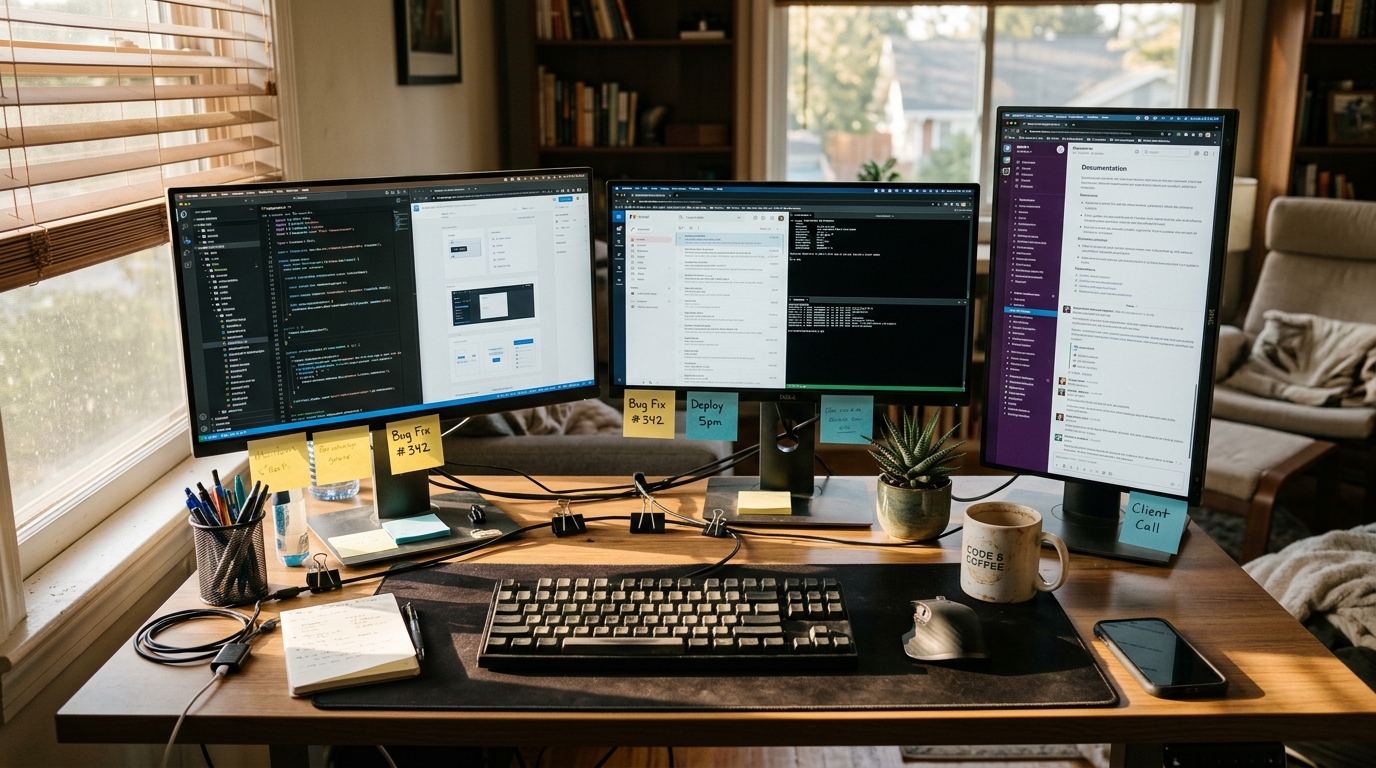
The quieter approach: a tiling terminal (tmux, Zellij, or WezTerm's built-in multiplexer) with your editor in one pane, a dev server in another, a CLI AI assistant in a third, and a file watcher in a fourth. No mouse. Everything is a keystroke away. Your dev environment config lives in a few dotfiles you can clone onto any machine in thirty seconds.
That last part matters more than people think. When your laptop dies - and if you freelance long enough, it will - your editor setup solo dev recovery time is the difference between a one-hour inconvenience and a two-day rebuild. Dotfiles in a Git repo mean you're back to full speed on a new machine before lunch.
I keep my entire dev environment in a private repo: Neovim config, tmux layout, shell aliases, Claude Code settings. When I set up a new workstation for building client sites at autom84you.com, I run one script and I'm done. That portability is worth the initial investment of learning terminal tools.
What to do about it: Even if you stay in VS Code, version-control your settings. Export your extensions list, sync your keybindings, and store your settings.json in a repo. Future you will be grateful.
Trend 4: The Physical Setup Matters More Than Solo Devs Admit
This one gets overlooked in every editor setup solo dev conversation, and it shouldn't. Your monitor, desk, and input devices affect your output more than your color theme does.
The popular move is a single laptop screen, maybe with a $200 external monitor from Amazon. It works. Millions of developers ship great software this way.
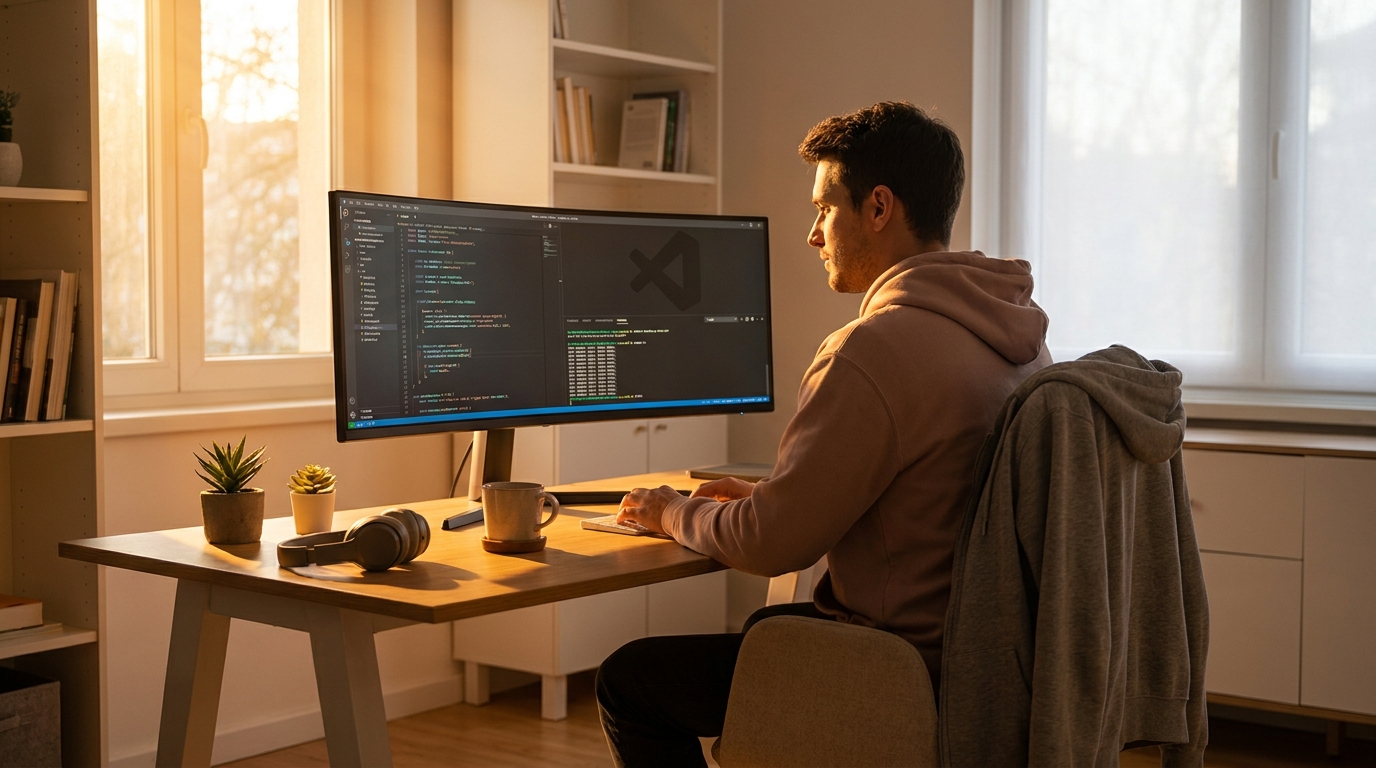
The alternative worth considering: a standing desk with a mounted ultrawide monitor, a split keyboard, and a vertical mouse. Wired recently covered Uplift's standing desk deals - their desks start around $600 and include accessories like monitor arms and cable management kits. An ultrawide monitor eliminates the need for virtual desktops and lets you see your editor, terminal, and browser simultaneously without alt-tabbing.
This isn't about luxury. It's about the fact that solo devs don't have the option of taking a day off because their neck hurts. When you're the entire engineering team, your physical health is a business dependency. A $1,200 desk setup that lasts eight years costs less than two months of a coworking space membership.
What to do about it: If you're working from a kitchen table or a cheap desk that wobbles, budget for an ergonomic upgrade this quarter. Your future self - and your clients - benefit when you can work without pain at 4 PM.
The Bigger Picture
All four of these trends point in one direction: the best editor setup solo dev workflow in 2026 is the one that minimizes friction between your brain and the deployed code. AI assistants reduce the cost of context-switching. Faster editors reduce the cost of opening projects. Terminal workflows reduce the cost of rebuilding your environment. Good hardware reduces the cost of long days.
None of these require spending thousands of dollars or learning Vim from scratch. Pick the one that addresses your biggest daily friction point and try it for two weeks. That's it.
If you're a solo dev or small business owner trying to figure out what tools and setup actually make sense for your situation - not what some influencer gets paid to recommend - I'm happy to talk through it. I build custom sites and AI tools for small businesses and I obsess over this stuff anyway. Reach out at nerd@a84y.com or poke around autom84you.com. Honest answers, no pitch deck.

Comments
No comments yet. Be the first to share your thoughts!
Leave a Comment