
Pull up ten dental offices in any city on Google Maps. Click through to their websites. Eight of them will have the same stock photo of a smiling family, the same teal-and-white color scheme, and the same "Welcome to Our Practice" headline that tells you absolutely nothing about why you should pick them over the office two blocks away.
That's not a coincidence. It's the natural result of an entire industry defaulting to the same two or three dental practice website platforms - and never touching the defaults.
Why Every Dental Practice Website Looks the Same
Three companies dominate the dental web space: Officite, ProSites, and Sesame Communications. They charge $200 - $400 per month, bundle SEO and hosting, and hand you a template that was designed to offend nobody. The result is a site that also impresses nobody.
These platforms aren't bad. They exist because most dentists don't want to think about websites. They want to prep crowns and go home. A bundled solution that handles hosting, SSL, HIPAA compliance language, and basic SEO in one invoice? That's genuinely appealing. I get it.
But here's what the data actually shows: the dental offices pulling the most new-patient bookings from their websites aren't using these platforms. They're running custom or semi-custom sites that do three things the templates skip entirely.
What a High-Performing Dental Practice Website Actually Does
Forget design trends for a minute. The offices booking 30 - 50 new patients per month from organic search share three traits:
1. They answer the question before you ask it. Not with a generic FAQ page - with page-level content that matches the exact thing someone Googled. "How much does a crown cost without insurance in [city]" gets its own page. "Emergency dentist open Saturday near me" gets its own page. Each one targets a real search query with a real answer and a real booking link. Template platforms give you 5 - 8 pages. The offices winning have 25 - 40, each one built around a specific patient question.
2. They load in under two seconds on a phone. This matters more than aesthetics. Google's own data says 53% of mobile visitors leave if a page takes longer than three seconds. Most Officite and ProSites templates load in 4 - 6 seconds on a median mobile connection because they're pulling in tracking scripts, chat widgets, and unoptimized hero images. A clean custom build on a fast host loads in 1.2 - 1.8 seconds. That speed difference alone moves the needle on bounce rate.
3. They make booking feel like ordering coffee. One tap. Pick a time. Done. Not "fill out this contact form and we'll call you back during business hours." The offices that embed real-time scheduling - whether it's Dentrix integration, NexHealth, or a simple Calendly - convert at 2 - 3x the rate of contact-form-only sites. And yet most template dental sites still default to a contact form because that's what the template shipped with.
The Real Cost Comparison
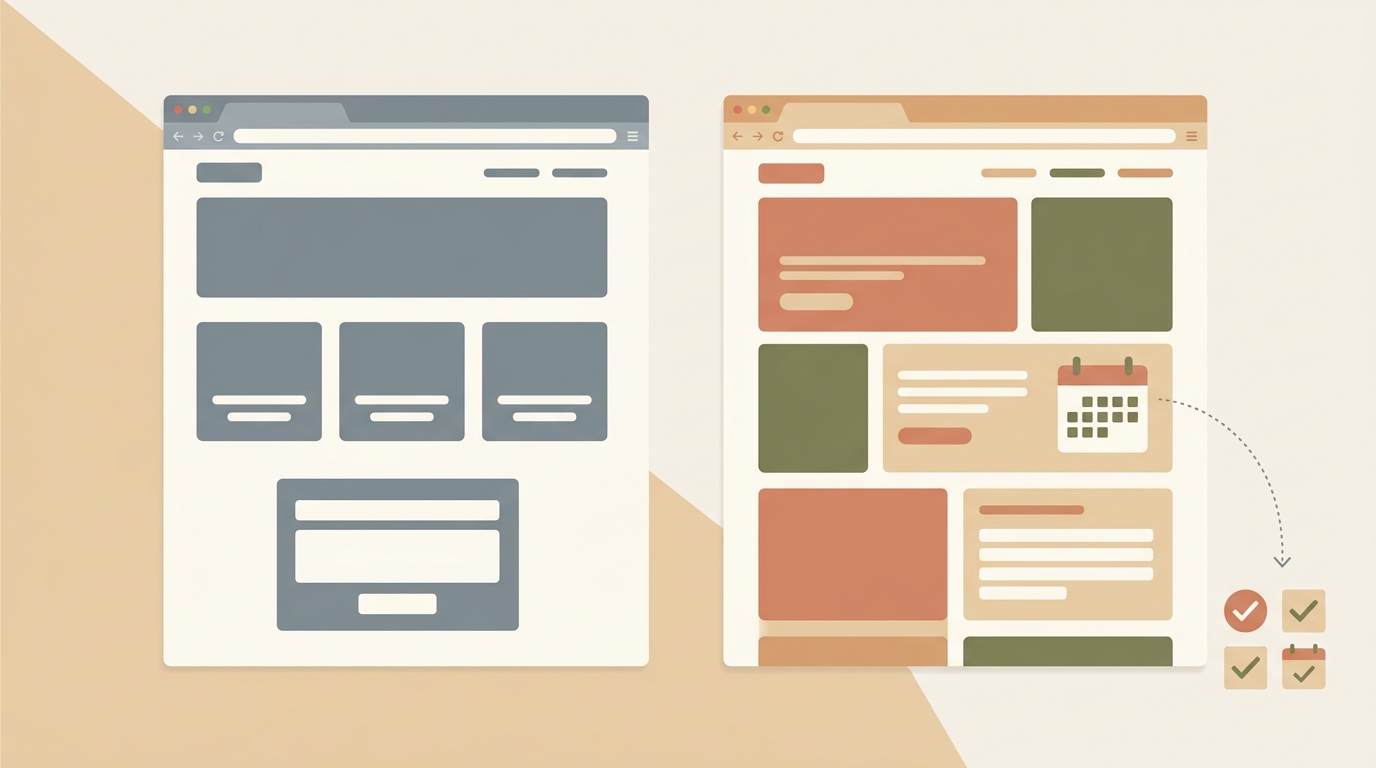
A custom dental site - built once, hosted on something like Cloudflare Pages or a $10/month VPS - costs $1,500 - $3,000 upfront and $10 - $20/month to maintain. After year one, you're paying 95% less per month, and you own the code. Want to switch developers? Take your files and go.
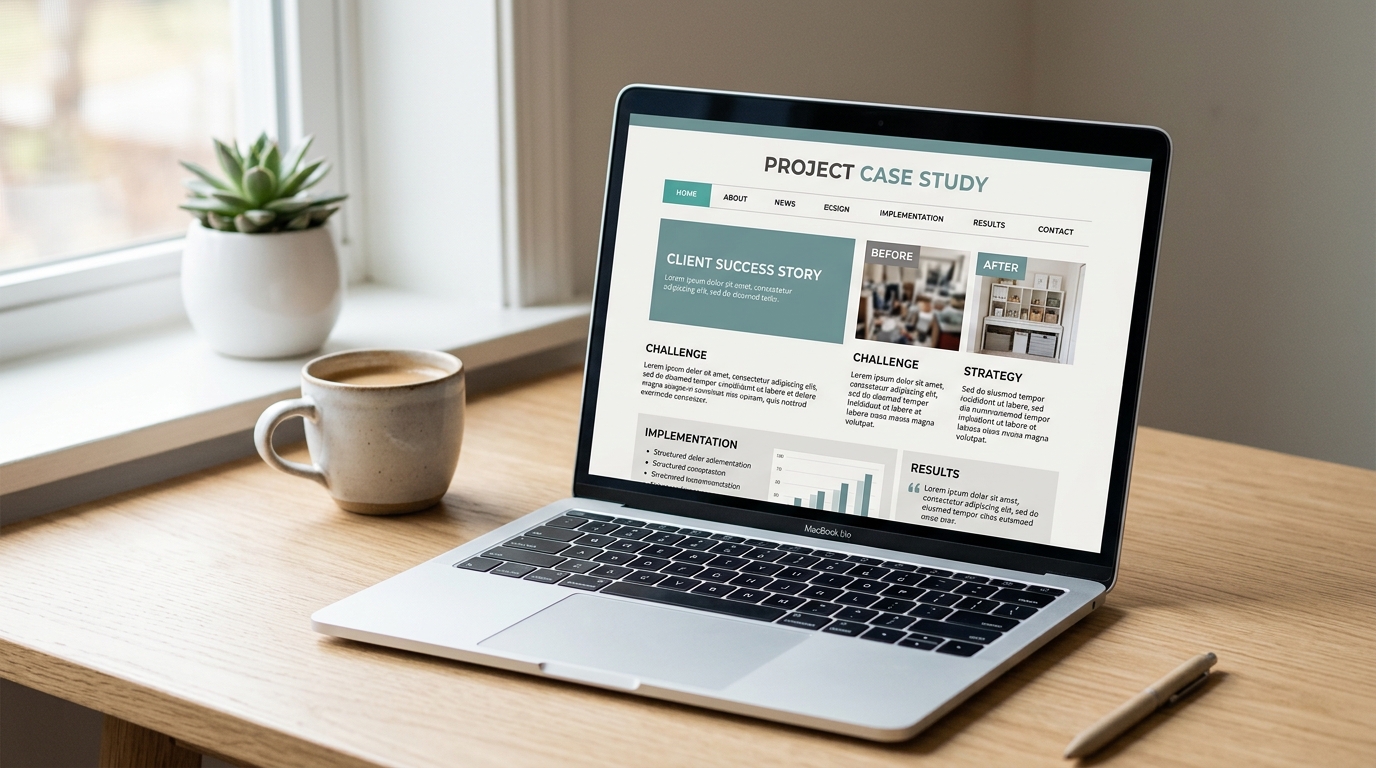
I've built sites in this range for healthcare providers through Autom84You - including one for a Bay Area orthodontist who was paying $350/month for a Sesame site that loaded in five seconds and had no schema markup. We replaced it with a custom build for $2,200, cut load time to 1.4 seconds, added 18 service-specific landing pages, and their organic new-patient inquiries went up 40% in four months. Their monthly cost dropped to $12 for hosting.
The Accessibility Deadline Nobody Prepared For
Here's something most dental offices missed: as of May 2026, the ADA's final rule on digital accessibility under Title II is fully in effect, and Title III lawsuits targeting private practice websites have spiked. The American Dental Association sent guidance to members, but most template platforms haven't updated their themes to meet WCAG 2.1 AA standards. If your dental practice website was built on a template three years ago and nobody's touched it since, there's a real chance it fails basic accessibility checks - missing alt text, poor color contrast, no keyboard navigation, inaccessible forms.
A custom build gives you control over this. A template makes you wait for someone else to maybe fix it.
Pros and Cons: Template vs. Custom Dental Site
Template platforms (Officite, ProSites, Sesame):
Pros:
- Zero effort to launch - pick a template, add your logo, done in a week
- HIPAA-adjacent language and dental-specific features baked in
- Bundled SEO services (though quality varies wildly)
Cons:
- $2,400 - $4,800/year for a site you don't own
- Slow load times and bloated code you can't optimize
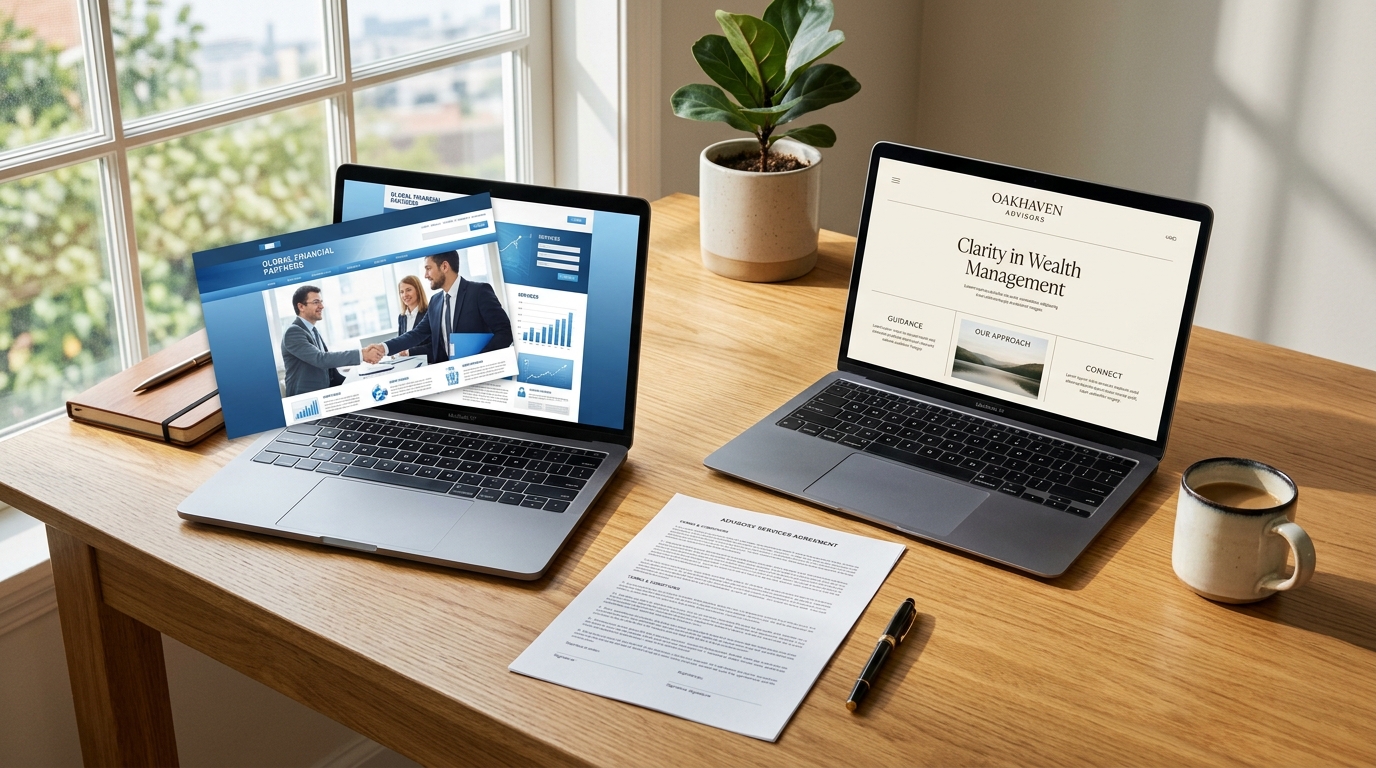
- You look identical to every other dentist using the same platform
Custom-built dental practice website:
Pros:
- You own the code - no vendor lock-in, no monthly ransom
- Full control over speed, SEO structure, accessibility, and booking flow
- Unique design that actually differentiates your practice
Cons:
- Higher upfront cost ($1,500 - $5,000 depending on complexity)
- You need a developer for major updates (though minor edits can use a headless CMS)
- You're responsible for your own hosting and SSL - though this takes about 20 minutes to set up
Two Alternatives Worth Knowing About
WordPress + Flavor theme or flavor-free theme + WPForms. Middle ground. You get a CMS you can edit yourself, hosting runs $15 - $30/month on WP Engine or Cloudways, and you're not locked into a dental vendor. Downsides: WordPress sites need plugin updates and security patches, and most dental WordPress sites still end up looking generic because the owner picked a template and stopped there. Cost: $800 - $2,000 for a developer to set it up properly, plus $15 - $30/month hosting.
Webflow. Visual builder, fast hosting, no plugins to patch. Better than WordPress for speed out of the box. Downsides: $29 - $49/month for hosting (their CMS plan), and if you want custom functionality beyond what Webflow offers, you hit a wall. Good for a practice that wants a polished site without ongoing developer dependency and is fine paying a moderate monthly fee.
What I'd Actually Do If I Were a Dentist
I'd skip the $300/month template. I'd get a custom site built with 15 - 20 service pages targeting real local search queries, real-time scheduling embedded on every page, schema markup for local SEO, and accessibility baked in from day one. Total cost: $2,000 - $3,000 once. Hosting: $10 - $15/month.
Then I'd put the $250/month I'm saving into Google Ads targeting "emergency dentist [city]" and "dentist accepting new patients [city]." That's $3,000/year in ads driving traffic to a site that actually converts, instead of $3,000/year renting a template that loads in five seconds and looks like everyone else's.
If you want to see what a custom-built small business site looks like in practice - dental or otherwise - here's my portfolio. And if you're a dental office currently paying $200+ a month for a template site and wondering whether a switch makes sense for your specific situation, send me the URL: nerd@a84y.com. I'll look at your current site's speed, SEO, and accessibility for free and tell you honestly whether a rebuild is worth it or whether your current setup is fine. Sometimes the template really is the right call - I'll say so if it is.
Either way, your dental practice website is the first thing most new patients see. It shouldn't look like a photocopy of the office next door.


Comments
No comments yet. Be the first to share your thoughts!
Leave a Comment