
By the end of this guide, you'll have a completed conversion audit local business owners can run in a single sitting - no agency, no $200/month analytics suite, no 47-page PDF that collects dust. You'll know exactly where your homepage loses people and what to fix first.
What You Need Before Starting Your Conversion Audit Local Business Style
The popular path here is signing up for Hotjar ($80/month), Crazy Egg ($99/month), or hiring a CRO consultant at $150-250/hour. Those tools are genuinely good. Hotjar's heatmaps are beautiful. Crazy Egg's scroll maps tell you things you can't see any other way. If you're doing 50,000+ visits a month, they're worth it.
But most local businesses - plumbers, dog groomers, family dentists, immigration attorneys - get 500 to 3,000 monthly visitors. At that volume, you don't need heatmaps. You need a checklist and honest eyes.
Here's what you actually need:
- Google Analytics (free - you probably already have it installed)
- Google Search Console (free)
- Your phone (for mobile testing)
- A friend or family member who's never seen your site (for the 5-second test in Step 3)
- 90 minutes of uninterrupted time
Step 1: Check Your Actual Numbers First
Open Google Analytics. Go to Pages and Screens. Find your homepage. Write down three numbers: total visitors last month, average time on page, and bounce rate.
If your bounce rate is under 40%, your homepage is doing fine - skip this guide and go optimize your service pages instead. If it's 40-60%, there's room to improve. Over 60%? That's where most local sites land, and that's exactly what this conversion audit local business checklist is built for.
Common mistake: Comparing your bounce rate to e-commerce benchmarks. A local electrician's site and an online clothing store have nothing in common. For service businesses, 45-55% is solid.
Step 2: Load Your Site on Your Phone Over Cellular
Google's free PageSpeed Insights will tell you exactly what's slow. The usual culprits for local business sites: uncompressed hero images (that 4MB photo from the photographer), render-blocking scripts from plugins you forgot you installed, and web fonts loading four weights you don't use.
Tip: If your site scores below 50 on mobile in PageSpeed, fix speed before anything else. No amount of copywriting fixes a page people never wait to see.
Step 3: The 5-Second Test
Hand your phone to someone who's never visited your site. Let them look at the homepage for exactly five seconds, then take the phone back. Ask them three questions:
- What does this business do?
- Where is it located?
- What should you do next on this page?
If they can't answer all three, your homepage has a clarity problem - and clarity problems kill conversions more than anything else. This is the single most valuable step in any conversion audit local business owners can do, and it costs nothing.
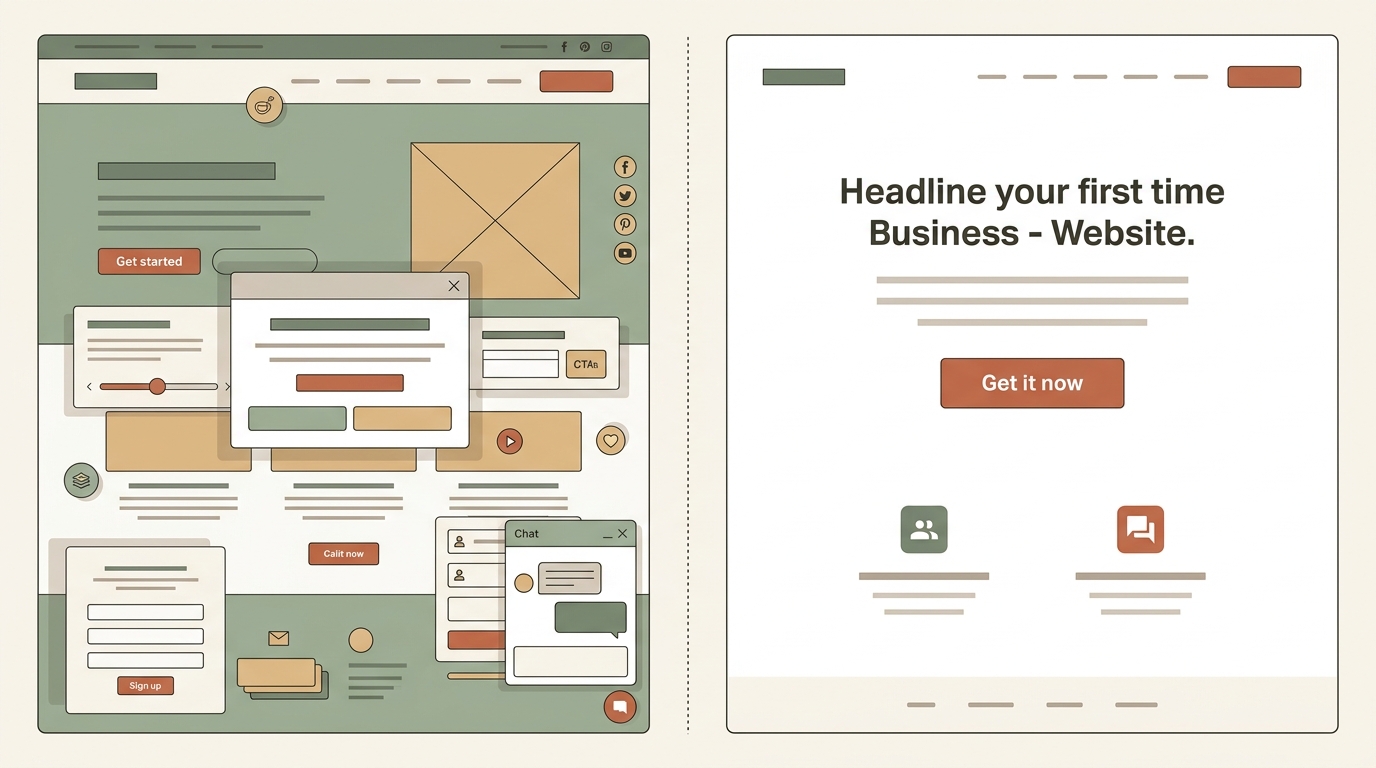
Most local sites fail question three. There's a phone number in the header, a contact form at the bottom, a "Learn More" button in the middle, and a chat widget in the corner. Four options means no clear option. Pick one primary action and make it visually dominant.
Step 4: Audit Your Above-the-Fold Content
"Above the fold" means what's visible before scrolling. On mobile, that's roughly the top 600 pixels. On desktop, about 800.
Here's what needs to be there for a local service business:
- What you do - in plain language, not your tagline from 2019. "Residential plumbing repair in San Jose" beats "Quality solutions for your home."
- Where you are - city or service area. This matters for both humans and search engines optimizing for "near me" queries.
- One clear next step - "Call 408-555-1234" or "Get a Free Quote" with a button that looks like a button.
I recently reviewed a site for a wedding photographer in the South Bay. Beautiful portfolio, great work. But the homepage opened with a full-screen image slider - no text, no location, no call to action visible until you scrolled past three slides. We replaced it with a single hero image, a one-line headline ("Wedding & Event Photography - Bay Area"), and a "Check Availability" button. Inquiry form submissions went up within the first two weeks. That's the kind of thing a structured conversion audit local business sites catches in minutes.
Step 5: Check Every Form on Your Site
Fill out your own contact form. Right now. On your phone.
Things to check:
- Does the form actually send? (You'd be surprised how often it doesn't.)
- How many fields are there? If it's more than 4 - name, email, phone, message - you're asking too much. Every extra field drops completion rates roughly 10%.
- Is there a confirmation message after submitting? "Thank you, we'll call you within 24 hours" converts better than a blank page or a generic "Form submitted."
- Does the confirmation match what actually happens? If you say 24 hours, respond in 24 hours.
Common mistake: Relying on a generic WordPress contact plugin that sends form submissions to an email address you stopped checking. If your form goes to a Gmail inbox, search for your last form submission right now and see when it arrived.
Step 6: Review Your Trust Signals
Local businesses live and die by trust. Your homepage should include at least two of these:
- Google review rating with a specific number ("4.8 stars from 127 reviews" - not just "5-star rated")
- Real photos of you, your team, or your work (not stock photos)
- Logos of certifications, licenses, or associations relevant to your trade
- A short testimonial with a first name and city
The popular advice is to add a "Trust Badge" plugin that plasters your footer with security seals. For e-commerce, maybe. For a local roofer or a dog groomer? Your Google reviews and a photo of you on a real job site carry more weight than a generic badge.
Step 7: Test Your Click-to-Call on Mobile
If you're a service business, your phone number should be tappable on mobile. Test it. Make sure it actually dials the right number. Then check whether the number is visible without scrolling.
A surprising number of local sites display phone numbers as images (so they can match the site font) or embed them in a hamburger menu. Both kill mobile conversions. Use an HTML <a href='tel:...'> tag with a font size of at least 18px.
Step 8: Check What Google Sees
Open Google Search Console. Go to Performance. Filter by queries containing your city name. These are people actively looking for what you do, where you are - the highest-intent visitors you'll ever get.
Now check: when those people click through, does your homepage immediately confirm they're in the right place? If someone searches "HVAC repair Sunnyvale" and lands on a page that says "Serving the Greater Bay Area," you've answered their question with a shrug. Be specific. List your service cities. Use the actual city names in your H1 or H2 tags.
This is often the highest-ROI fix in an entire conversion audit local business sites can make - matching your on-page language to the exact queries people use to find you.
What to Do After Your Audit
You should now have a list of specific issues. Rank them by effort: speed fixes and form fixes are usually quick wins. Rewriting above-the-fold copy takes an afternoon. Gathering testimonials and photos takes a week of asking clients.
If you found three or fewer issues, you can probably fix them yourself over a weekend. If you found eight or more - especially if speed, mobile layout, and clarity all need work - it might be more efficient to have someone rebuild the key pages from scratch rather than patching a template that wasn't built for conversions.
That's what I do at Autom84You - I build sites for local businesses starting at $500, and every build starts with exactly this kind of conversion audit. Not because it's a fancy deliverable, but because there's no point building a site if you haven't figured out what the current one gets wrong. You can see examples of what that looks like at autom84you.com/pages/portfolio.php.
Whether you fix things yourself or bring someone in, the important part is that you now have a real list based on real data - not a guess. And that puts you ahead of most local businesses who've never looked at their own homepage the way a customer does.
If you want a second set of eyes on your audit or want to talk through what you found, email me at nerd@a84y.com. I'll tell you what's worth fixing and what's fine as-is. No pitch, just an honest read.




Comments
No comments yet. Be the first to share your thoughts!
Leave a Comment