
You know how in every video game, there's a save point right before the final boss? Big glowing crystal. Ominous music. The game is practically screaming at you: save now, you absolute walnut.
Web development has no glowing crystal. Web development has a 'Deploy' button and your own hubris.
I learned this the expensive way. A client project gone wrong - specifically, a bakery website in San Jose where one overlooked form field silently ate two weeks of online cake orders. The bakery owner lost roughly $2,000 in revenue before anyone noticed. The bug? A checkout form that worked perfectly on desktop but quietly failed to submit on mobile Safari. No error message. No warning. Just... silence. Like a polite ghost eating your business.
How a Client Project Gone Wrong Becomes a $2K Education
Here's what happened. The bakery - let's call them Sweet Momentum, because I'm not going to put their real name in a blog post about my mistake - had a simple online ordering system. Customers pick a cake, fill out the form, hit submit. Done. Except on iPhones, the date-picker field I used wasn't compatible with Safari's quirky input handling. The form would appear to submit. The screen would even show a little loading spinner. But the data never actually went through.
Two weeks. Fourteen days of would-be customers thinking they'd ordered a birthday cake for Saturday and then showing up to a bakery that had no idea they existed.
The owner called me on a Friday afternoon - which, if you've ever freelanced, you know is the exact moment all client project gone wrong stories begin. Friday at 4:47 PM. Every time.
The Checklist That Now Lives in My Brain
After that call, I spent the weekend building a pre-launch checklist. Not a fancy tool. Not a SaaS product. A literal document that I go through before every single site goes live. It's boring. It's thorough. It has saved me from at least three more disasters since.
Here's what's on it - and honestly, if you run a small business and someone is building your website, you should ask them about every single one of these:
1. Test every form on every device. Not just 'does it load.' Actually fill it out on an iPhone, an Android phone, a tablet, and a desktop. Submit it. Check that the data arrives. I now keep a cheap Android phone on my desk specifically for this. It cost $89 and has paid for itself roughly four hundred times over.
2. Check what happens when something fails. What does your customer see if the internet hiccups mid-checkout? If they type an email address wrong? If they double-click the submit button? Most sites handle the happy path just fine. It's the unhappy path - the one where the user does something slightly unexpected - where client projects go wrong and money evaporates.
3. Set up actual notifications. The bakery had no alerts. Orders went into a database, and someone checked the database manually once a day. When the form broke, the database just... stopped getting new rows. And nobody noticed, because an empty database looks exactly like a database where nothing happened. Now every site I build sends an email or a text when a form submits. If a whole day goes by with zero submissions, that silence itself is the alarm.
4. Test the payment flow end-to-end with a real card. Not Stripe's test mode. Not a sandbox. An actual $1 charge on an actual credit card that you then refund. I've seen payment integrations pass every test in sandbox mode and then choke on a live API key because someone forgot to flip one toggle in a dashboard. When a client project goes wrong at the payment layer, you don't just lose orders - you lose trust.
5. Check your site on slow internet. Chrome DevTools has a throttling option that simulates a 3G connection. Use it. Your customer at a farmers market with one bar of signal doesn't care that your site loads fast on your office Wi-Fi. If your order form takes 11 seconds to load, they're going to the food truck next door.
Why I'm Telling You My Worst Client Project Gone Wrong Story
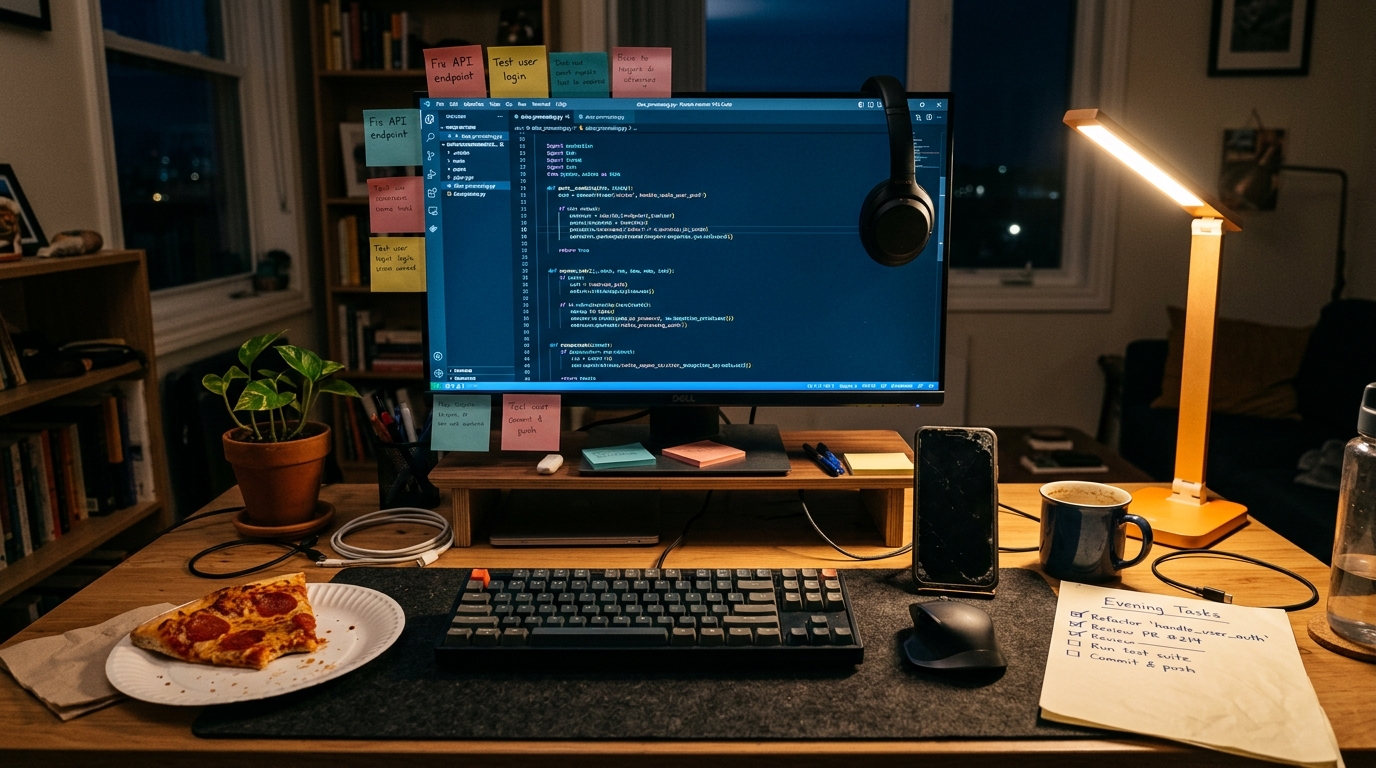
That bakery? I refunded my entire fee, fixed the bug the same weekend, and set up monitoring so they'd get a text message for every order. They're still a client three years later. We actually just rebuilt their site with a custom ordering system that includes a chatbot trained on their cake menu so customers can ask things like 'do you do vegan red velvet' at 11 PM on a Tuesday. (They do, and it's surprisingly good.)
The point is: the $2K mistake made me a significantly better developer. But I'd rather you not have to fund someone else's education with your revenue.
What to Ask Before Your Next Site Launch
If you're a florist, a plumber, a personal trainer, a taco truck - anyone with a website that takes orders or bookings - here are the questions to ask your developer before launch day:
- 'Have you tested every form on a phone?' (If they say 'it should work,' that means no.)
- 'What happens if the form breaks - will I know?' (You want alerts, not silence.)
- 'Did you test the payment with a real card?' (Sandbox passing means nothing in production.)
- 'What does my site look like on slow internet?' (Half your customers are on cellular data.)
These aren't gotcha questions. A good developer will be happy you asked, because it means you care about the same things they do. A developer who gets defensive about testing is a developer who doesn't test enough. I say this as someone who used to get defensive about testing.
A study covered by VentureBeat recently found that even AI agents - systems designed to be methodical and tireless - perform significantly better when a human partner is involved in the loop. If literal robots benefit from a second pair of eyes, your website definitely does too.
The Save Point You Actually Need
Here's the thing about that glowing crystal in the video game. It's not there because the game thinks you're bad at playing. It's there because the game knows something hard is coming. A pre-launch checklist is the same thing. It's not an insult to the developer's skill - it's an acknowledgment that launching a website is the boss fight, and boss fights deserve preparation.
I keep my checklist in a shared doc now. Every client gets a copy. We go through it together the week before launch, and I explain what each item means in normal human words. It takes about 30 minutes. It has prevented every potential client project gone wrong situation since that bakery incident.
If you're building a site yourself, steal the five-item checklist above. Tape it to your monitor. Check every item before you launch. If you want someone to handle the checklist (and the building, and the testing, and the 'why does this look weird on my phone' calls) - that's literally what I do at Autom84You. Custom sites from $500, and yes, I test on mobile Safari now. Obsessively.
Drop me a line at nerd@a84y.com. I promise I'll test your forms on a Friday afternoon before you have to call me on one.



Comments
No comments yet. Be the first to share your thoughts!
Leave a Comment