
A tax preparer in San Jose told me last month that her staff pastes client W-2 data into ChatGPT to draft summary letters. Social security numbers, employer IDs, income figures - all of it hitting OpenAI's servers. She had no idea that was a problem until a client asked where their data goes. That question - where does my data actually go when I use AI? - is the core of ai privacy for small business, and almost nobody selling AI tools wants to answer it clearly.
The Popular Path: ChatGPT, Copilot, and Gemini
Let's be fair about why these tools dominate. ChatGPT is genuinely useful. Microsoft Copilot plugs straight into the Office apps most businesses already use. Google Gemini lives inside the Workspace tools you're already paying for. They're fast, capable, and require zero technical setup. For a dog grooming shop writing Instagram captions or a plumber drafting estimate emails, they work fine.
But here's the thing most demos skip over: when you type your customer's name, their address, their project details, or their medical history into any of these tools, that data leaves your computer. It travels to a data center you don't control. The provider's privacy policy - which changes whenever they want - determines what happens next. OpenAI's own internal memos talk about locking users into their platform and building a moat. Your data is part of that moat.
A recent WBUR report put it bluntly: big tech is hungry for consumer data, and current legislation hasn't caught up. For small businesses handling client information - accountants, therapists, attorneys, medical offices, financial advisors - this isn't theoretical risk. It's a liability question.
AI Privacy for Small Business Starts With One Idea: Keep the Data Local
The quieter alternative is a free, open-source tool called Ollama. It lets you run large language models - the same type of technology behind ChatGPT - entirely on your own computer. No cloud. No subscription. No data leaving your building.
Ollama was built by a small team (Jeffrey Morgan and the Ollama contributors), it's open source, and it costs exactly $0. It runs on Mac, Windows, and Linux. You download it, pick a model, and start using AI locally in about ten minutes.
What Ollama Actually Does
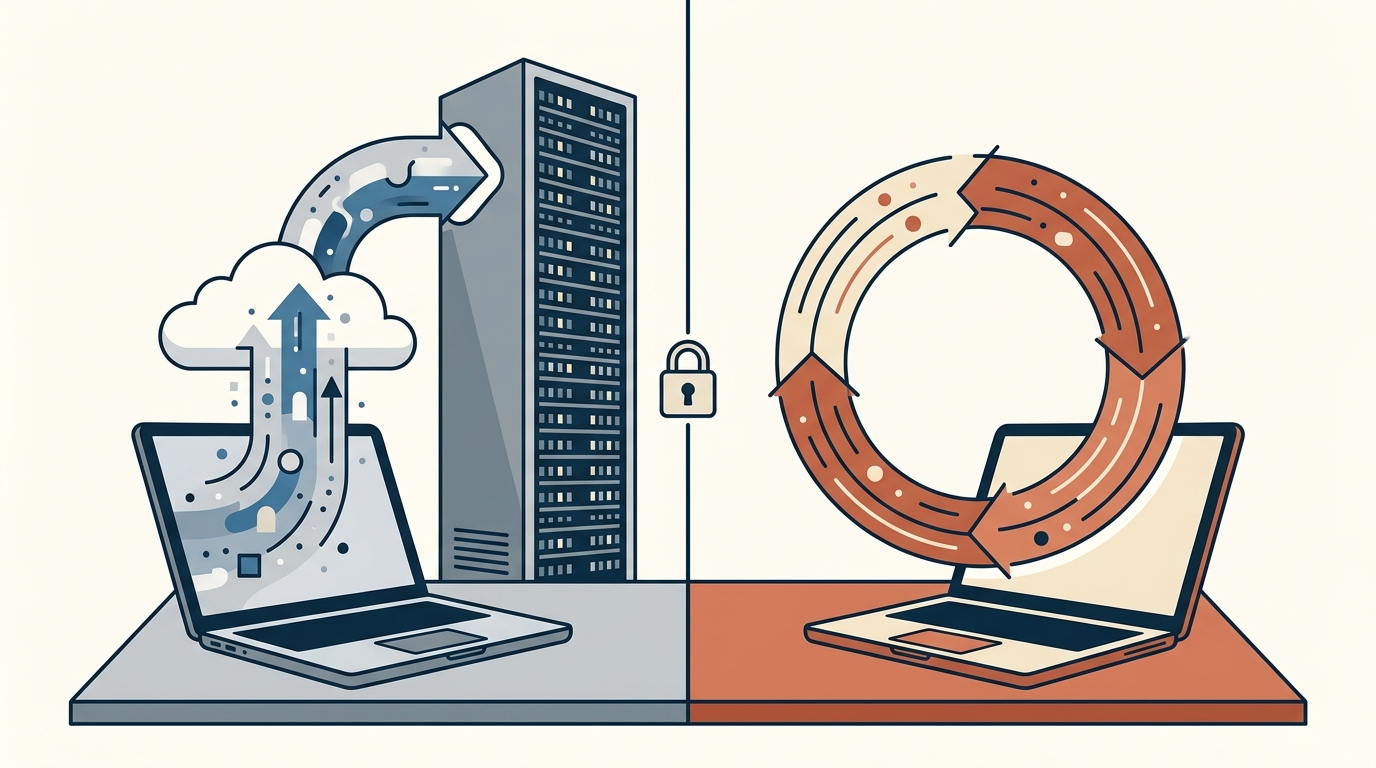
Ollama downloads AI models to your machine and runs them there. When you ask it to draft an email, summarize a document, or answer a question, the computation happens on your hardware. Your prompts never leave your computer. There's no account to create, no API key to manage, no monthly bill.
The models available range from small (3 billion parameters, runs on a basic laptop) to large (70 billion+ parameters, needs a decent GPU). The most popular one, Llama 3, is made by Meta and performs surprisingly well for everyday business tasks - writing, summarizing, brainstorming, data formatting.
You interact with it through a simple terminal command or connect it to a web interface like Open WebUI for a ChatGPT-like experience in your browser, still 100% local.
A Concrete Example: How a Sunnyvale Accounting Firm Would Use This
Say you run a four-person bookkeeping practice. Tax season means drafting hundreds of client letters, summarizing financial documents, and answering repetitive questions about deductions. Here's what the day looks like with Ollama:
Morning: You open Open WebUI (running locally at localhost:3000). You paste in a client's financial summary - the kind of document you'd never want on a third-party server - and ask the model to draft a year-end letter. It generates a clean draft in 15 seconds. The data never leaves your office network.
Midday: A client emails asking about home office deduction rules. Instead of Googling and wading through ads, you ask your local model. It gives you a solid starting point (you still verify against IRS guidance, obviously).
Afternoon: You need to reformat 40 rows of expense data from a client's messy spreadsheet into your standard template. You paste it in, describe the output format, and get clean data back. Again - no client financials touching anyone else's servers.
The total cost of this setup: the computer you already own. That's it.
Honest Pros and Cons
Pros:
- Complete data privacy. Nothing leaves your machine. This is the strongest argument for ai privacy for small business owners handling sensitive client information. No terms of service to parse, no opt-out toggles to find.
- Zero ongoing cost. No $20/month ChatGPT Plus, no $30/month Copilot Pro. The software and models are free. Forever.
- No internet required. Once the model is downloaded, it works offline. Useful if your office has spotty internet or if you're working from a job site.
Cons:
- Setup isn't one-click. You'll need to be comfortable with a terminal window, or have someone set it up for you. It's not hard, but it's not "download and double-click" either.
- Quality depends on your hardware. A five-year-old laptop will run smaller models slowly. For fast responses with capable models, you want at least 16GB of RAM and ideally a recent GPU. A $1,200 desktop handles it well; a $400 Chromebook won't.
- Smaller models aren't as smart as GPT-4. For complex reasoning, code generation, or nuanced writing, the best cloud models still have an edge. For everyday business writing and data tasks, local models are plenty good.
How It Compares to Alternatives
Jan.ai is another free local AI tool with a friendlier graphical interface - no terminal needed. It's a solid choice if the command line intimidates you. It runs the same models as Ollama but wraps them in a clean desktop app. The tradeoff: slightly less flexible for power users, slightly more accessible for everyone else.
ChatGPT Team plan ($25/user/month) is OpenAI's answer for businesses worried about privacy. They promise your data isn't used for training. This is a reasonable middle ground if you want GPT-4 quality and are willing to trust OpenAI's policy. But "we promise not to" is fundamentally different from "we technically can't because the data never left your building." For ai privacy for small business use cases involving medical, legal, or financial data, that distinction matters.
Where Custom AI Fits In
Running Ollama is a good start, but some businesses want AI that knows their specific data - their pricing, their service catalog, their FAQ, their past client communications. That's where things get interesting.
You can connect Ollama to your own documents using a technique called RAG (retrieval-augmented generation), which basically means the AI can search your files before answering. I've built setups like this for a few Bay Area businesses - a property management company that needed AI to answer tenant questions using their actual lease terms, and a dental office that wanted an internal assistant trained on their procedure guides. All running locally, all private. You can see examples at autom84you.com/pages/portfolio.php.
The custom AI chatbots and agents I build at Autom84You start at $1,000 and are trained on the business's actual data. But the point isn't the pitch - the point is that ai privacy for small business doesn't require a $50,000 enterprise contract. A solo accountant or a five-person law firm can have genuinely private AI for the cost of a decent lunch.
The Practical Next Step
If you want to try this today: go to ollama.com, download the installer for your operating system, open a terminal, and type ollama run llama3. You'll be having a private AI conversation in under five minutes. Test it with a real task - draft a client email, summarize a document, reformat some data. See if the quality is good enough for your daily work.
If it is, you just eliminated a recurring subscription and a privacy liability in one move.
If you want help setting up a local AI system tailored to your business - or you just want someone to tell you honestly whether Ollama makes sense for your situation or whether you're better off with ChatGPT Team - reach out at nerd@a84y.com. I'll give you a straight answer either way, no sales pitch attached. That's the whole point of ai privacy for small business: you should know exactly where your data goes, and the person advising you should have no reason to steer you wrong.




Comments
No comments yet. Be the first to share your thoughts!
Leave a Comment